What is the exercise library?
It is the list of Frez exercises and your own exercises. It opens when you tap Add exercise in a routine or during a workout.
Find an exercise
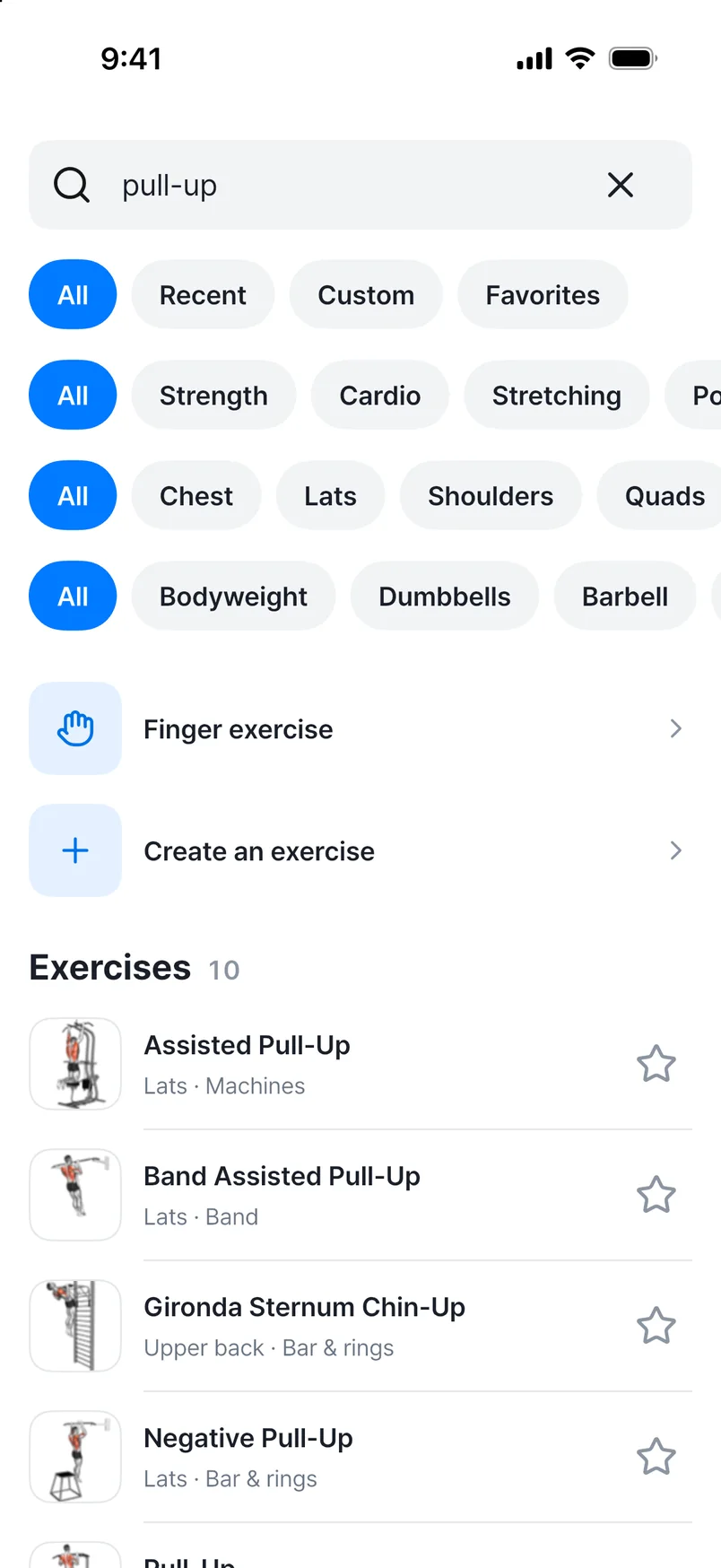
Search by name, or type a muscle or a piece of equipment.
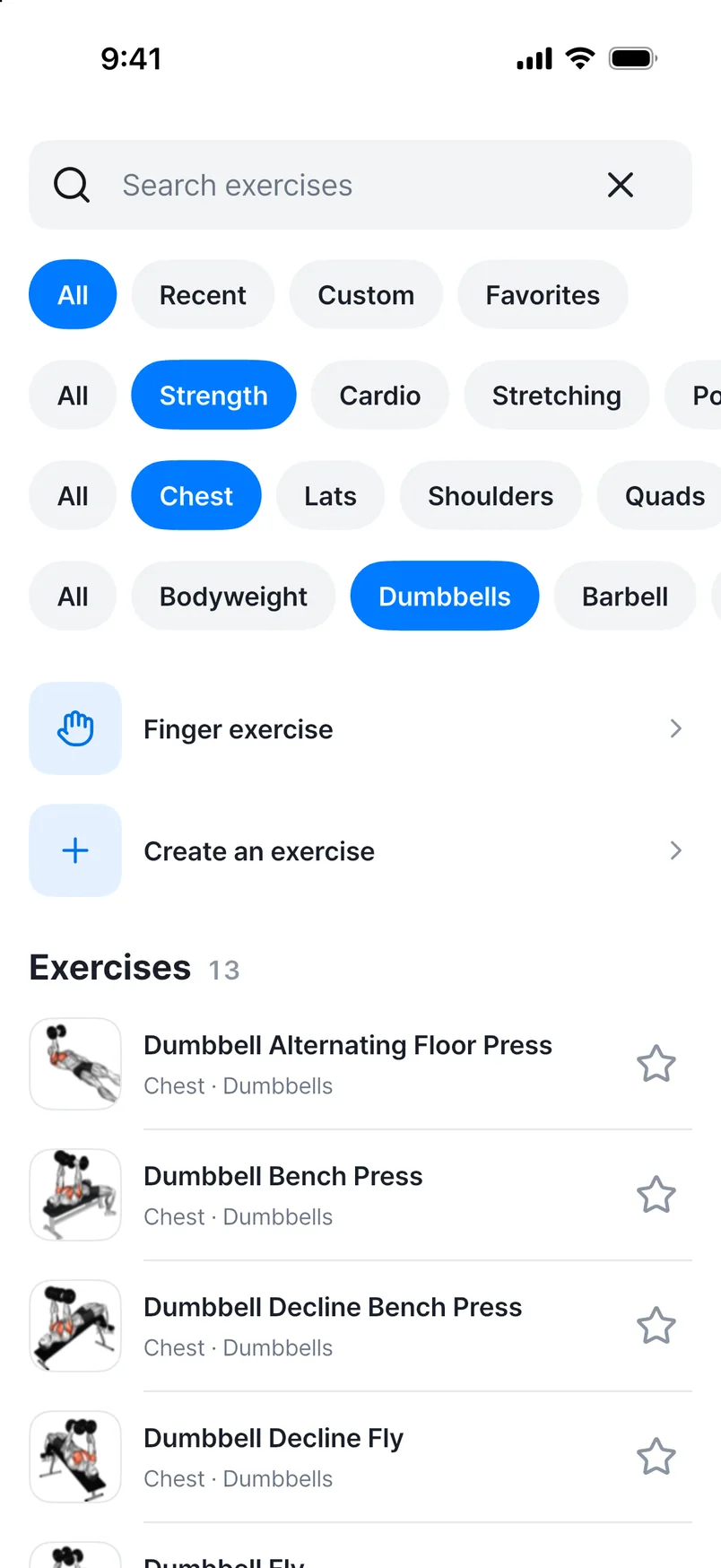
The four rows below are filters: Recent, Custom and Favorites first, then exercise type, muscle and equipment. Pick one in each row to combine them. An exercise that normally uses other equipment but works with the equipment you picked says Can use Dumbbells instead under its name.
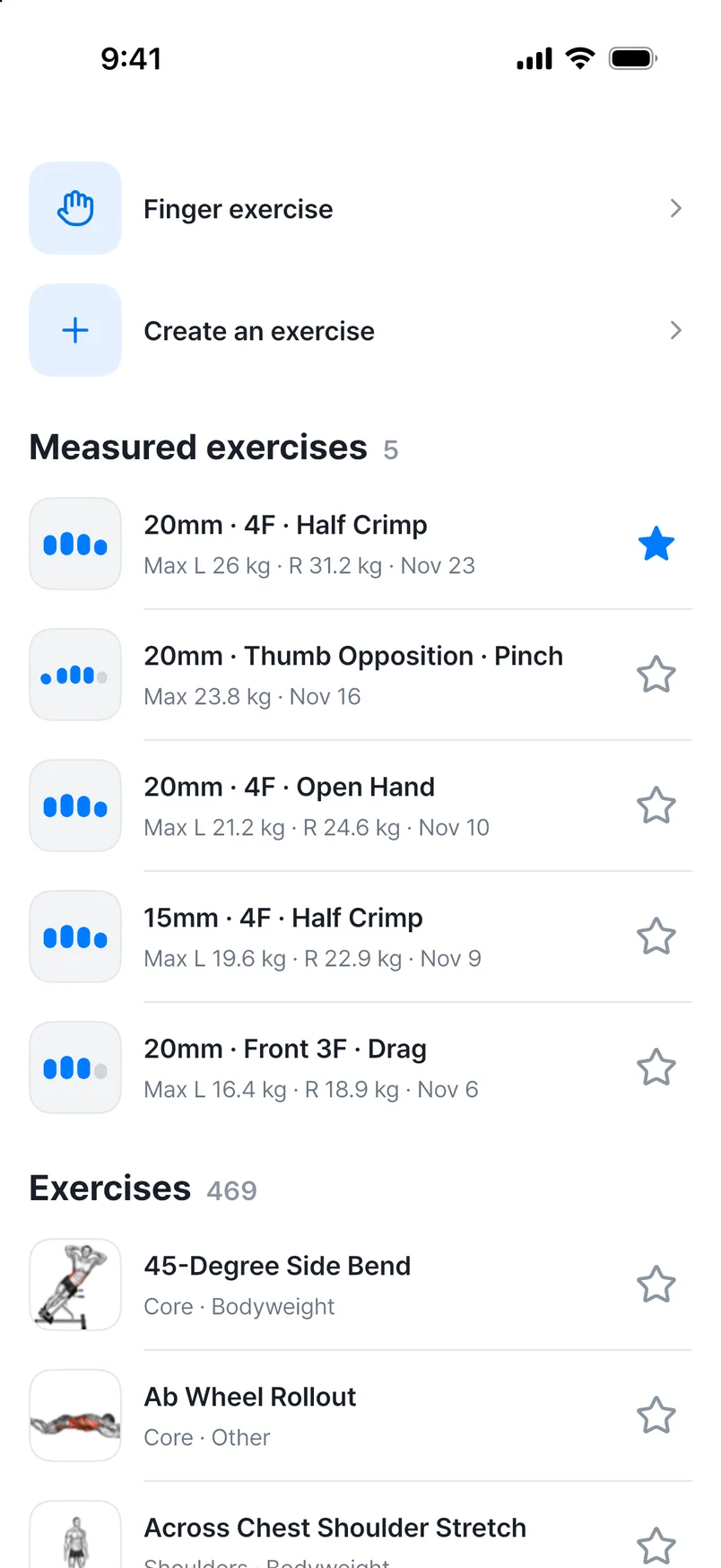
Exercises you have measured appear above the list under Measured exercises, with the latest result. For hangboard grips, use Finger exercise.
Favorites
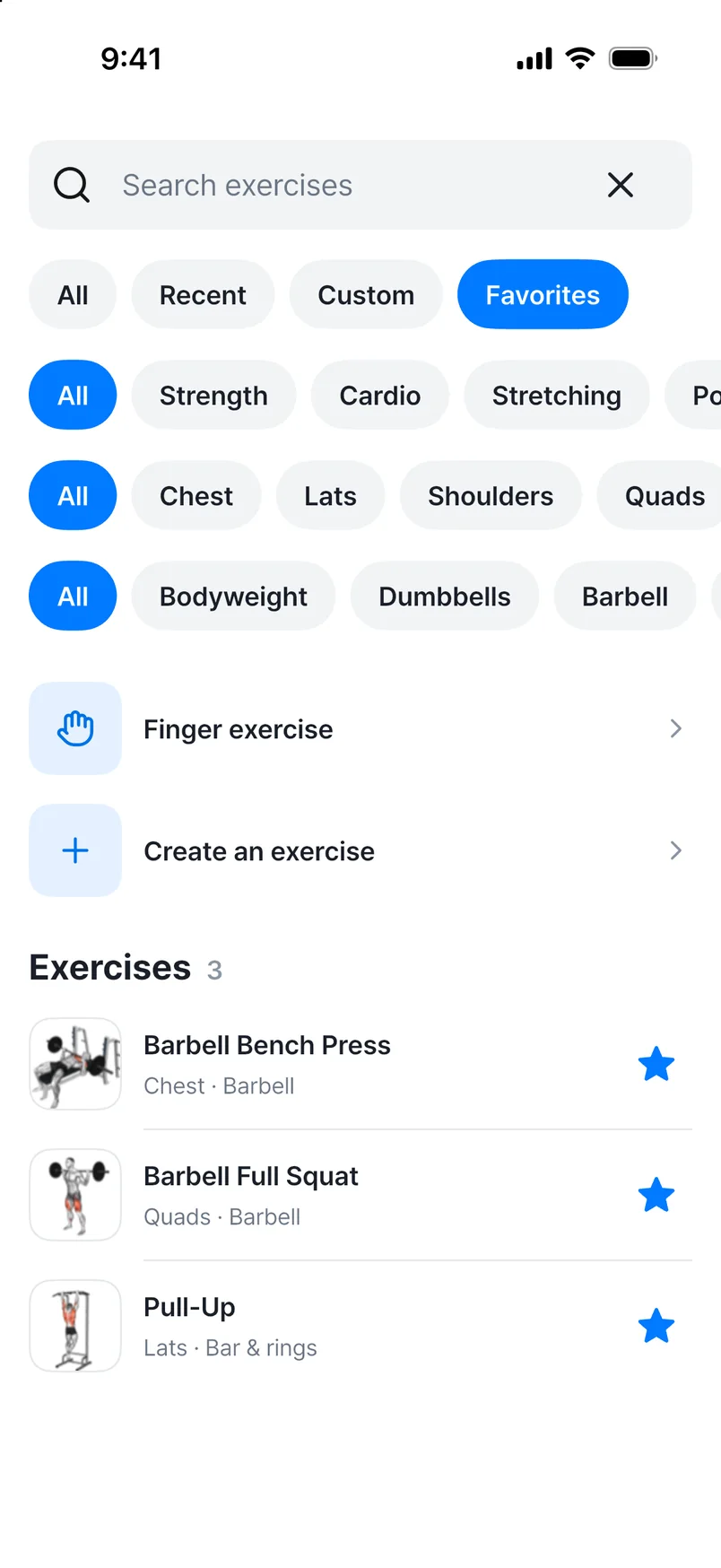
Tap the star on an exercise to collect it under the Favorites filter.
Add several exercises at once
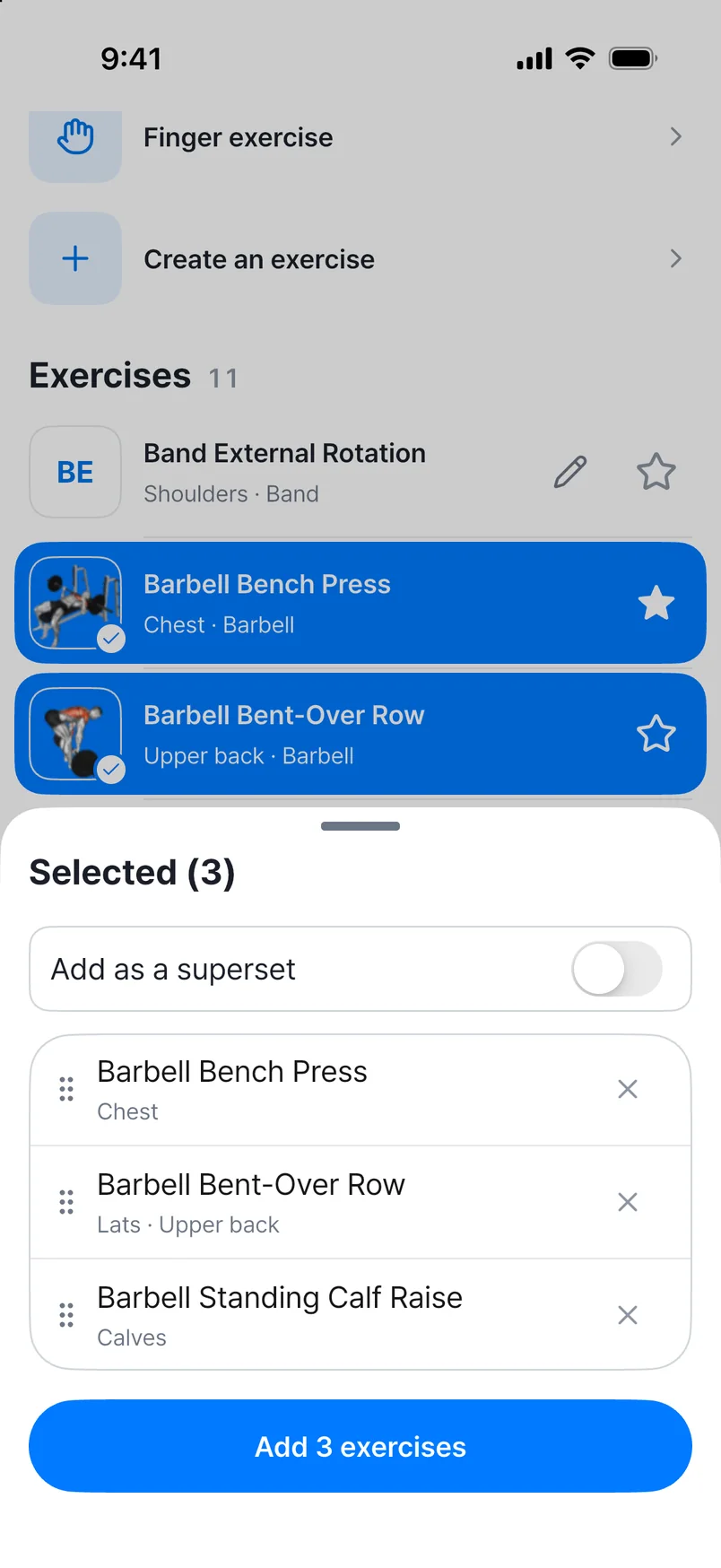
Tap exercises to select them. The list button next to Add shows what you picked. Press and drag to change the order. In the routine editor you can also add two or more as a superset.
See how to do it
Tap ? on an exercise to watch the video, then switch between Instructions, Muscles and Tips. During a workout, use How to in the ⋯ menu.
Check your records
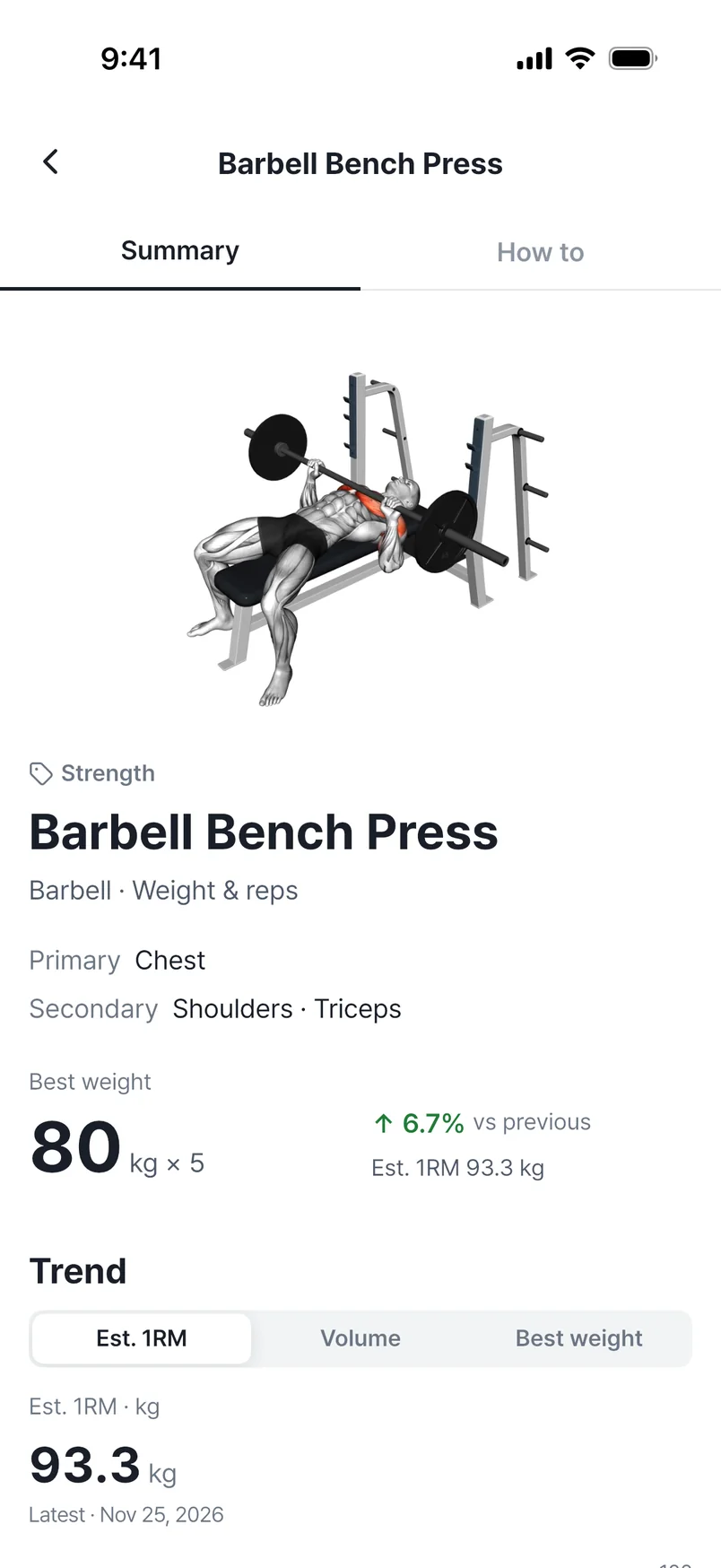
Tap the picture on the left of an exercise to open its detail screen. Tapping an exercise in a routine or a past workout works too.
- Best weight: your heaviest set, not counting warm-ups, with its reps. Assisted exercises show Lowest assistance.
- vs previous: how much your last workout went up or down from the one before.
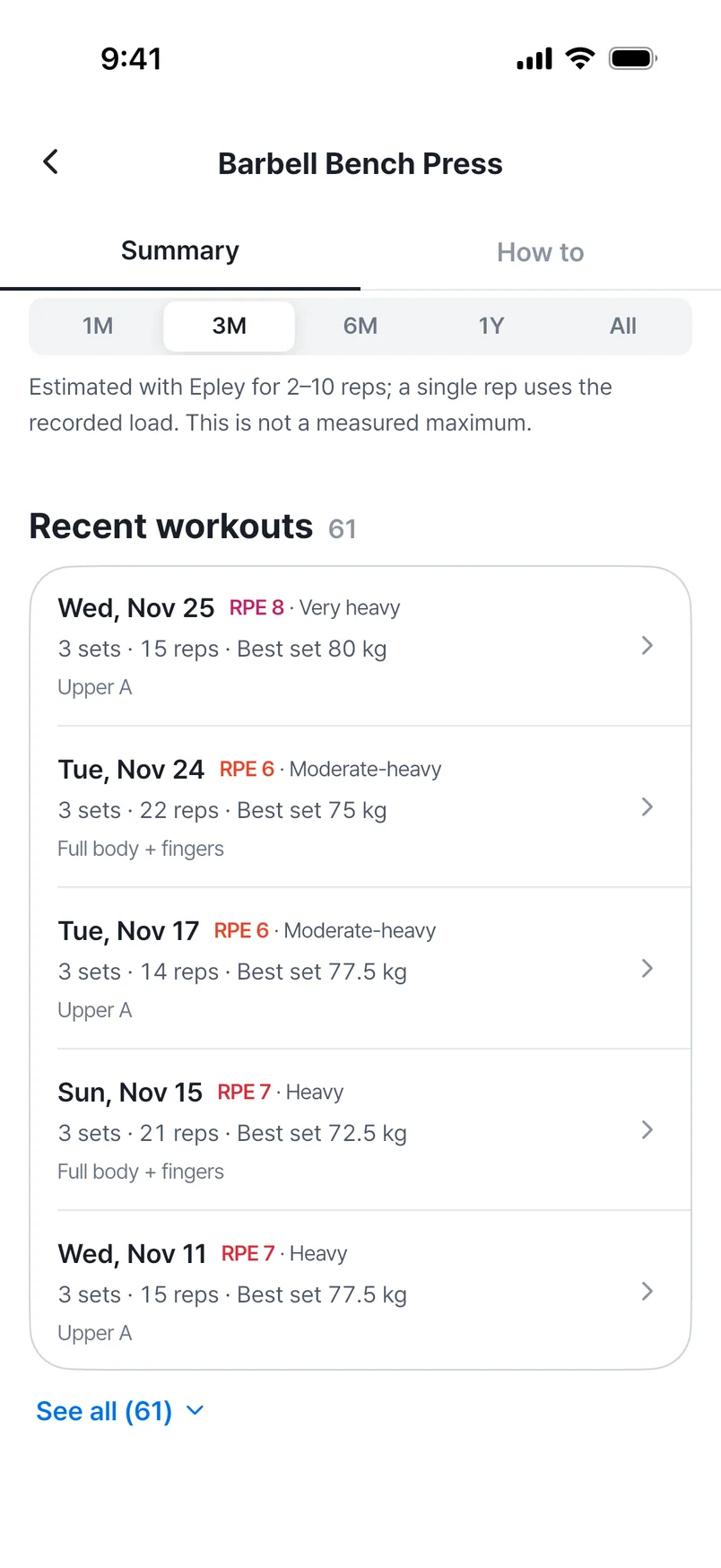
- Est. 1RM: an estimate from sets of 2 to 10 reps. A single rep uses the weight you lifted.
Under Trend, switch between Est. 1RM, Volume and Best weight, and pick a period from one month to all time. Exercises done by time or distance show values that fit them.
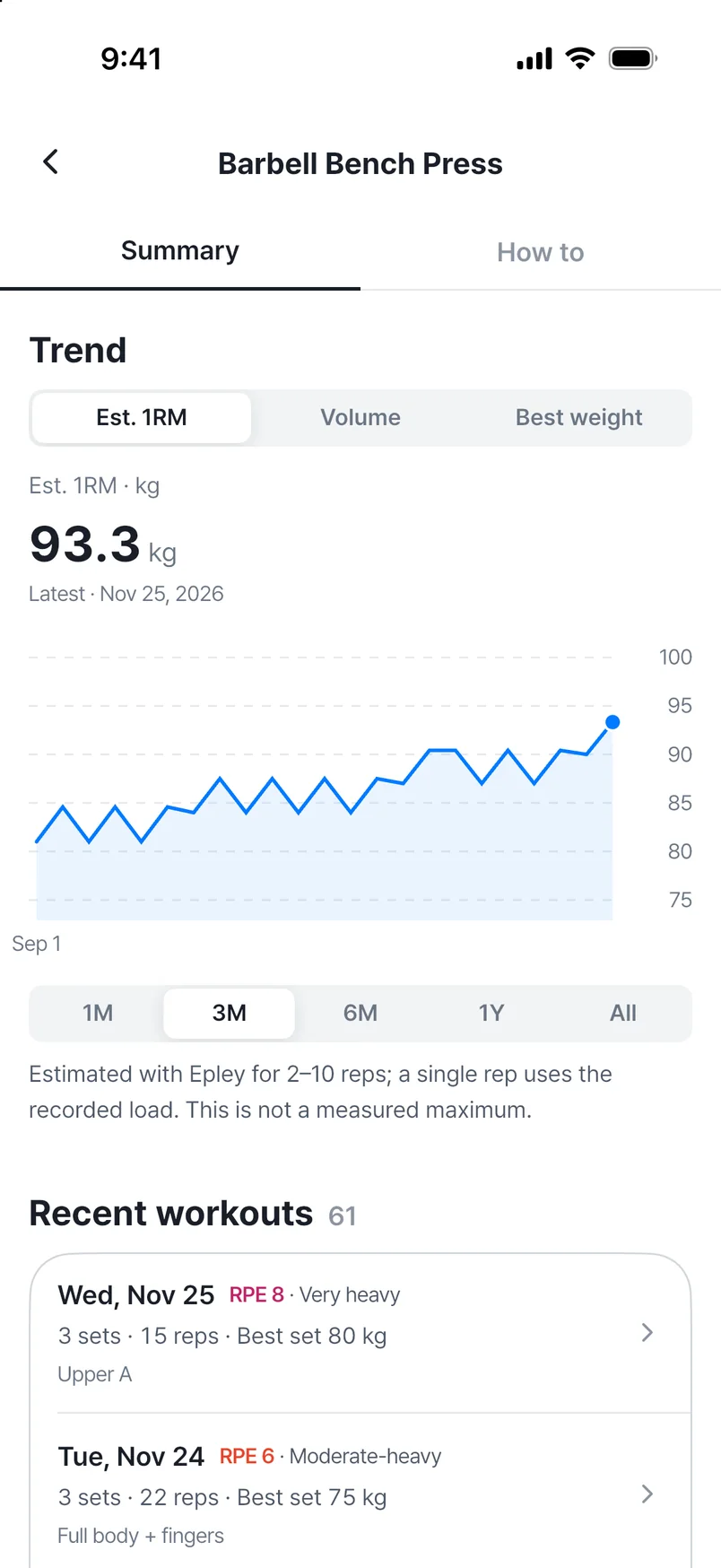
Tap a row under Recent workouts to see the sets from that day. With more than five, tap See all.
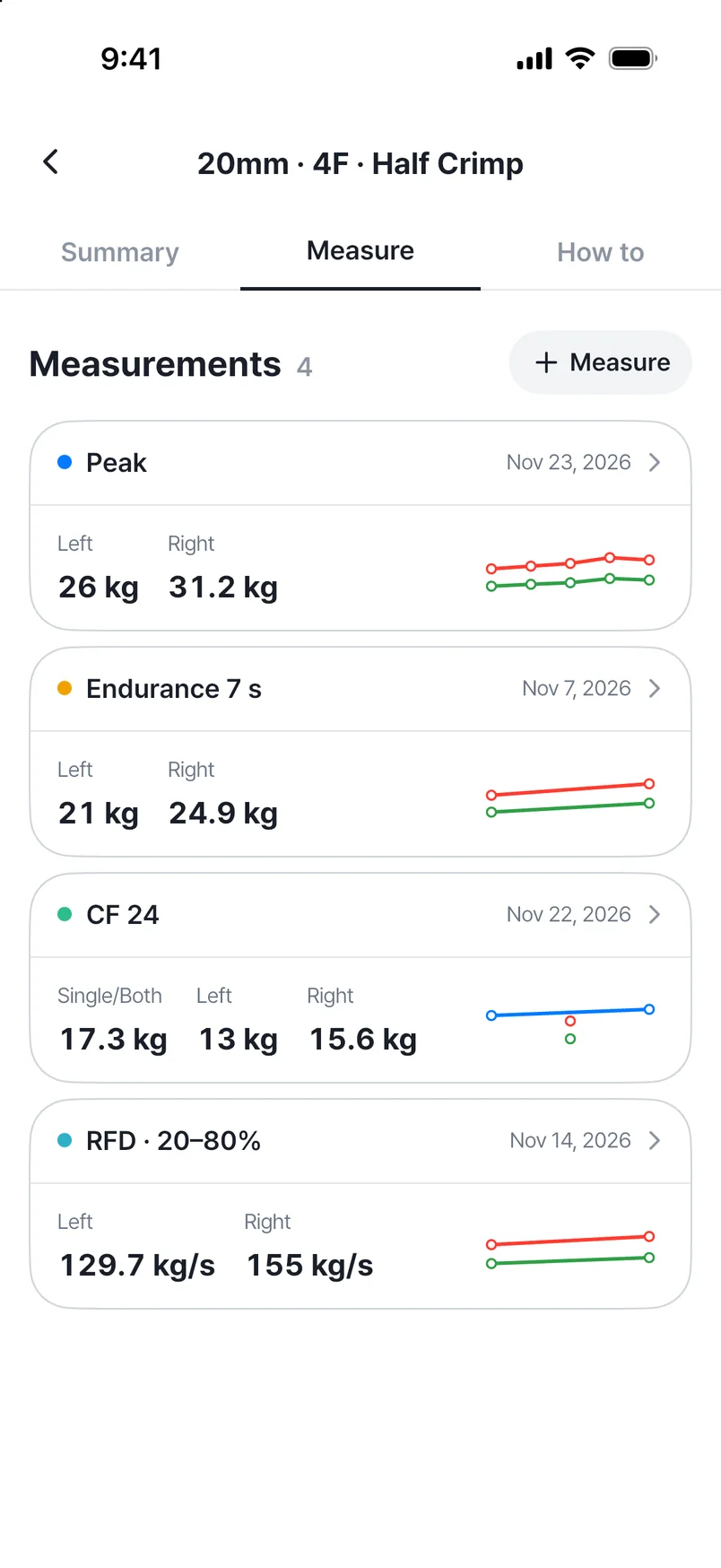
Force exercises
Exercises that measure force, such as hangboard grips, have a Measure tab instead of a trend. It lists results by test type, and Measure starts a new one.