What is a custom exercise?
It is an exercise you make yourself. You add it to routines and log it like any other, and it keeps its own best records and trend.
Create an exercise
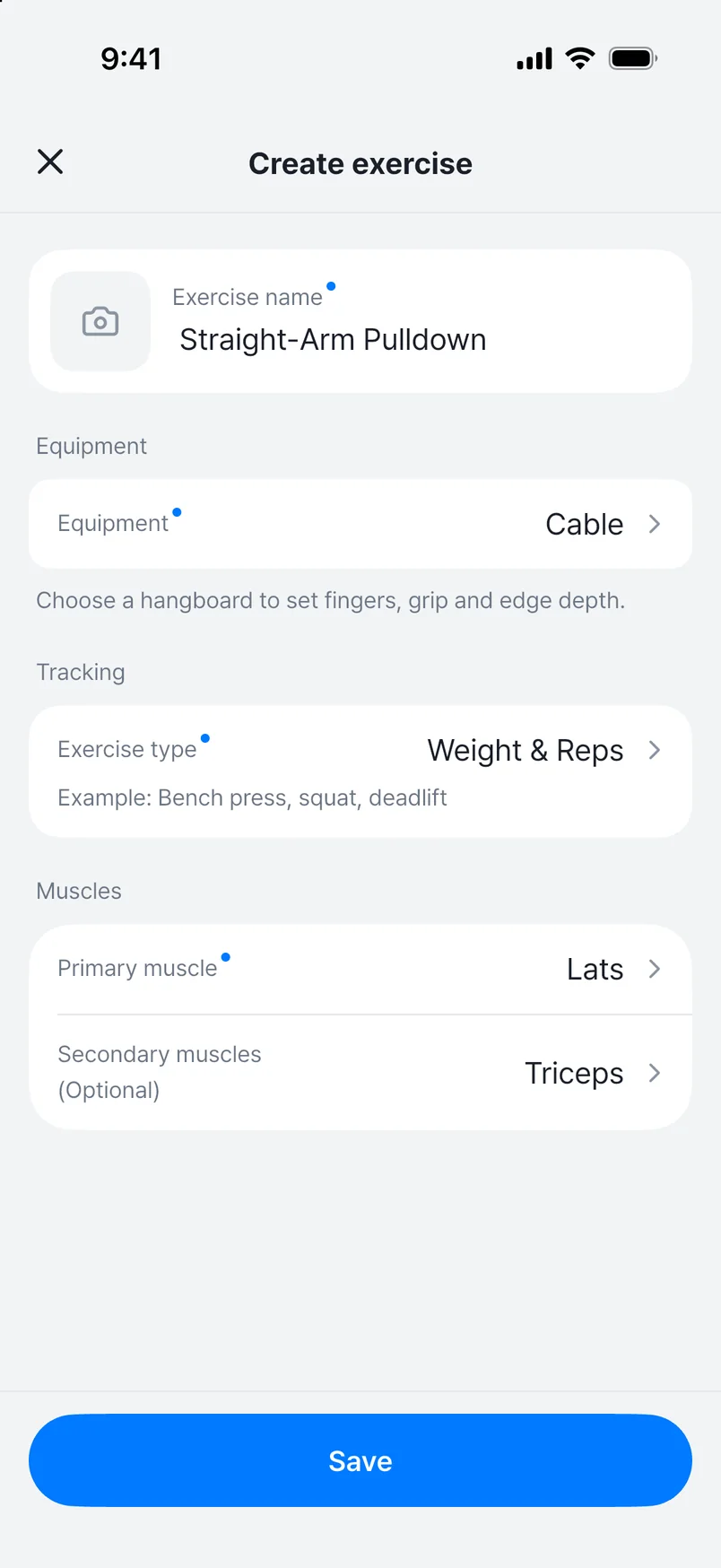
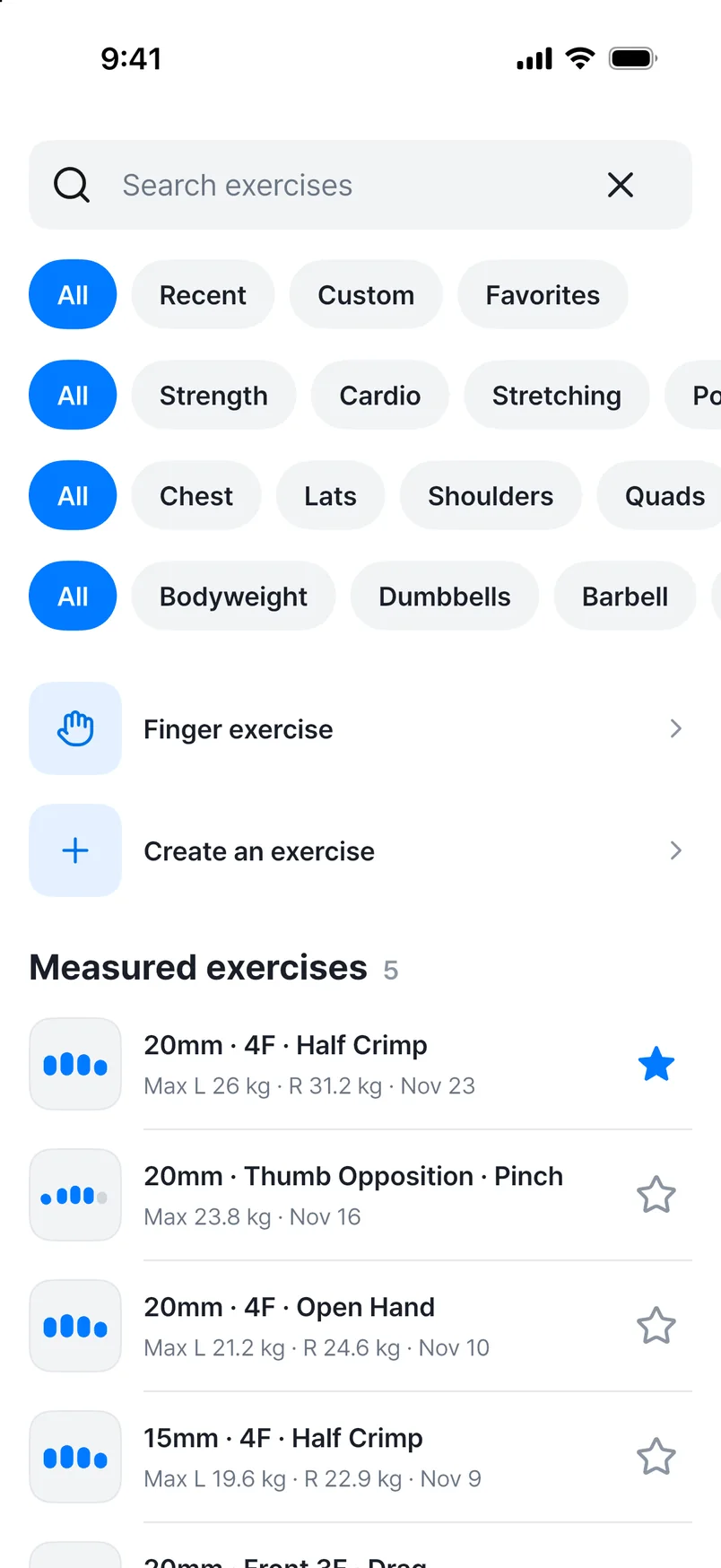
When adding exercises, tap Create an exercise. You can save once it has a name and a Primary muscle. The photo comes from your album, and Secondary muscles can stay empty.
Choose the exercise type
Exercise type decides what you enter for each set. Use Weight & Reps for weights and reps, Weighted Bodyweight for a pull-up with added weight and Distance & Duration for a run. There are 10 types.
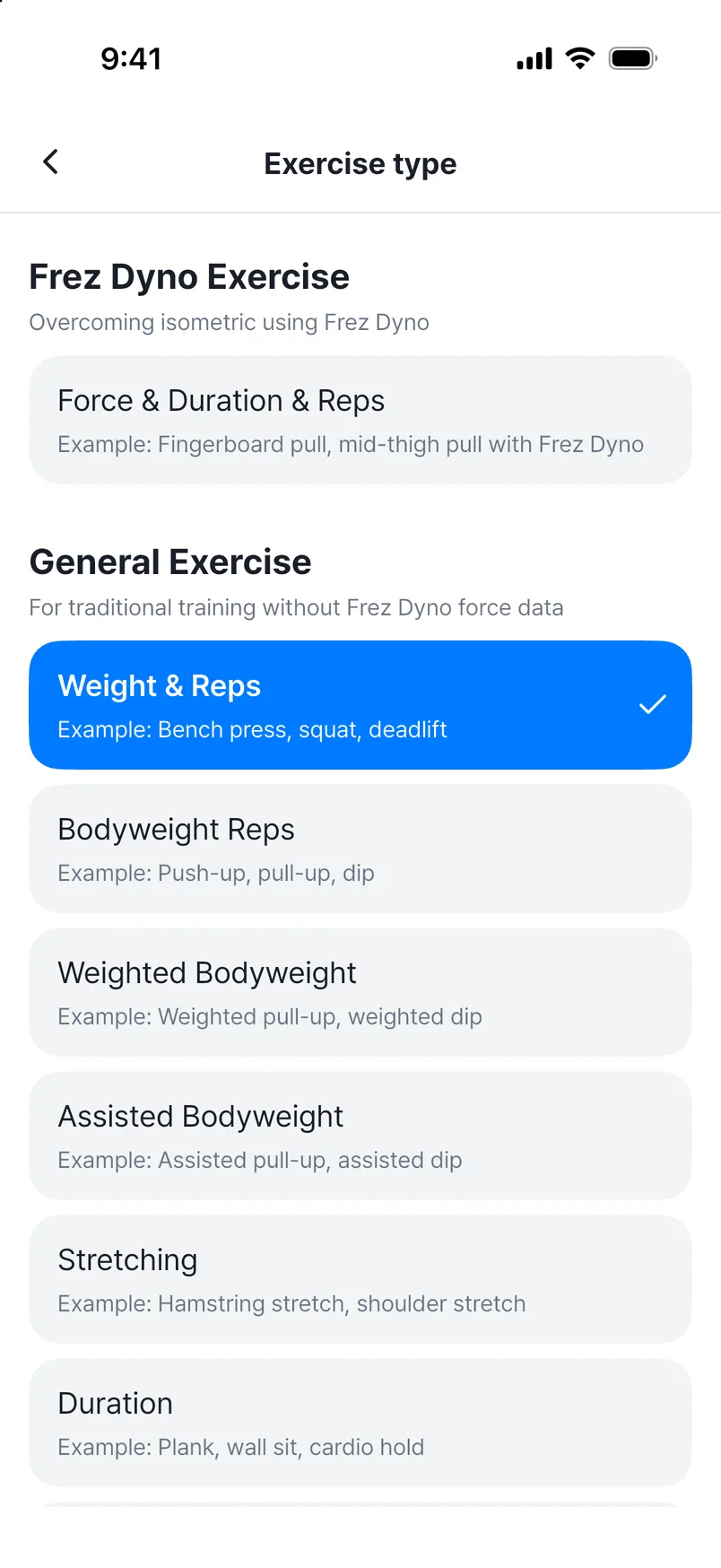
Exercises measured with Frez Dyno use Force & Duration & Reps. If you pick a hangboard as the equipment, this type is set for you and you choose fingers, grip and edge depth as well. See hangboard grips.
Manage your exercises
On the Workout tab, tap ⋯ next to Routines and choose My exercises to see how many you have made and how many logs each one has.
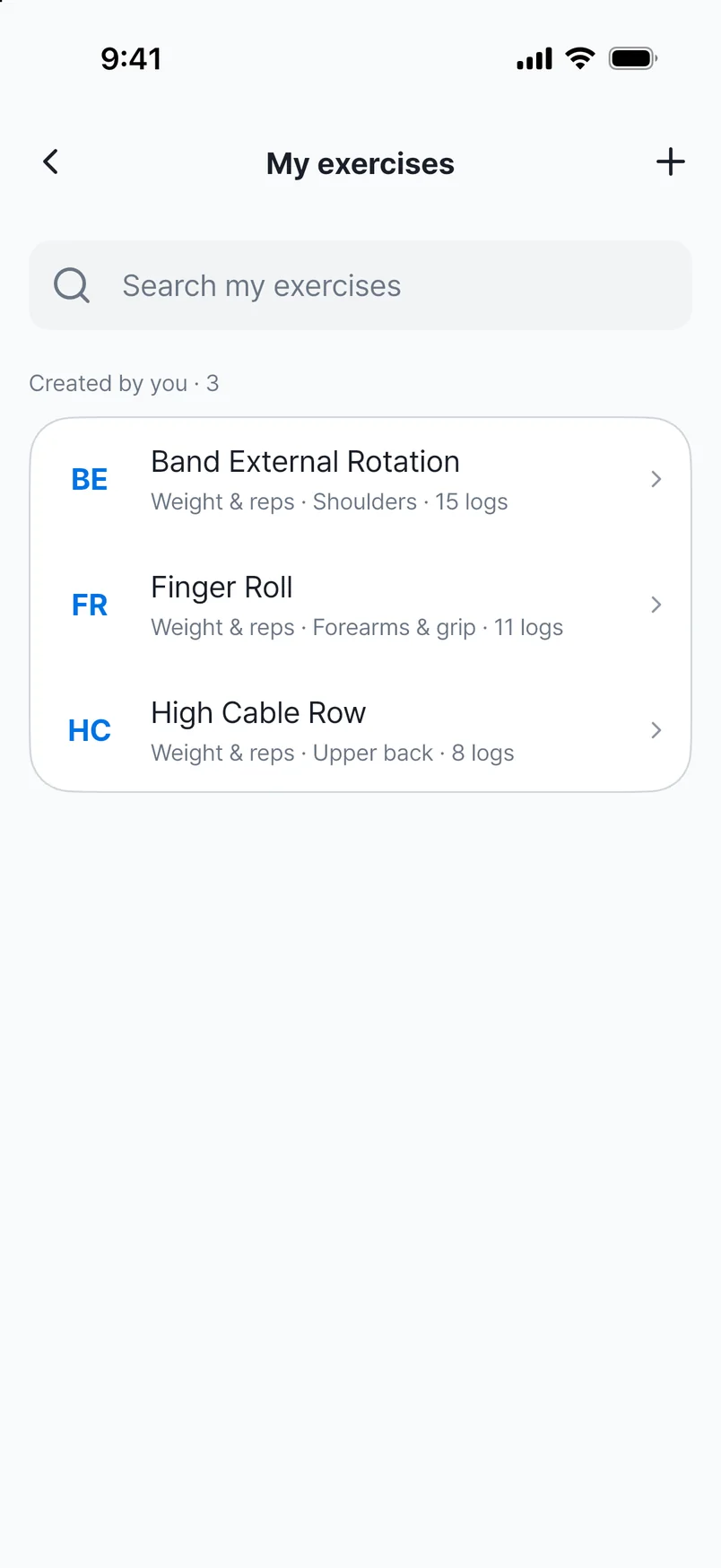
Open an exercise and tap ⋯ to change its name, type, muscles or photo, or to duplicate or delete it.
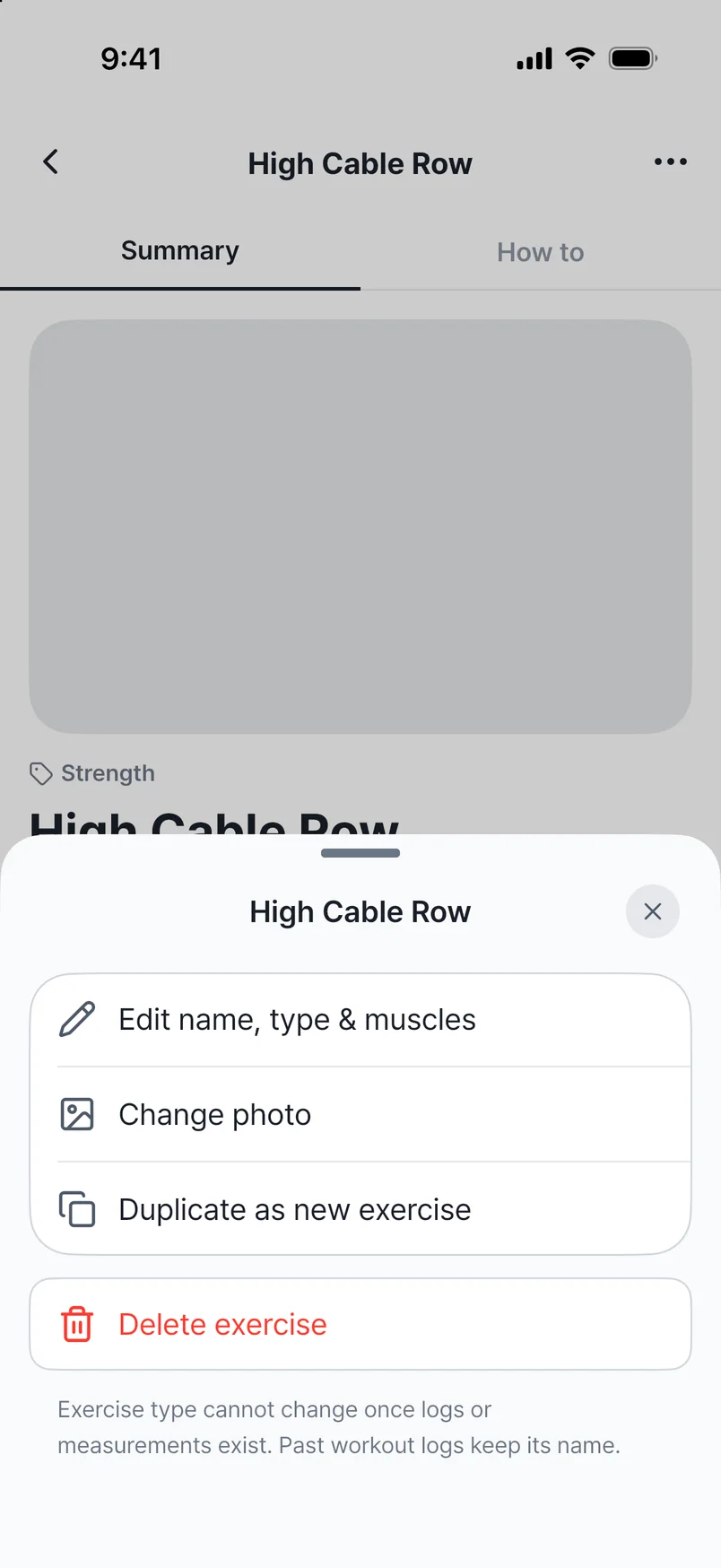
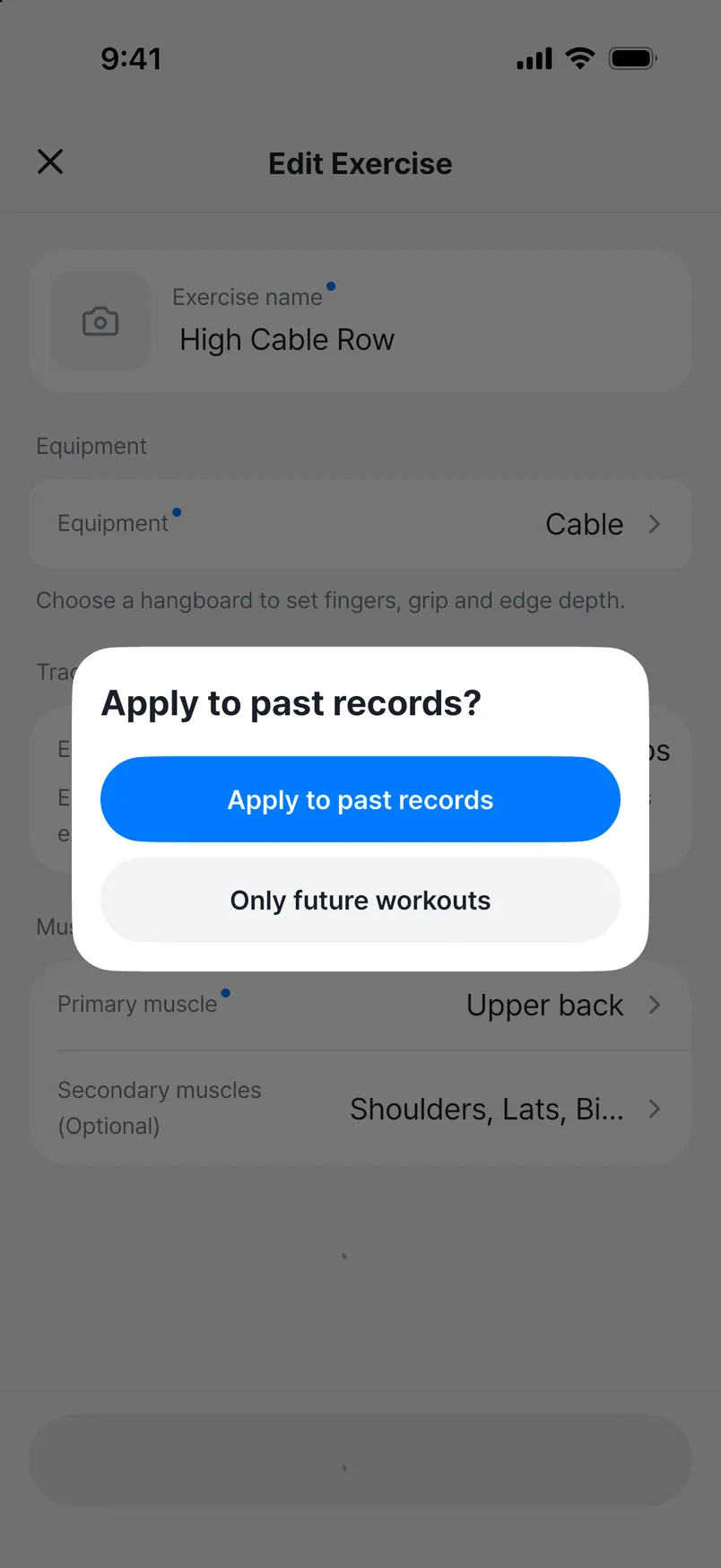
If you change the muscles of an exercise with logs, Frez asks Apply to past records? Choose Apply to past records to update muscle volume in past workouts too, or Only future workouts.