What is a routine?
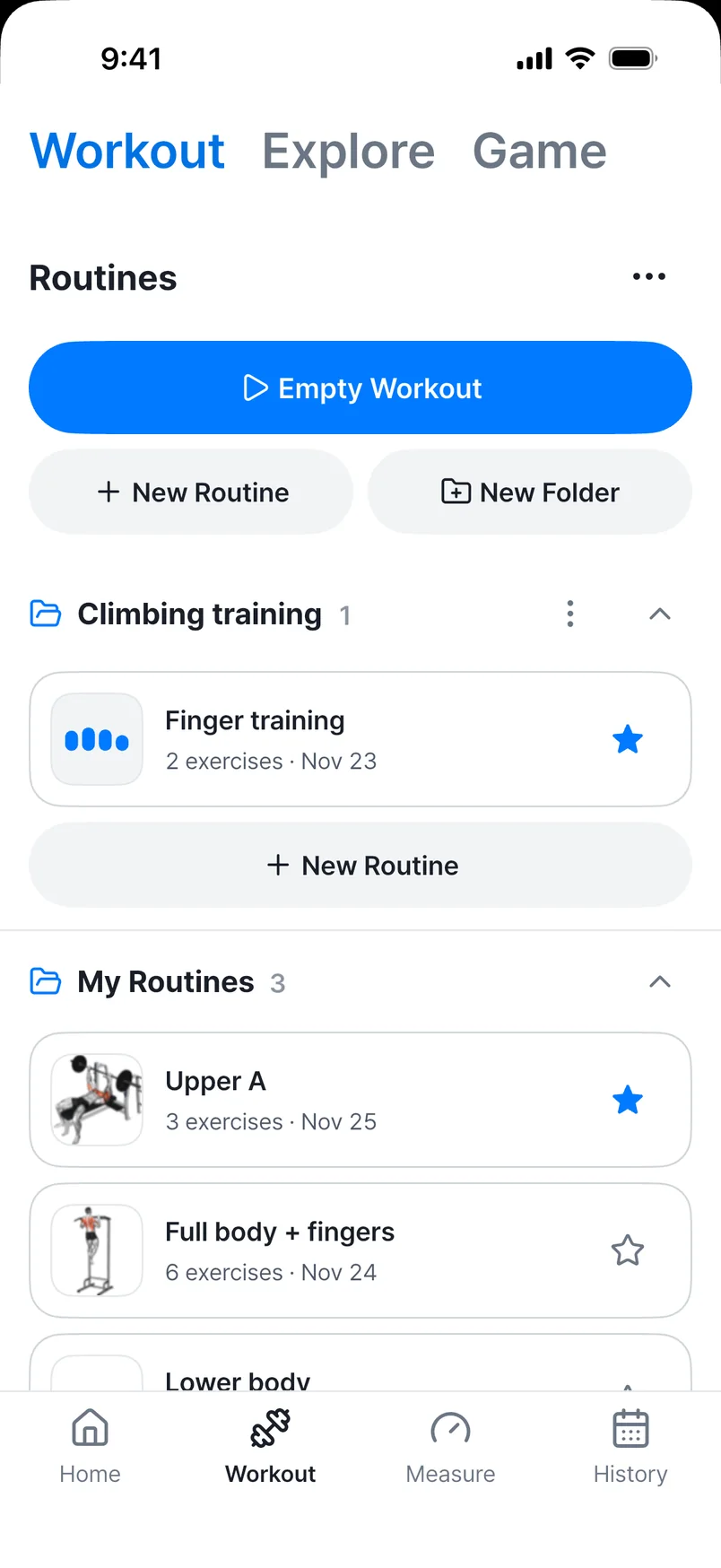
A routine is a saved list of exercises with sets, reps and rest. Tap Start and it opens in the workout screen as planned.
Create a routine
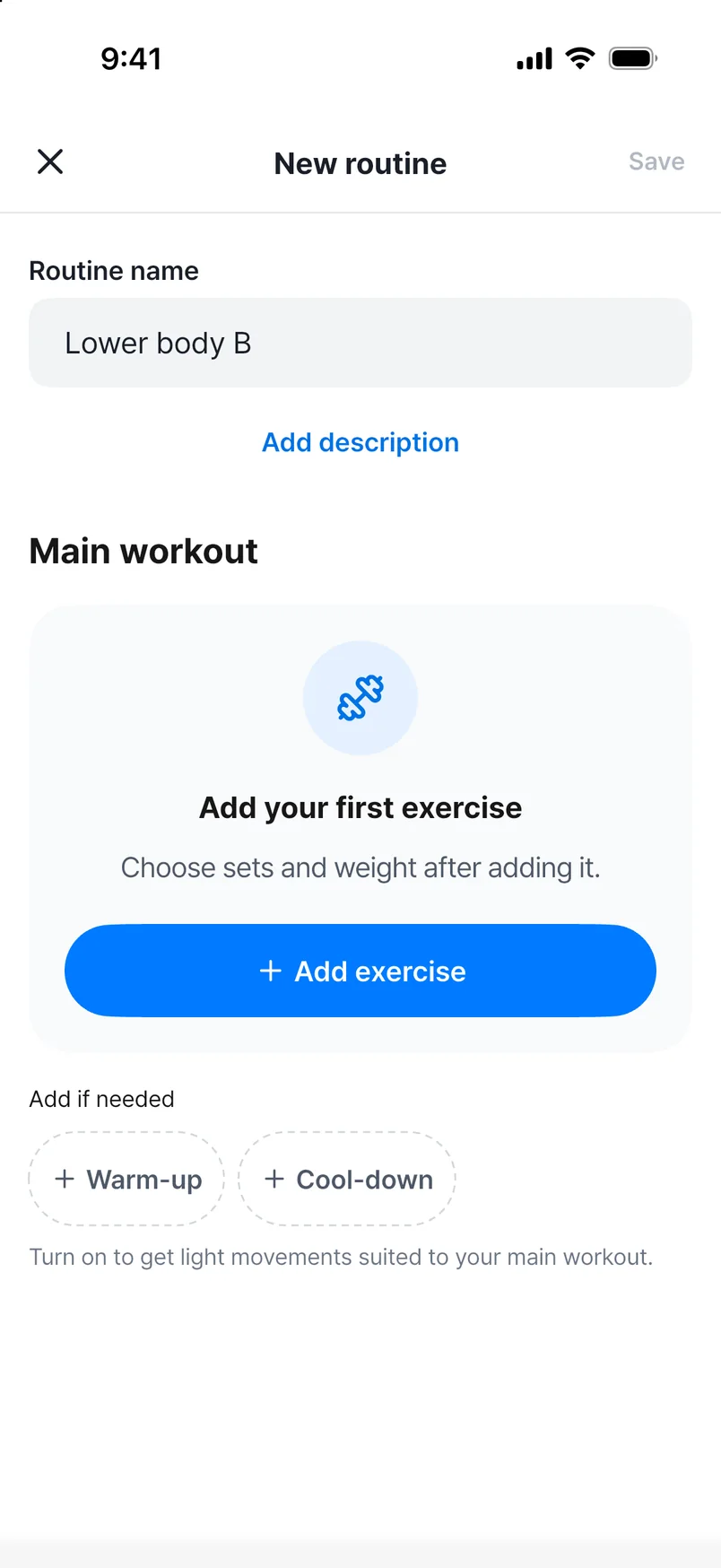
On the Workout tab, tap New Routine, enter a name and tap Add exercise.
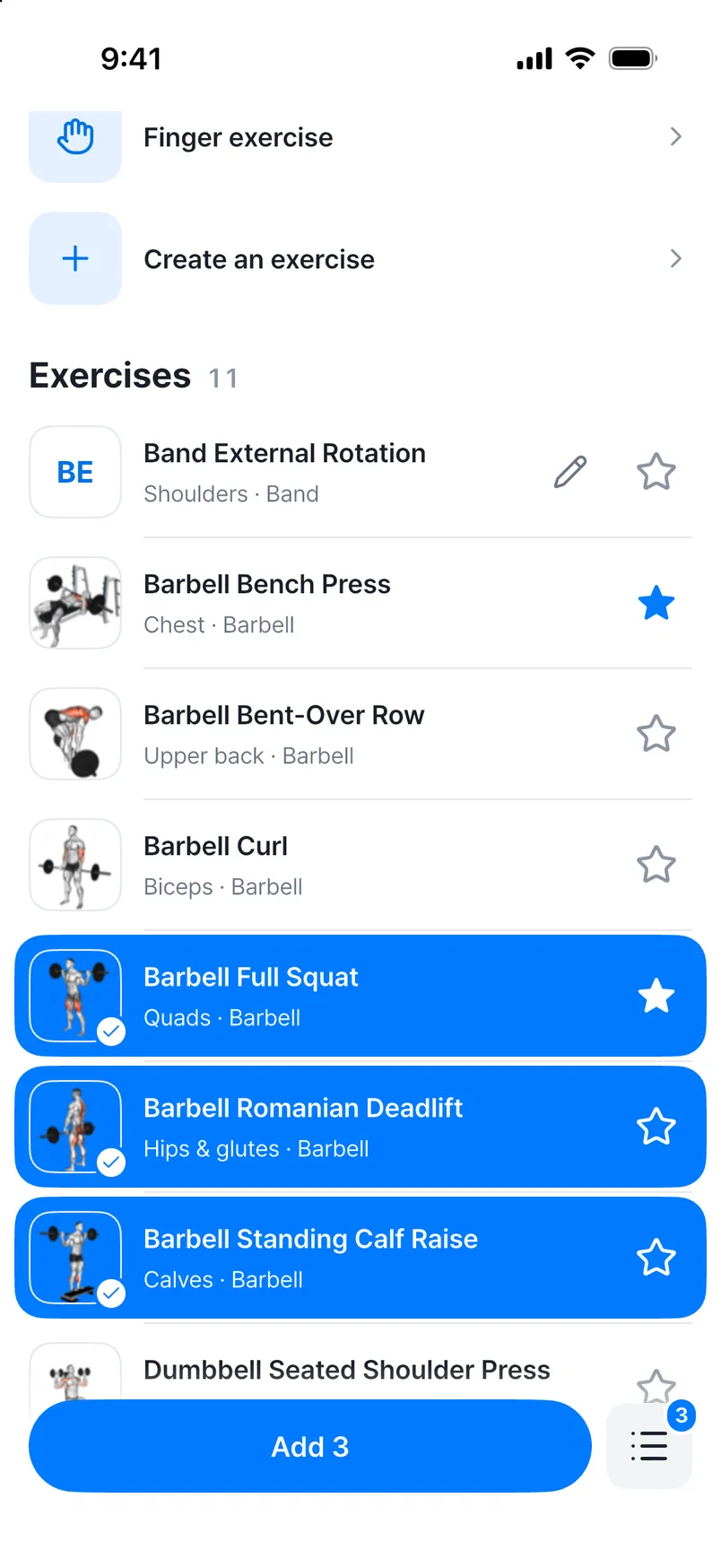
Set the sets, weight and reps for each exercise. Use − and + to change the number of sets and the button between them to set the rest. Swipe a set left to delete it.
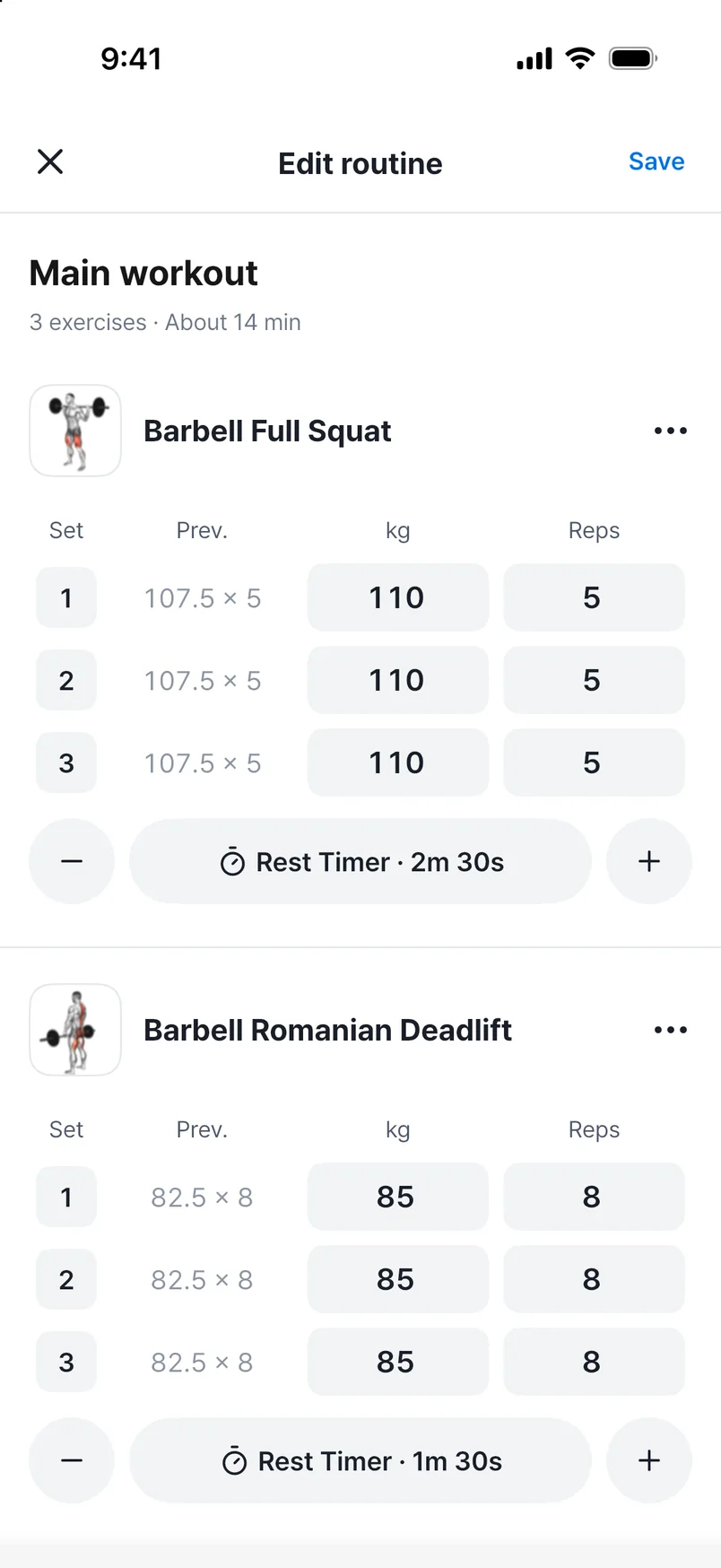
Press and drag an exercise by its name to reorder. Its ⋯ menu has Replace exercise, Superset with next and Duplicate.
Add a warm-up and cool-down
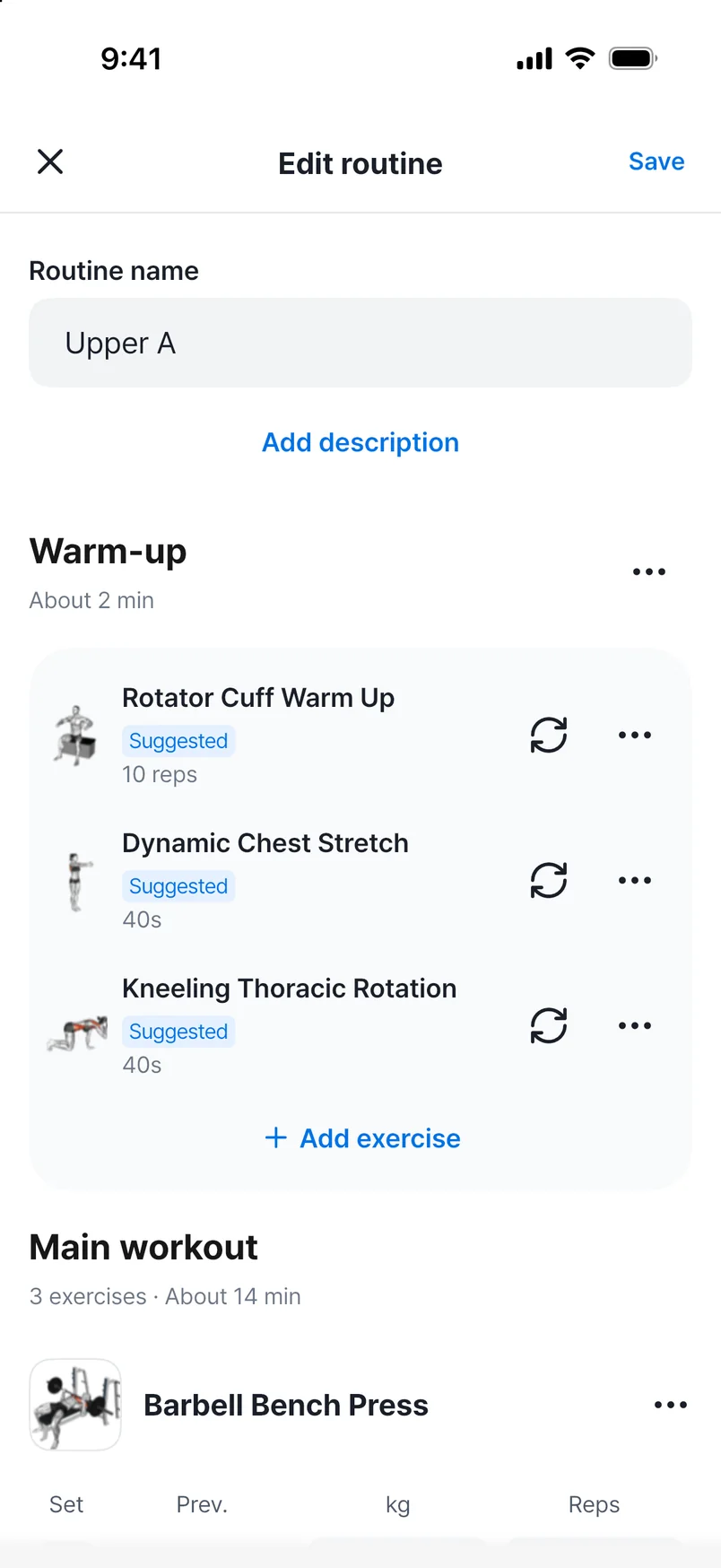
Under Add if needed at the bottom, turn on Warm-up or Cool-down to get movements that suit your main workout. Ask for new suggestions or pick your own. They do not count toward volume.
Start a routine
Open a routine to see its volume trend, exercises and recent workouts, then tap Start.
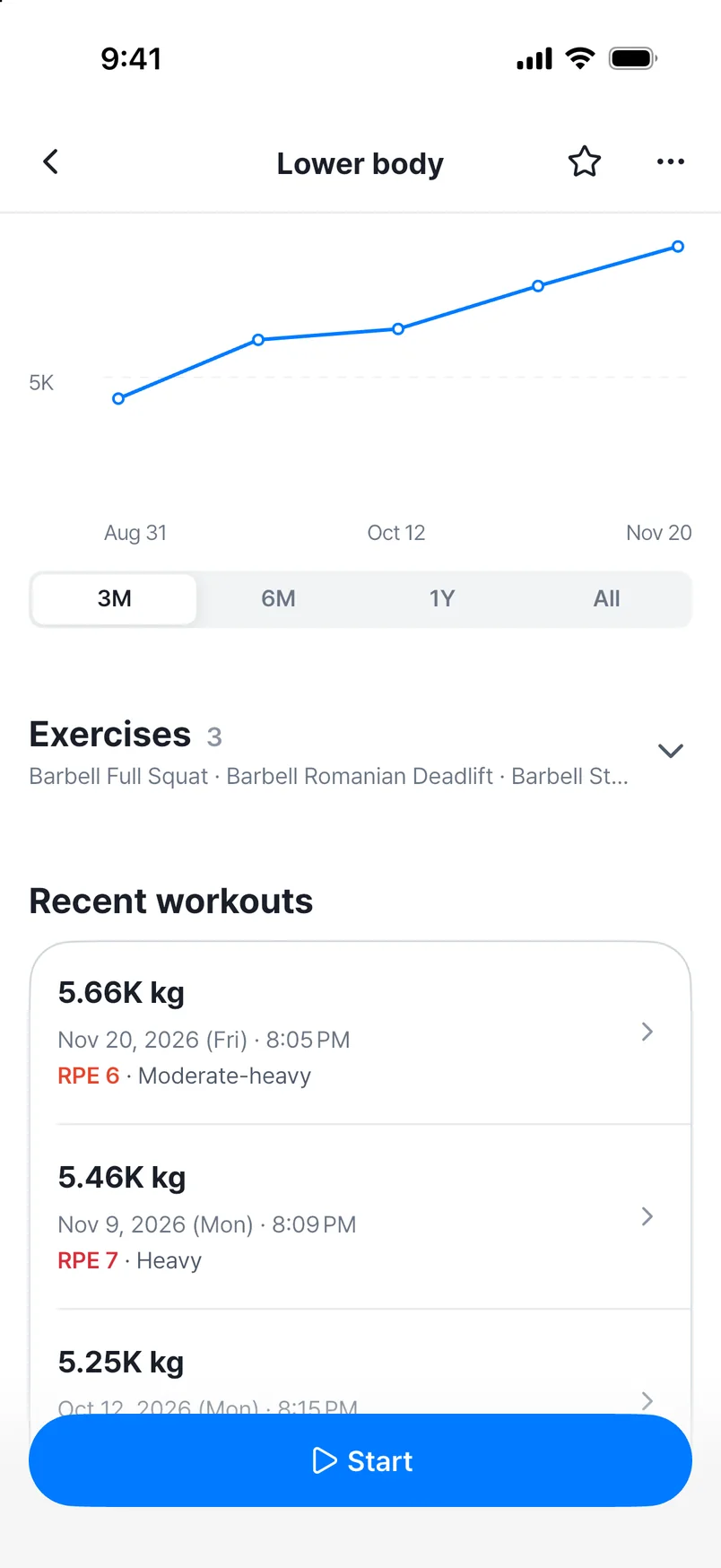
The ⋯ menu has Edit routine, Share routine and Delete routine. To plan it on certain days, add it to your schedule.
Sort routines into folders
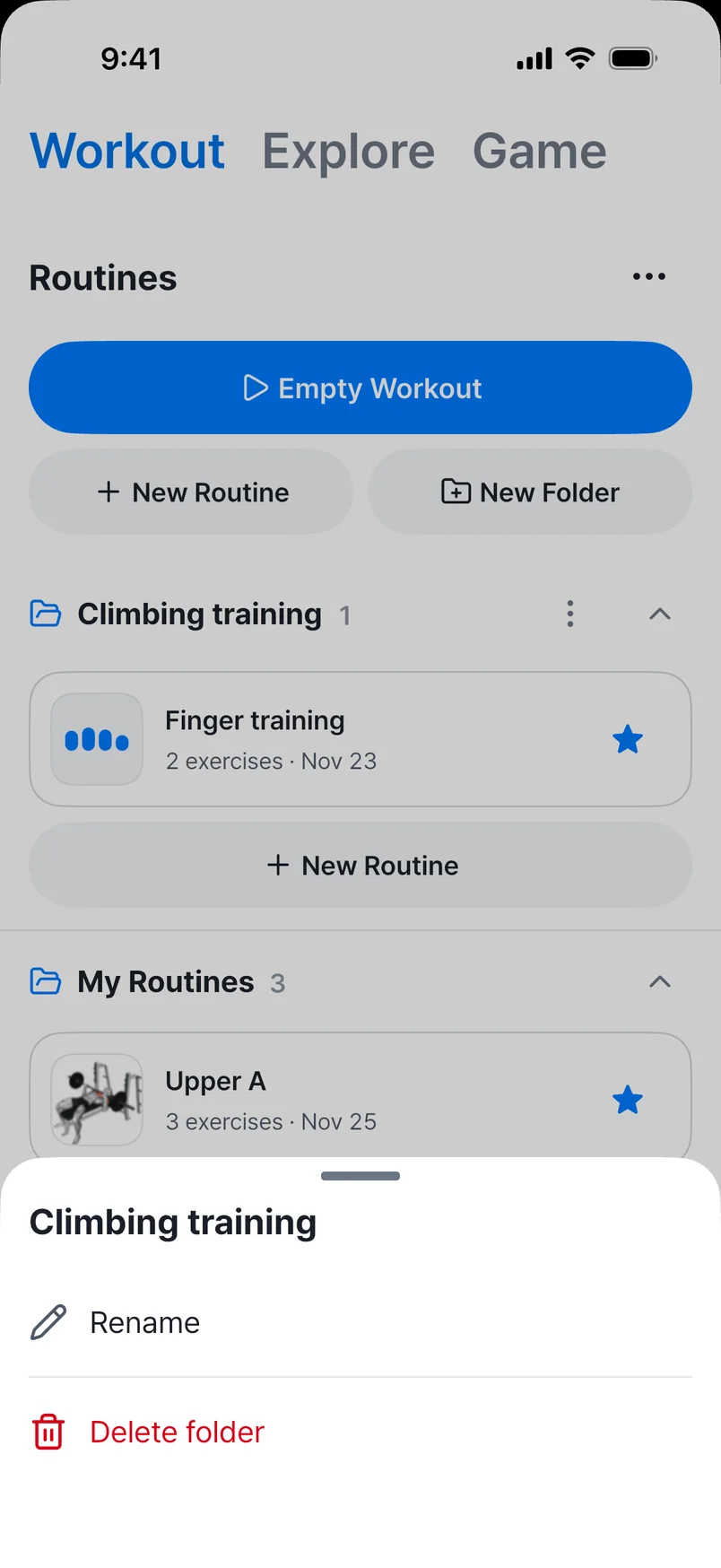
Tap New Folder to make one. Press and drag a routine to move it to another folder. Tap ⋮ next to a folder to Rename it or Delete folder.
Pin a routine to Home
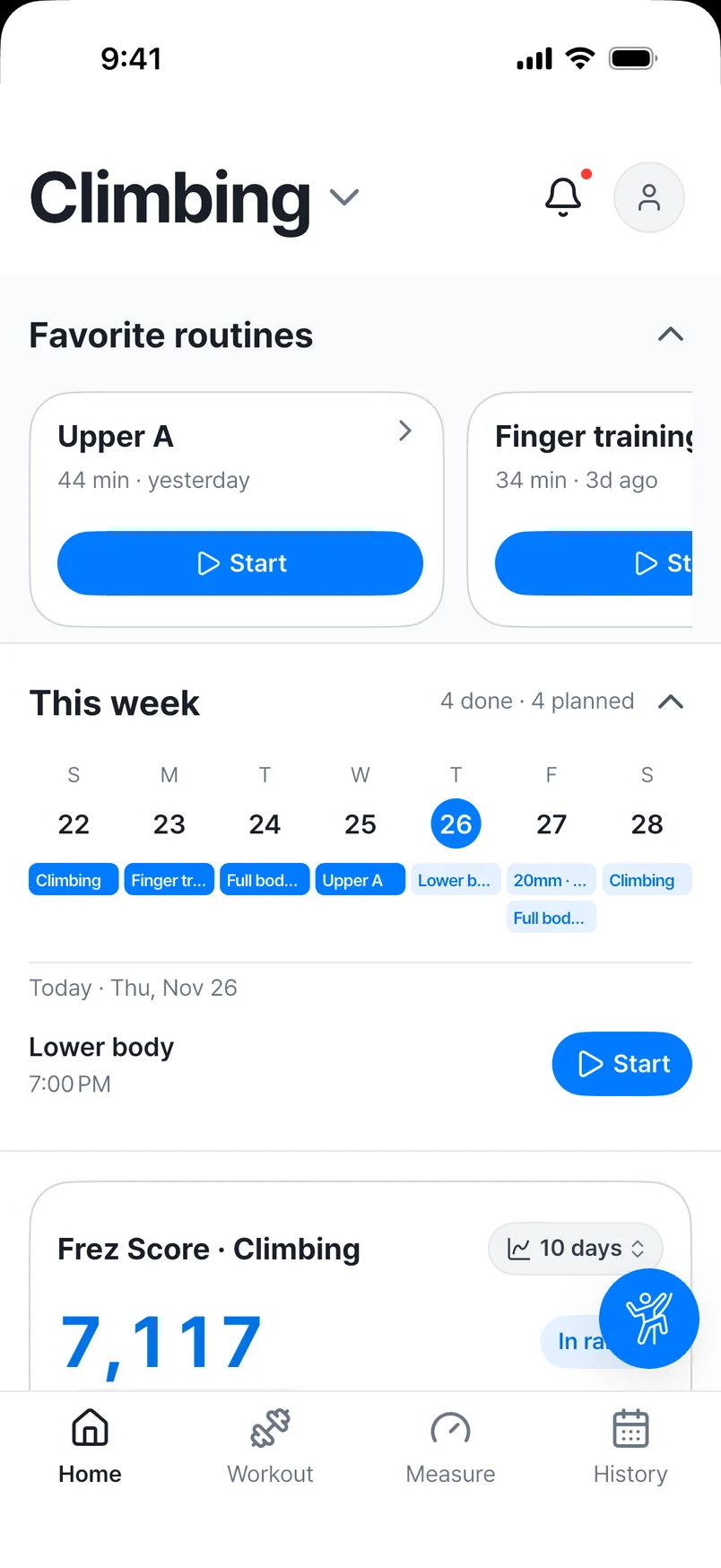
Tap the star next to a routine to add it to Favorite routines on Home, where you can start it directly.
Save a past workout as a routine
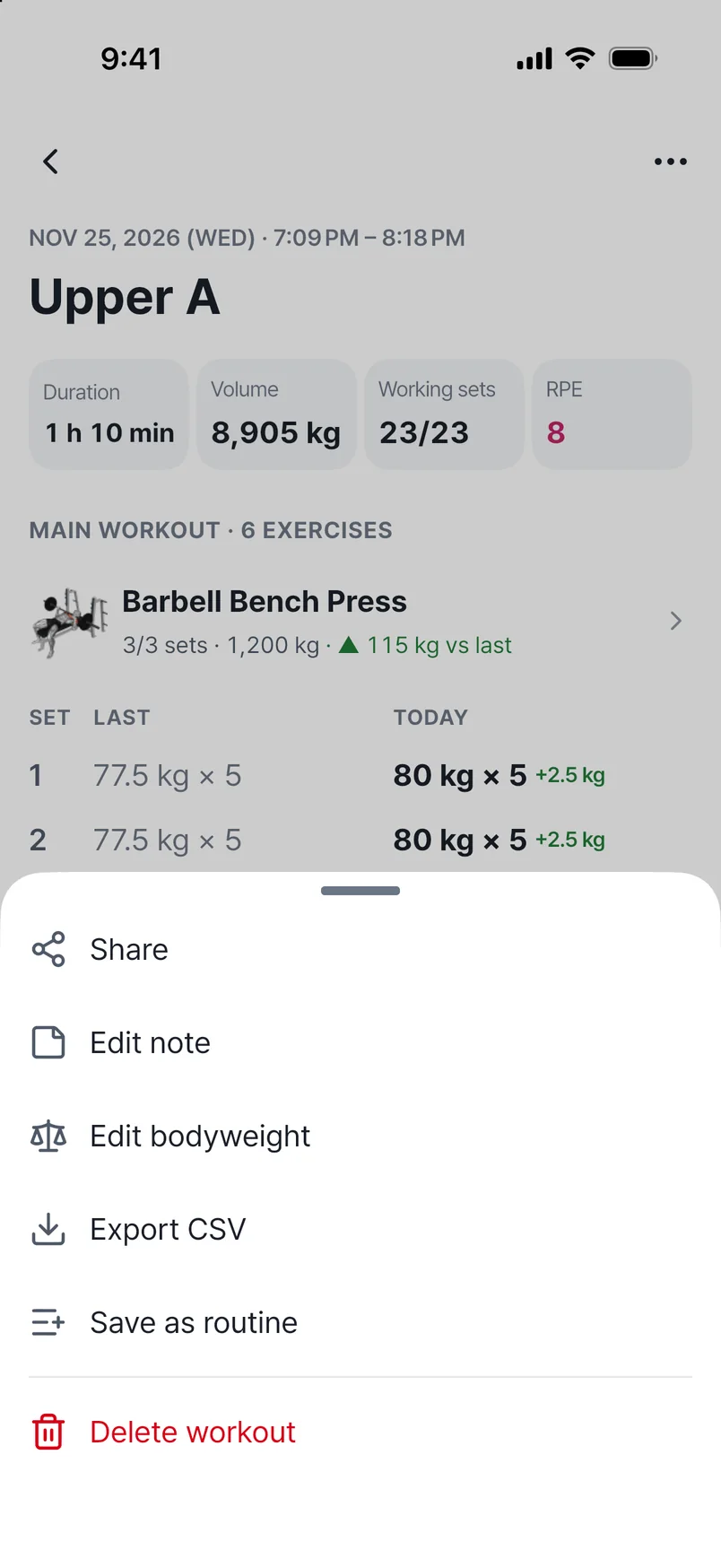
On the History tab, open a day in the calendar, then the workout, and choose Save as routine from ⋯. When you finish an empty workout, Frez also asks whether to save it as a routine.
Update a routine after a workout
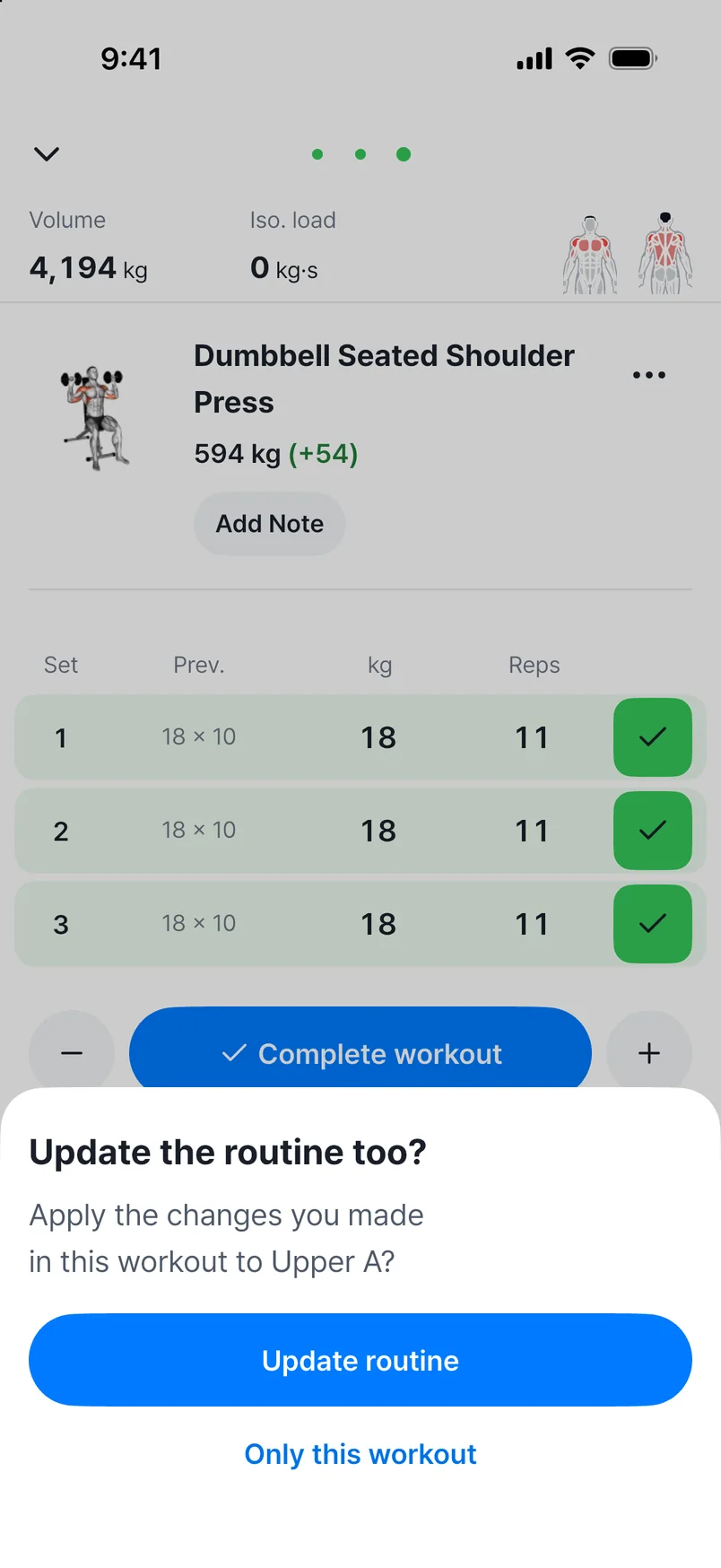
If you changed exercises, order, sets, reps or rest during a workout, Frez asks Update the routine too? when you finish. Update routine saves the changes and Only this workout leaves the routine as it was. Weights and force targets set in the routine do not change.