How does tracking work?
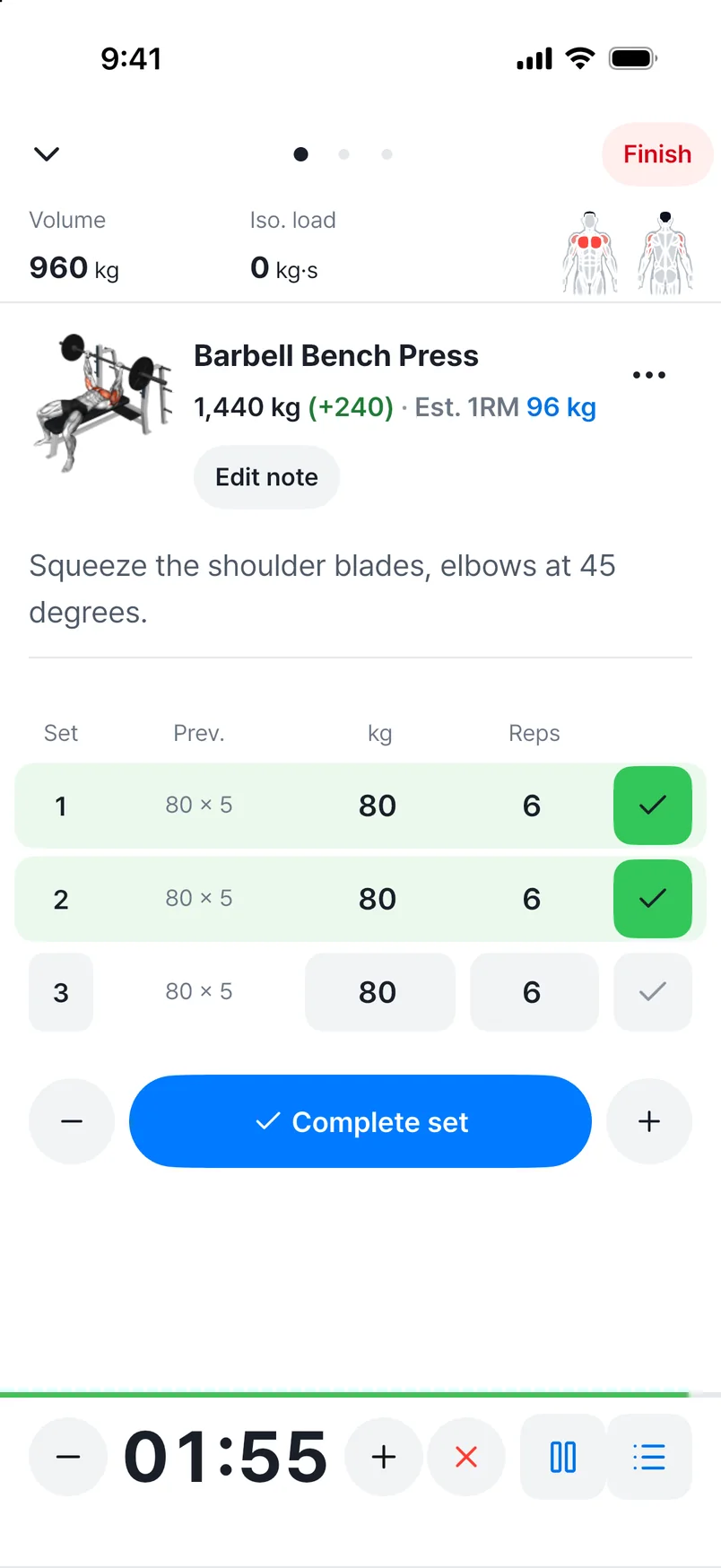
The workout screen shows one exercise at a time. Check off each set as you finish it and the rest timer starts. After the last set, Frez moves to the next exercise.
Start a workout
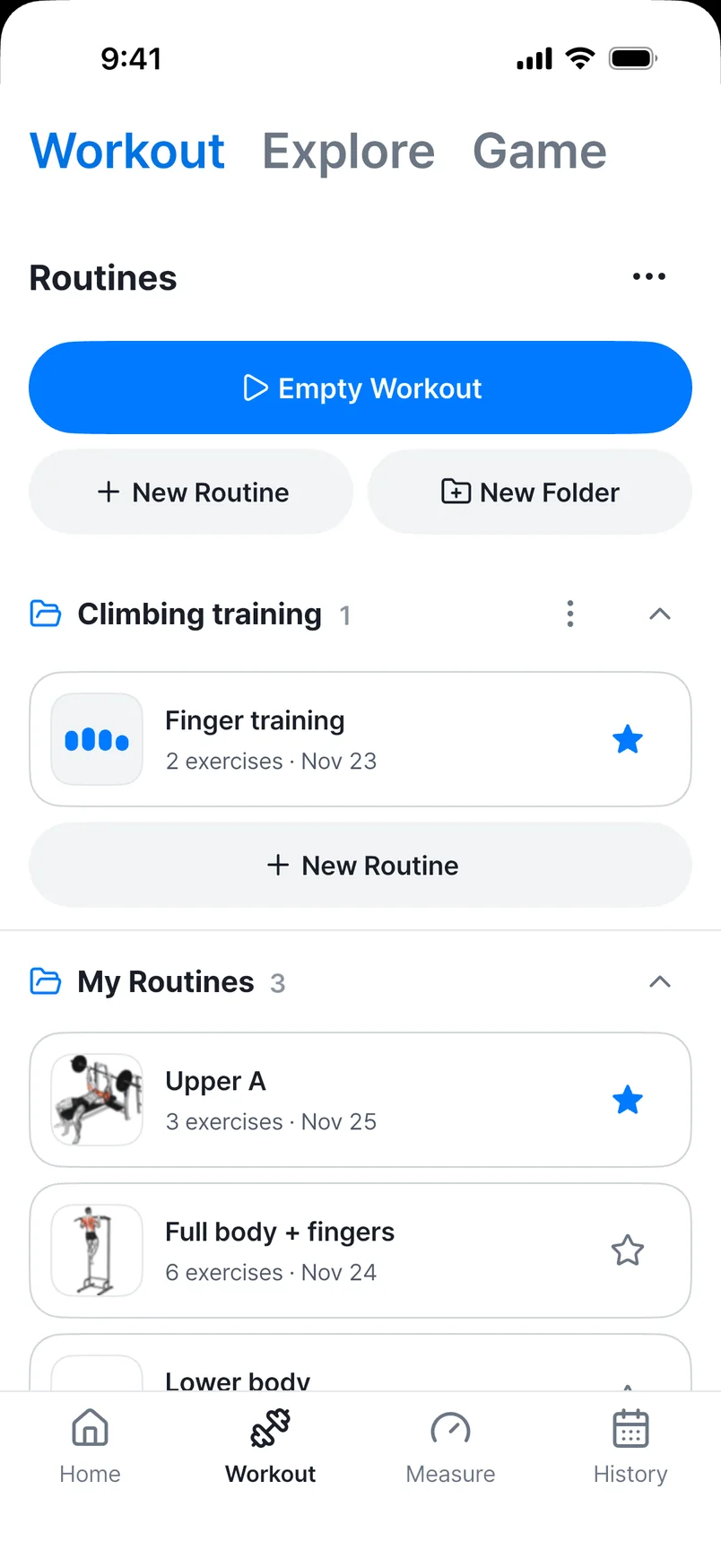
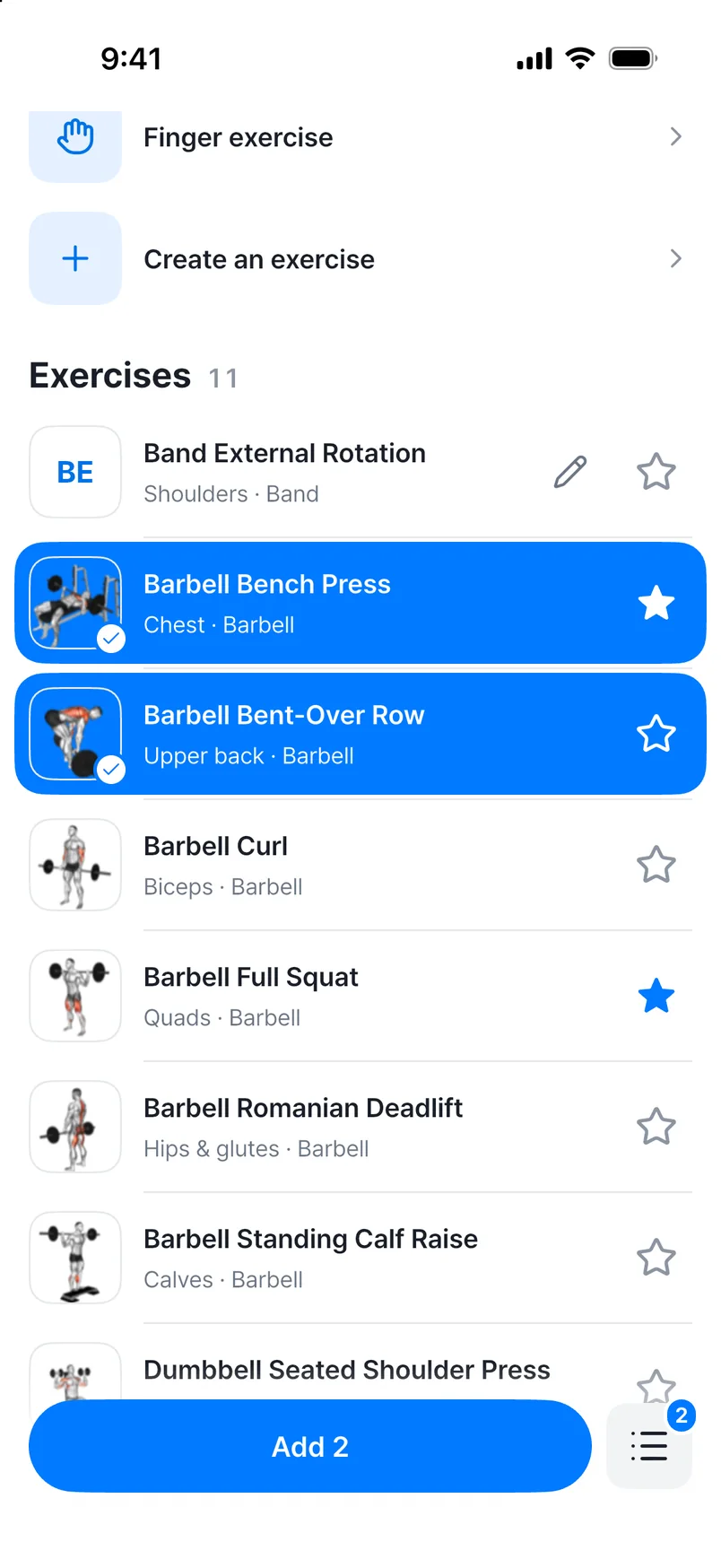
On the Workout tab, open a routine and tap Start. With no plan, tap Empty Workout and build it as you go with Add exercise.
Log your sets
Enter weight and reps, then tap the check on the right. Prev. shows what you did the last time you trained that exercise, in any routine.
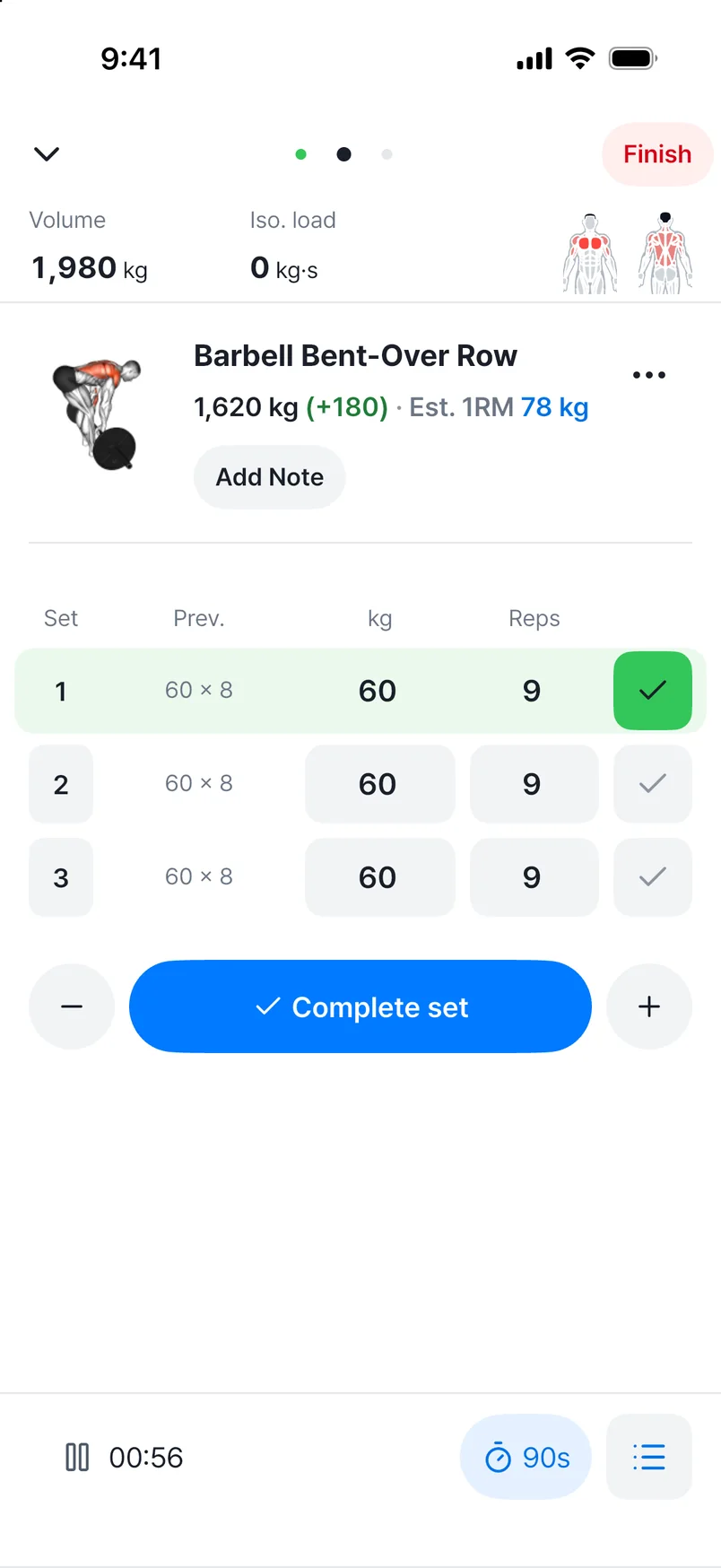
Use − and + below the table to change the number of sets. Tap a set number to choose a set type.
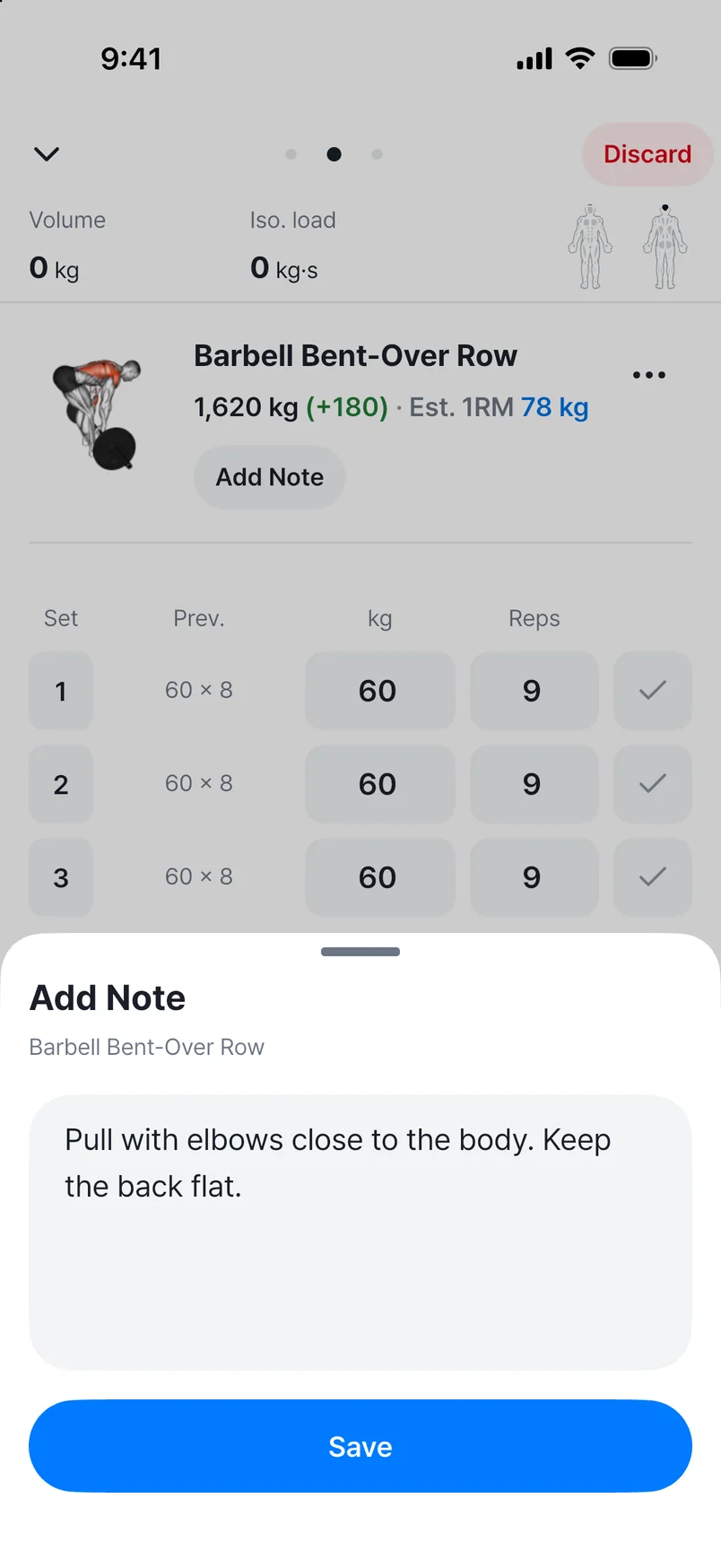
Add a note to an exercise
Tap Add Note to write down a seat height or a cue. The note stays with the exercise and shows up the next time you do it.
Replace and reorder exercises
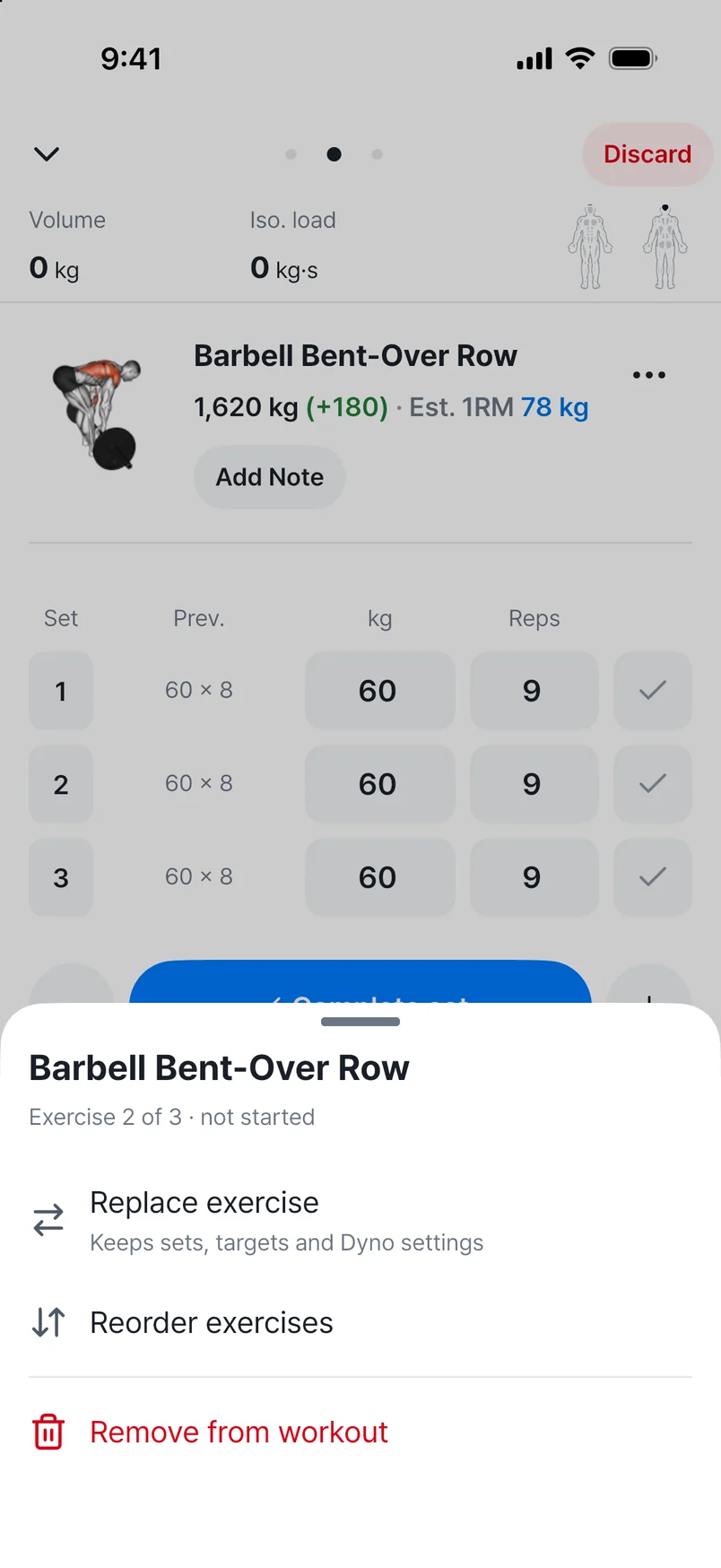
Tap ⋯ next to the exercise name and choose Replace exercise. Your sets stay and only the exercise changes. You cannot replace an exercise once one of its sets is done.
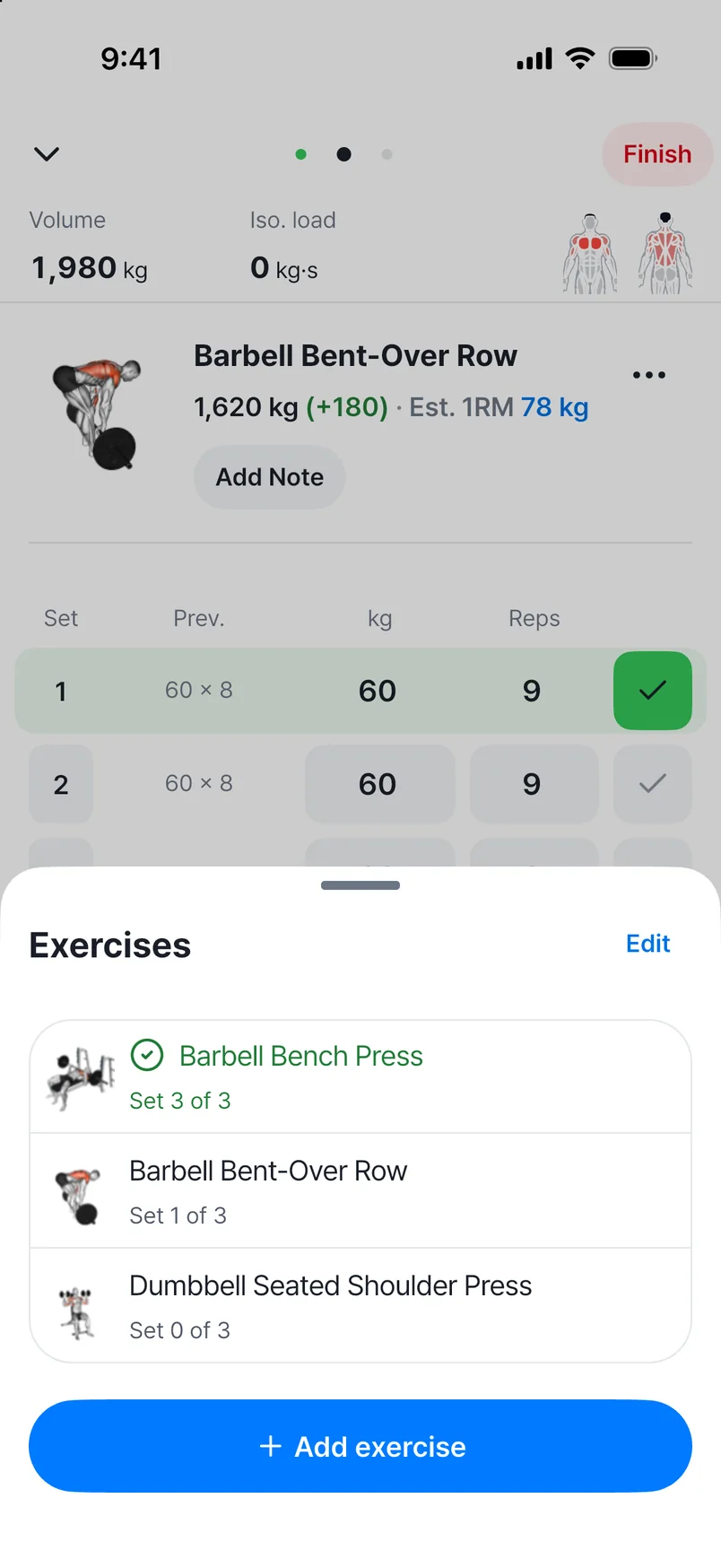
The list button at the bottom right opens Exercises. Press and drag to reorder, or tap Edit to delete.
Leave and come back
Tap the arrow at the top left and the workout shrinks to a strip above the tab bar. Tap the strip to continue.
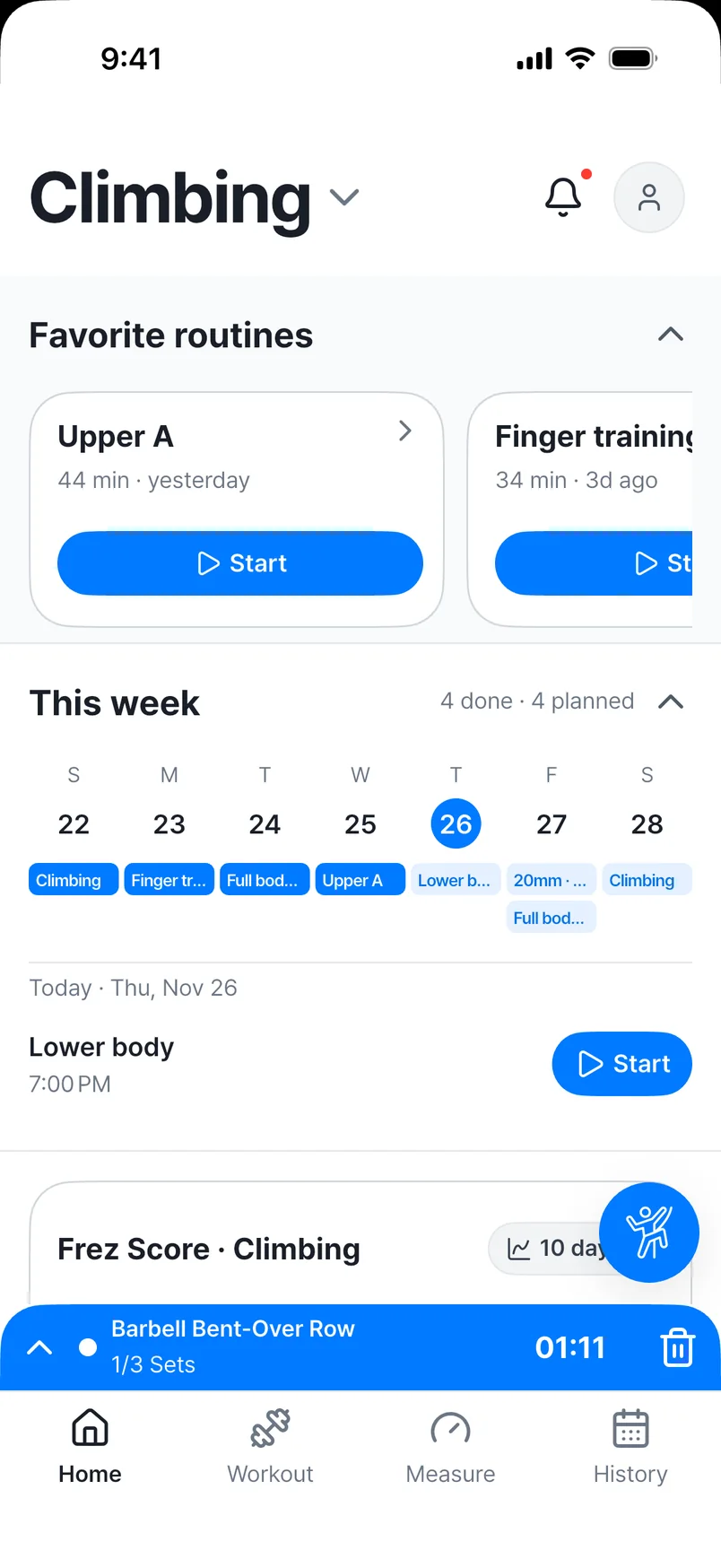
To stop the clock, tap pause at the bottom left. You cannot complete a set while the workout is paused.
Finish the workout
When every set is done, Frez asks whether to save. To stop earlier, tap Finish at the top right, then Finish workout. Only completed sets are saved.
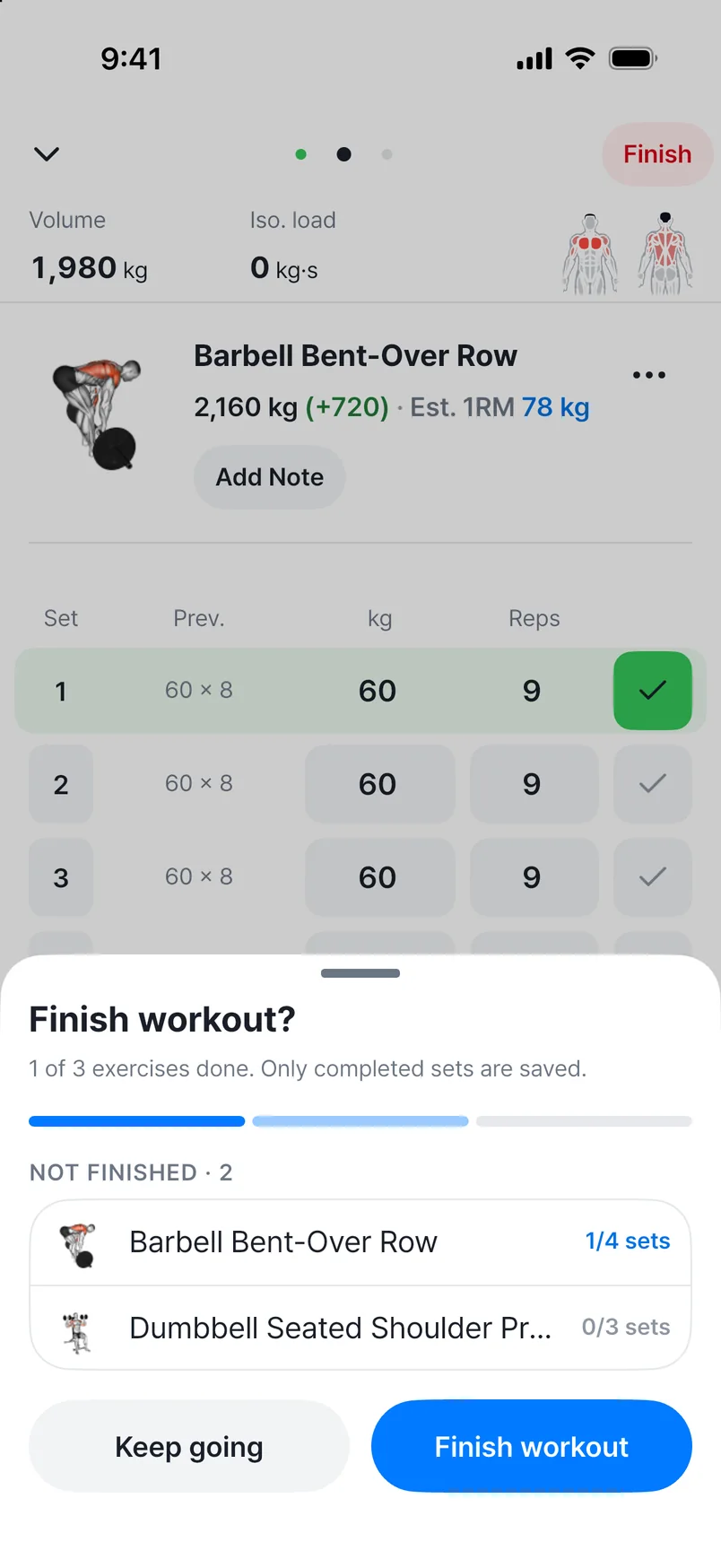
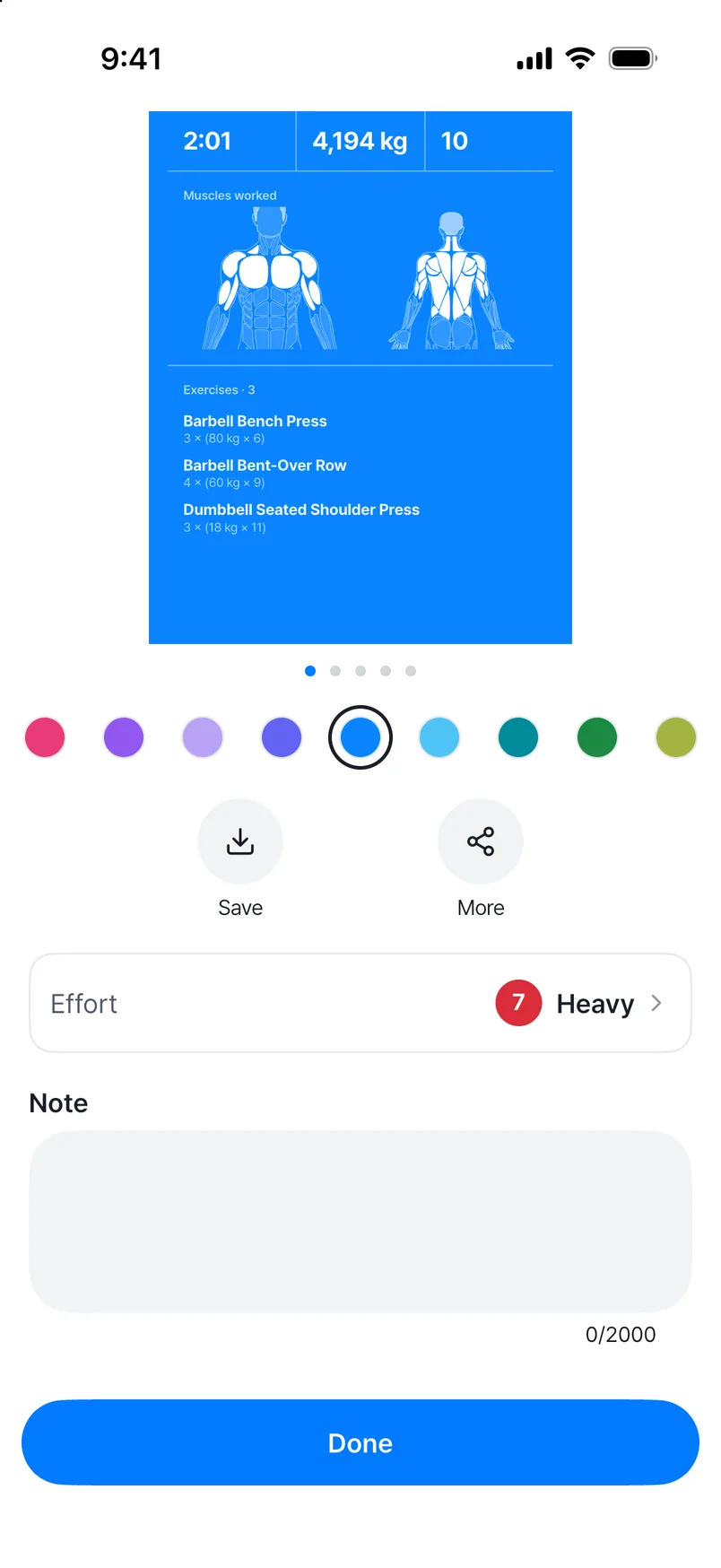
Then rate your effort and add a note. You can make a share card here too.