
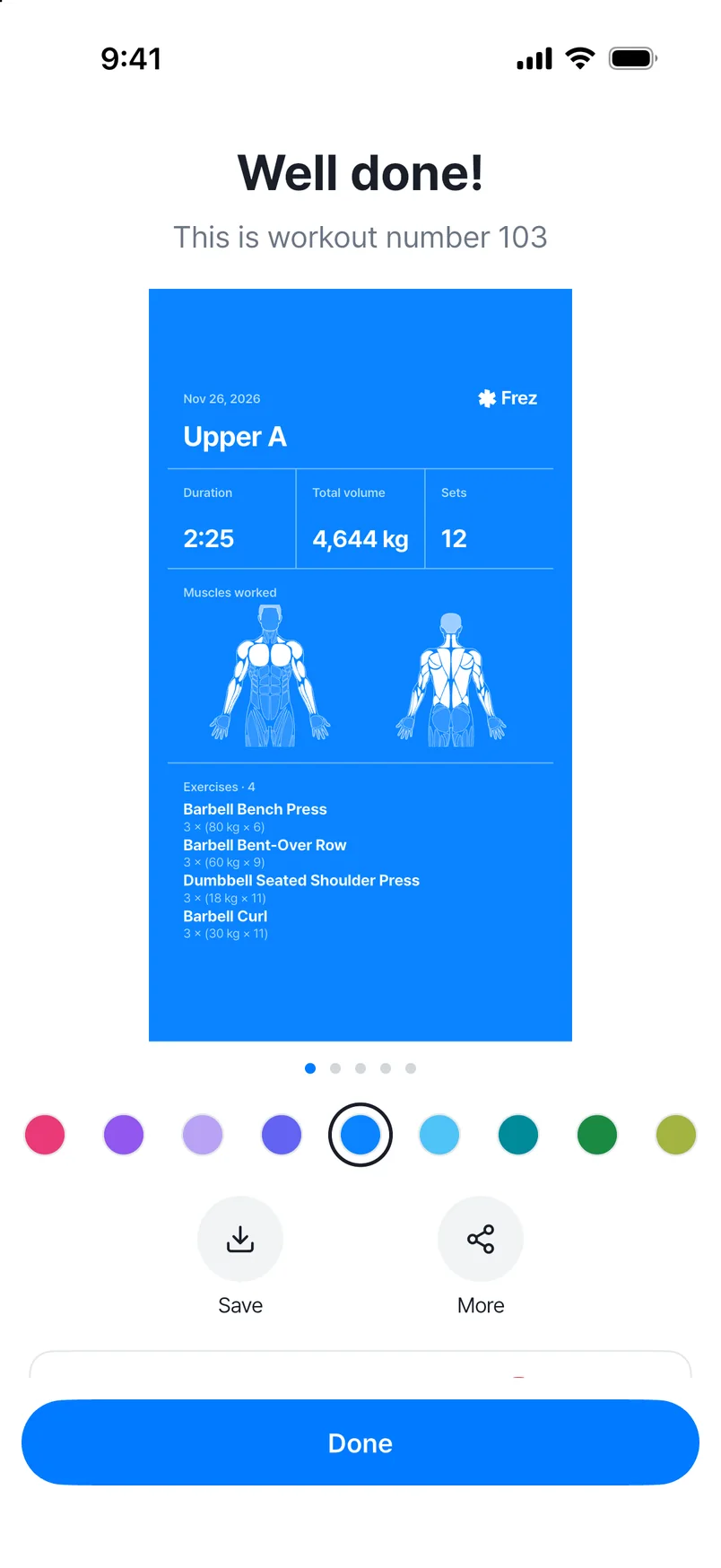
What is a share card?
A share card is one image with the numbers and charts of a record. You can save it or send it to another app.
Share a workout
The cards appear when you finish a workout. Swipe to choose one of five: summary, muscles, exercise list, week and month.
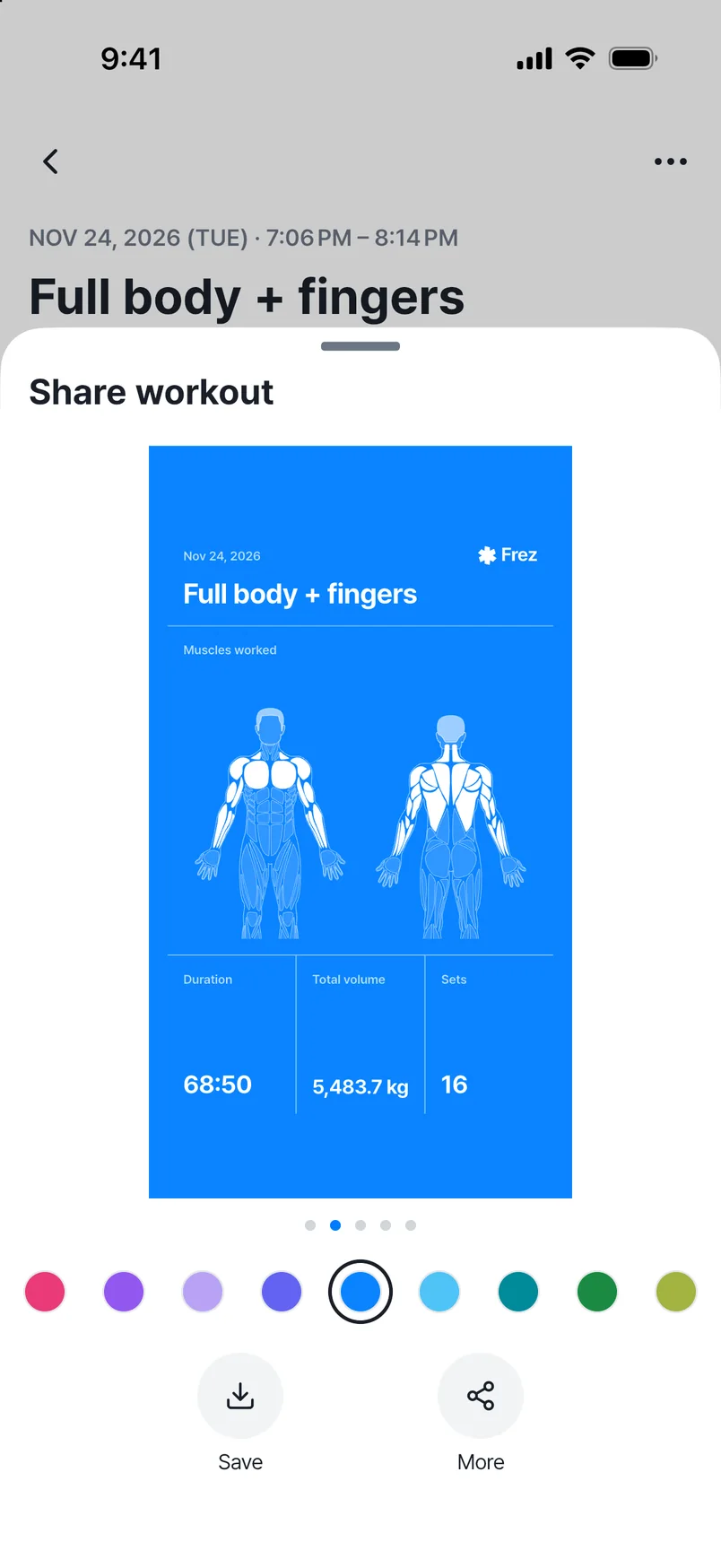
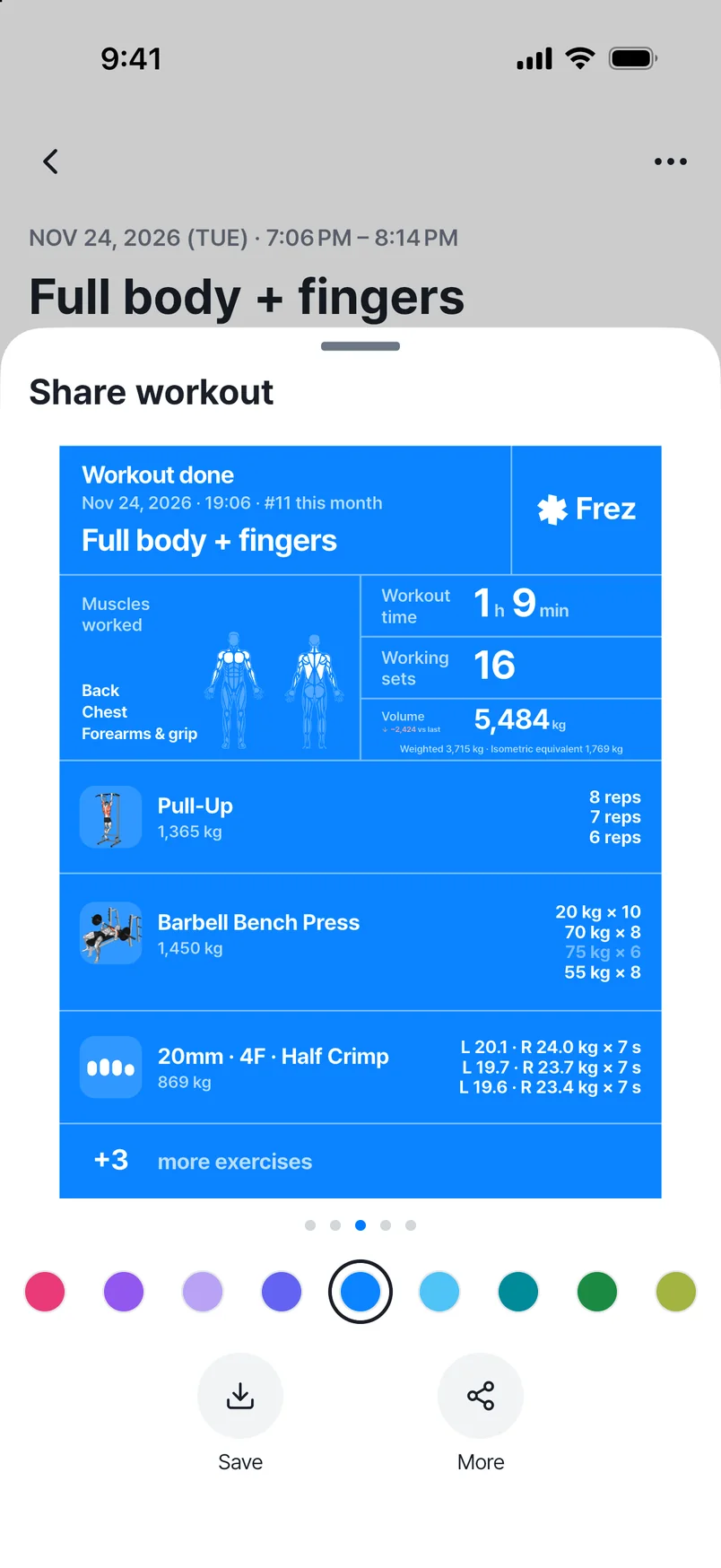
Choose one of 14 colors below and tap Save or More. More opens your phone's share sheet. Frez remembers the card and color for next time.
For a past workout, open it from the calendar on the History tab and choose Share from ⋯ at the top right.
Share a measurement
On a measurement result, tap ⋮ at the top right and choose Share. If you measured both sides, both values are on the card.
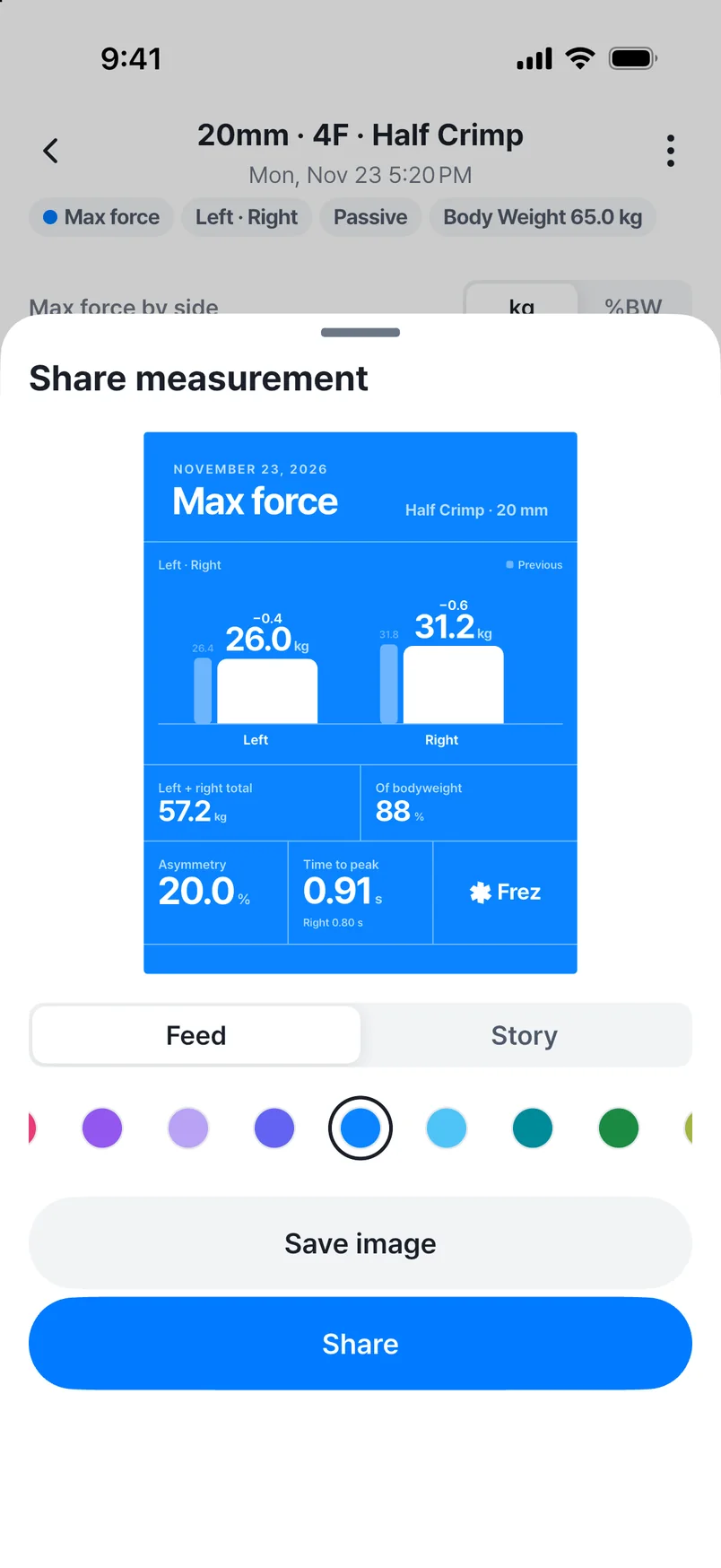
Feed is 4:5 and Story is 9:16. Choose a color and tap Save image or Share. An Instagram button appears if the app is installed.
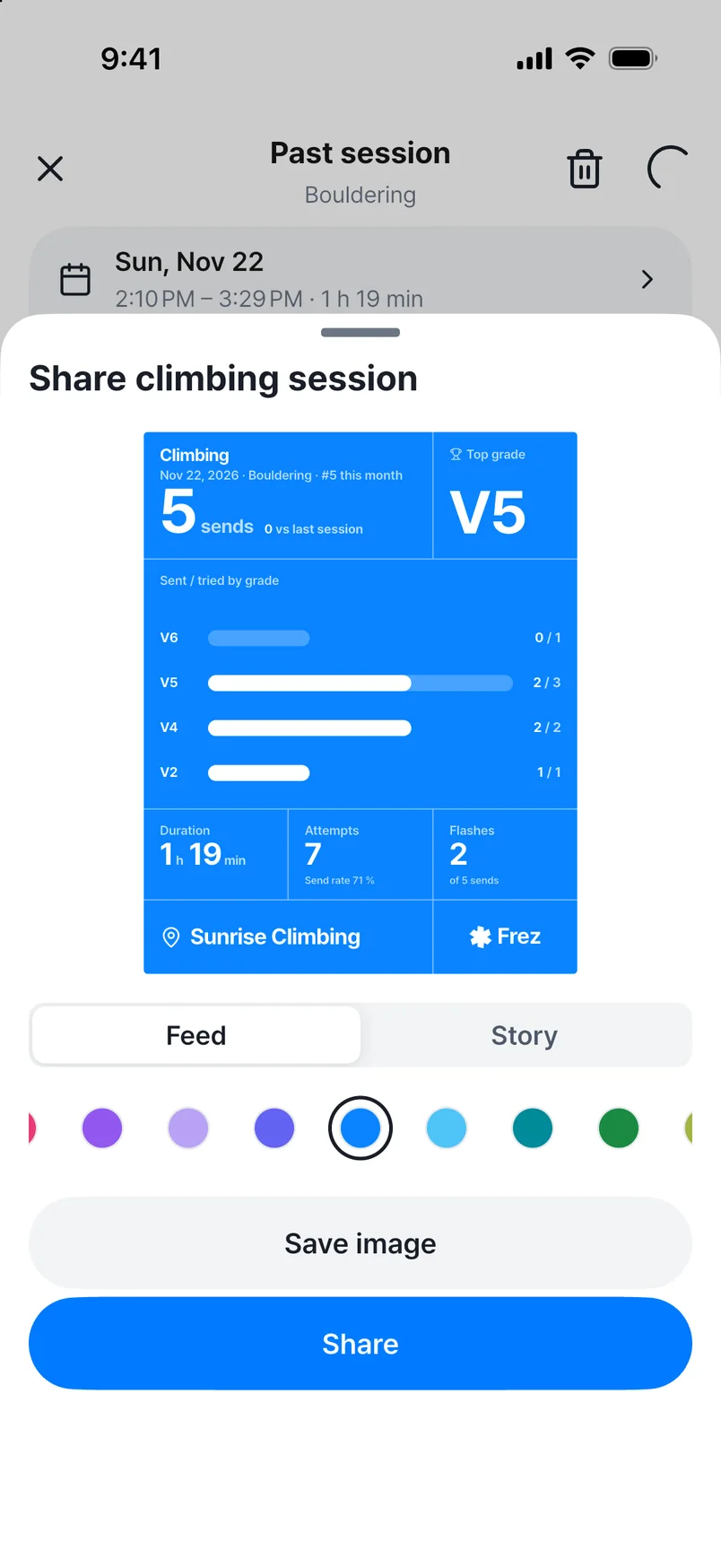
Share a climbing session
When you save a climbing session, the Session saved message has a Share button. For a past session, open it in the Logbook and tap the share button at the top right.
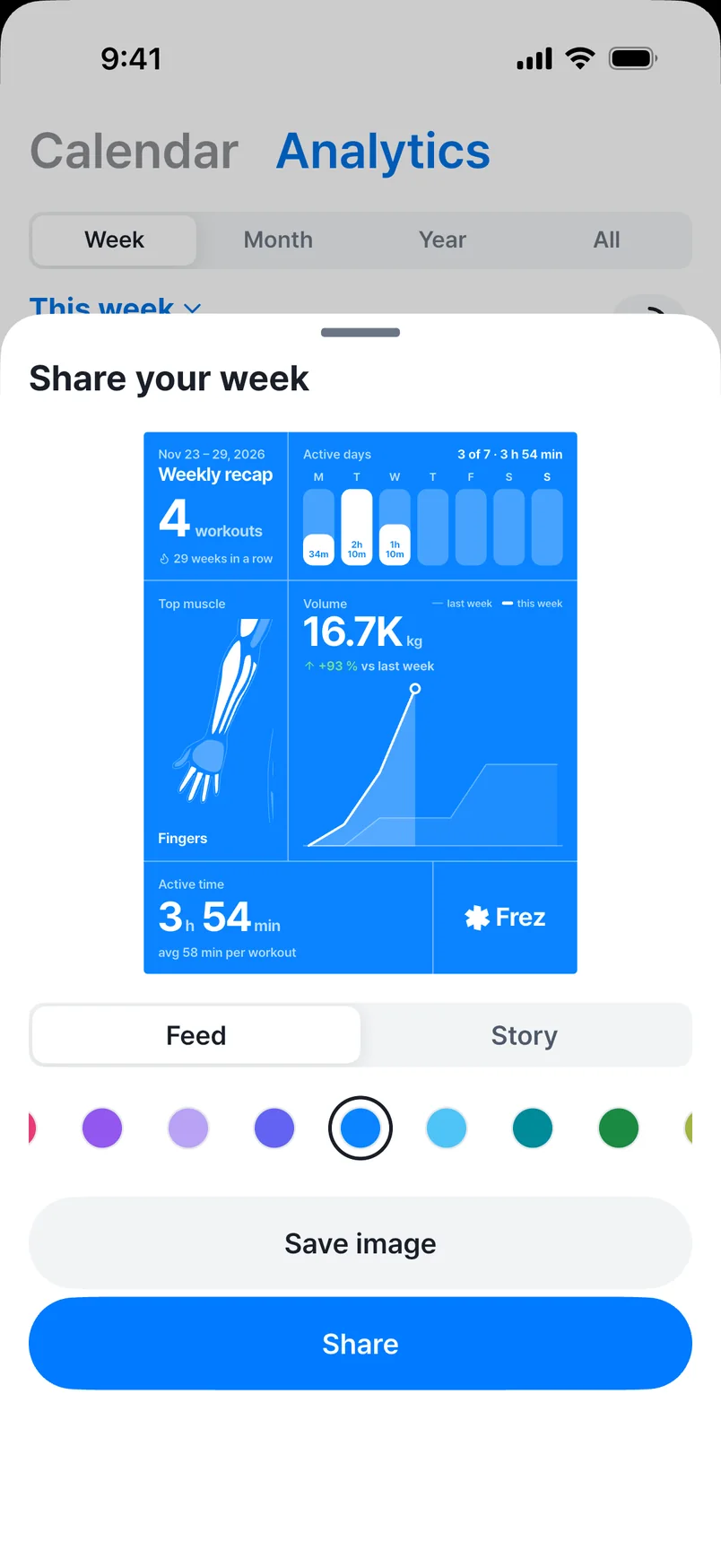
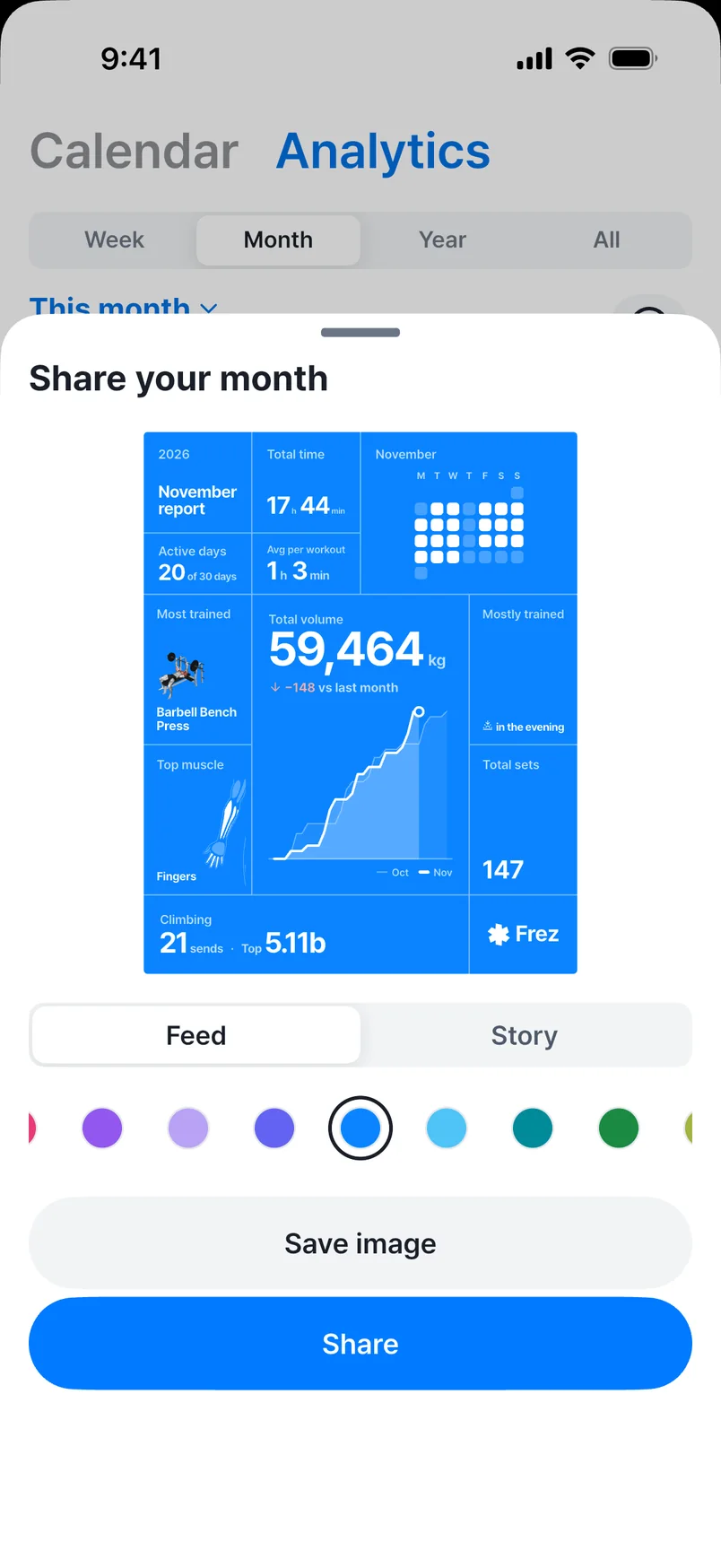
Share a week or month
On the History tab, tap Analytics, choose Week or Month, and tap Share. Pick an earlier week or month to share that one.
Year and All have no share button. A period without an active day cannot be shared either.