
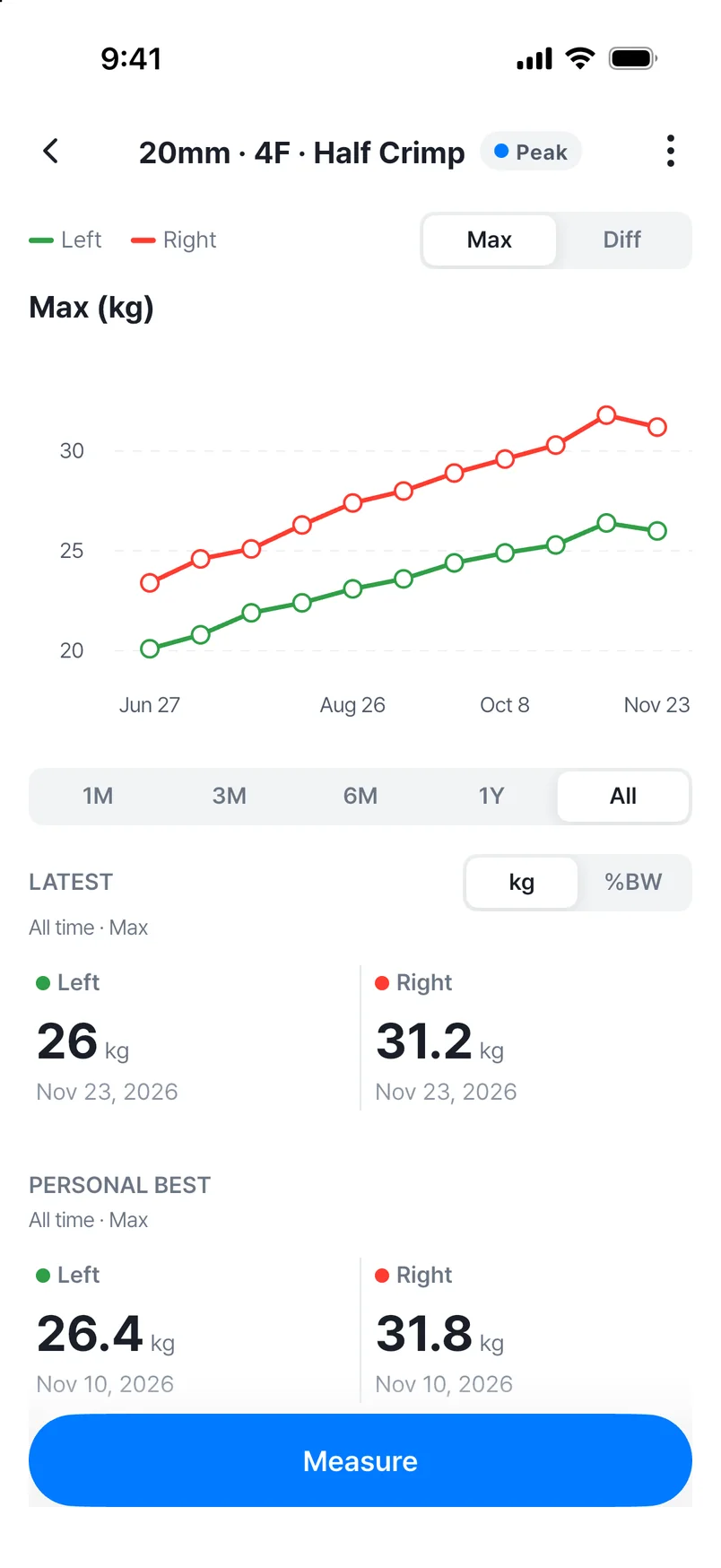
What are measurement results?
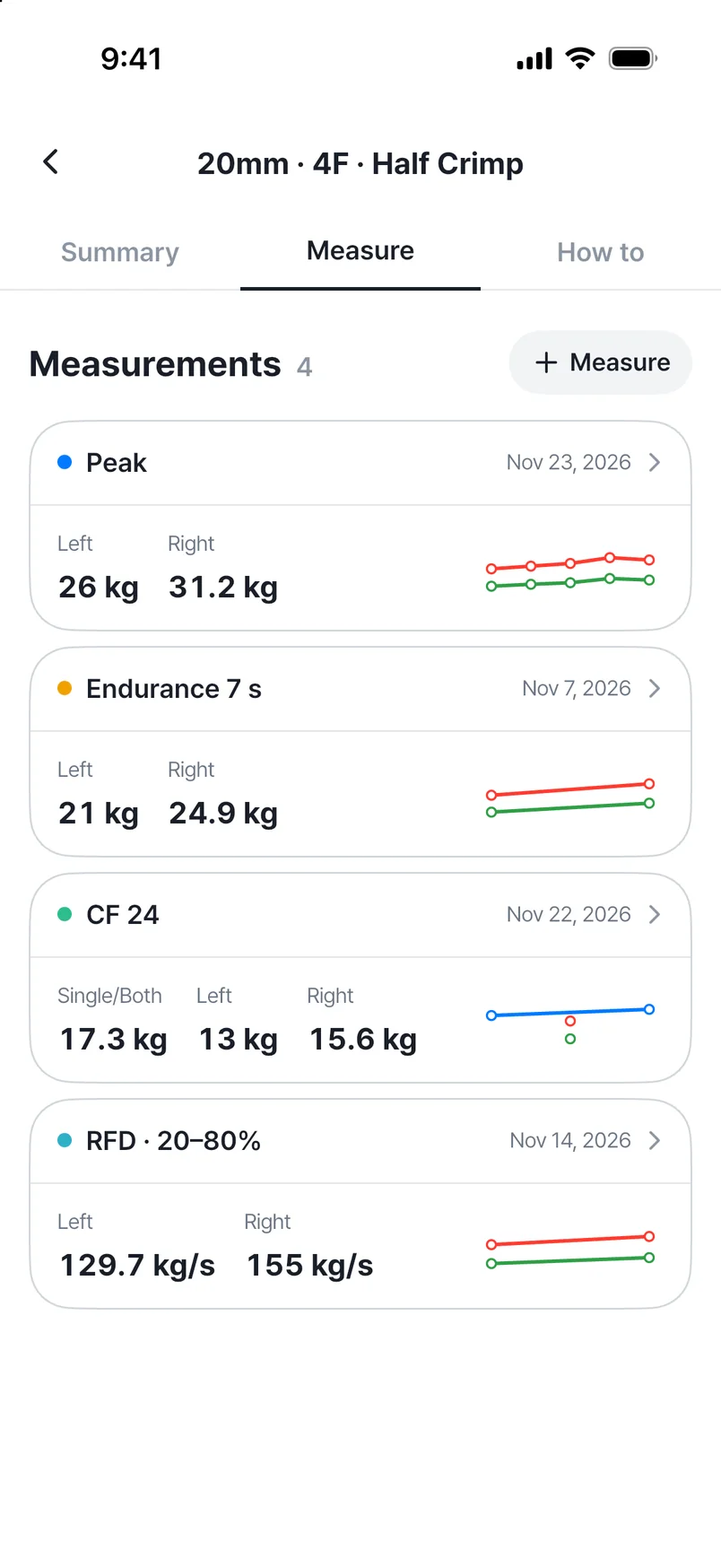
Measurements are kept per exercise and type. Peak and Critical Force of a 20 mm half crimp are two records.
Find a record
Tap an exercise on the Measure tab. Each type has a card with the latest value and a small graph. Tap the card.
If you measured a finger exercise both passive and active, switch at the top. The two are calculated separately.
Read the trend
Choose 1M, 3M, 6M, 1Y or All under the graph. The period changes the graph only.
- Latest: The value you measured last.
- Personal best: The highest value of all time. It is hidden when it equals the latest.
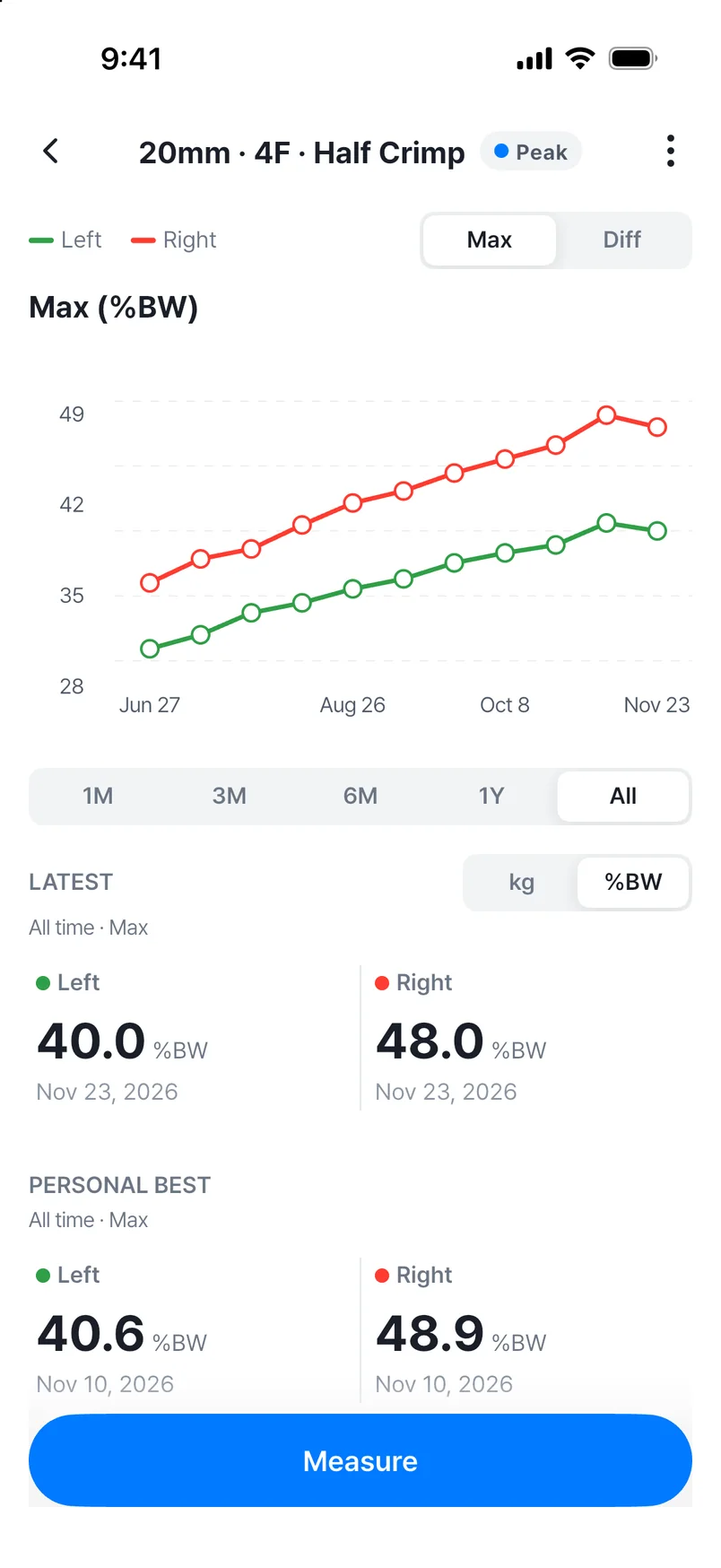
With a bodyweight on record, switch to %BW next to Latest. It uses the bodyweight saved with each result, or your current profile if there was none.
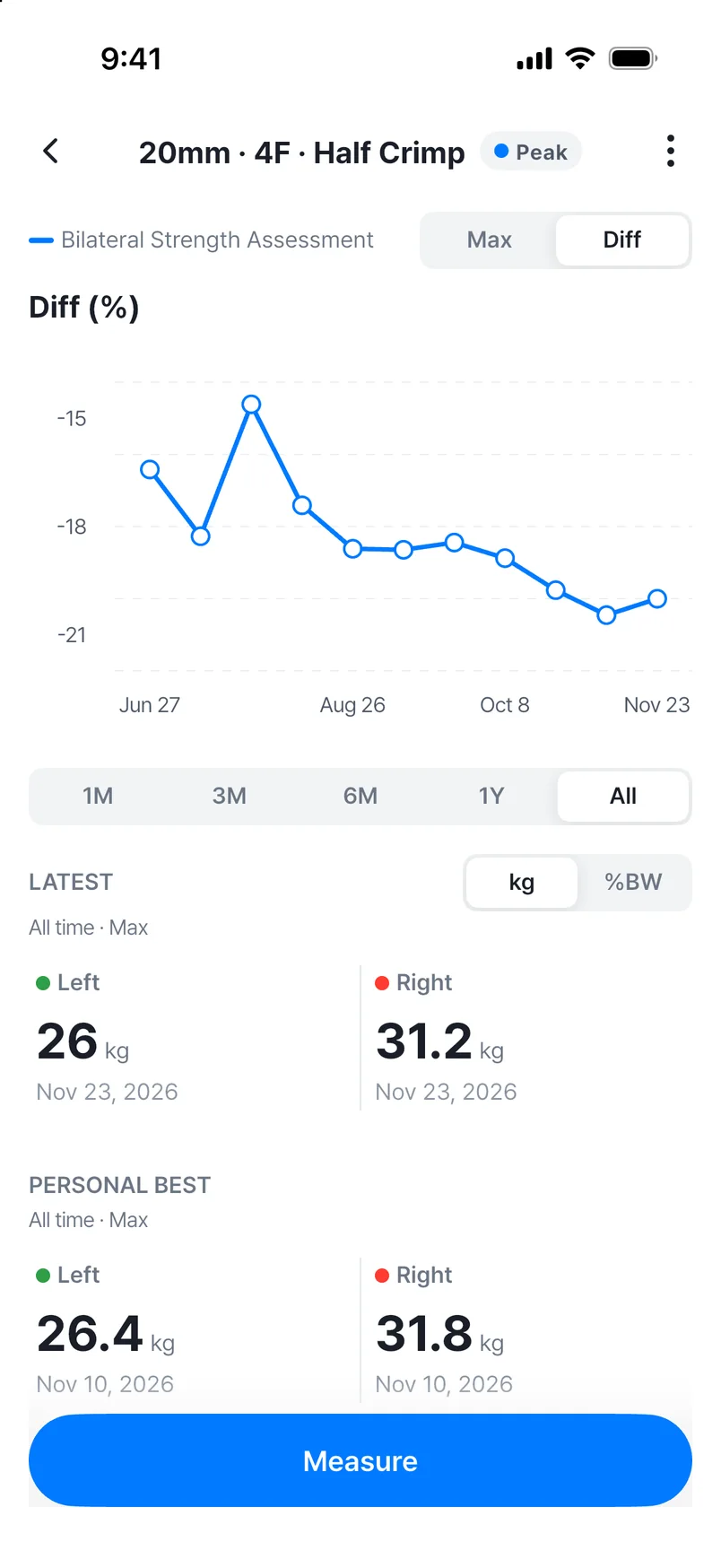
Left–right difference
If you measured peak on both sides, choose Diff above the graph. It shows the difference between that day's values as a % of the weaker side. Above 0 left is stronger, below 0 right is.
In the same place, Endurance offers average, max and total load, and RFD offers time windows.
Open one result
Tap a date in History at the bottom to open that day's details.
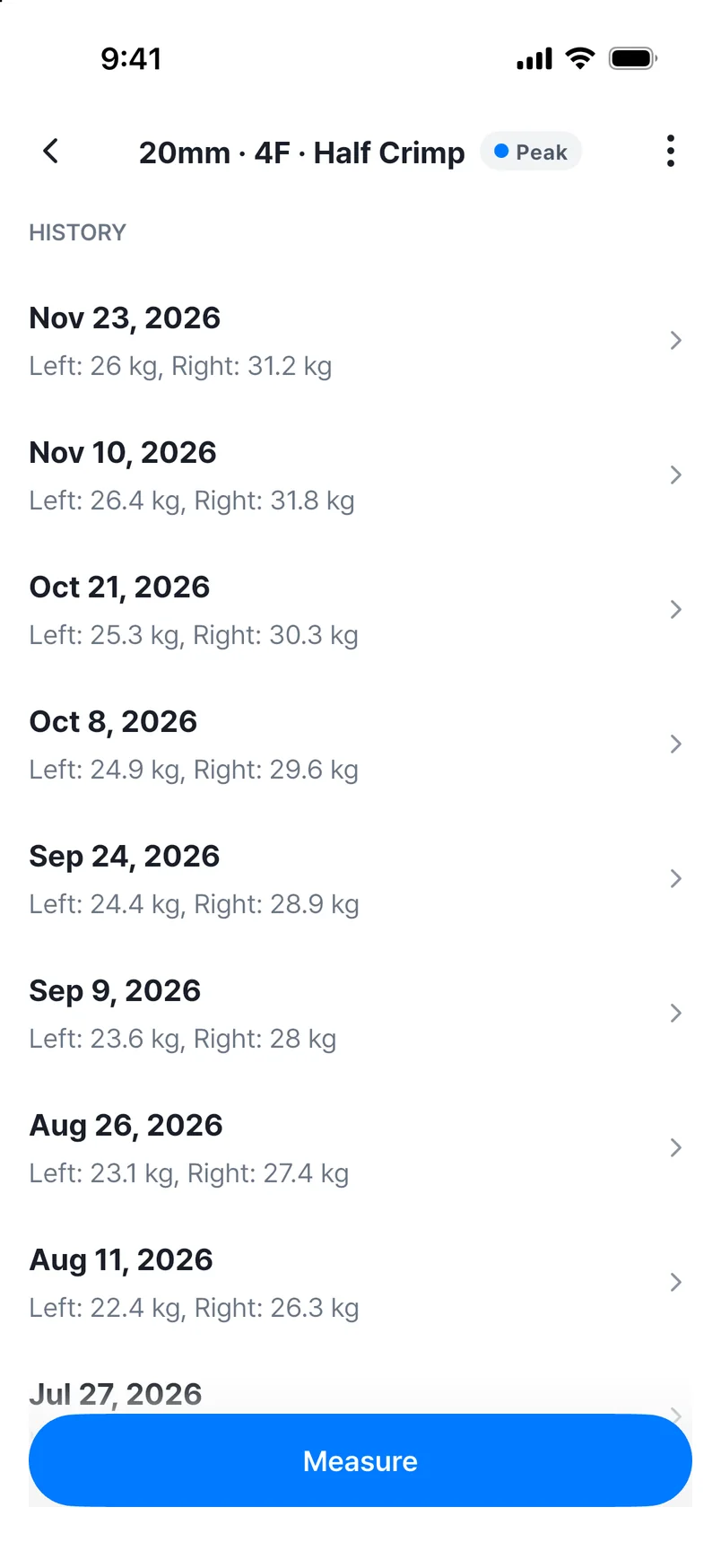
For what the numbers mean, see peak force, endurance, Critical Force and RFD.
Notes and contraction method
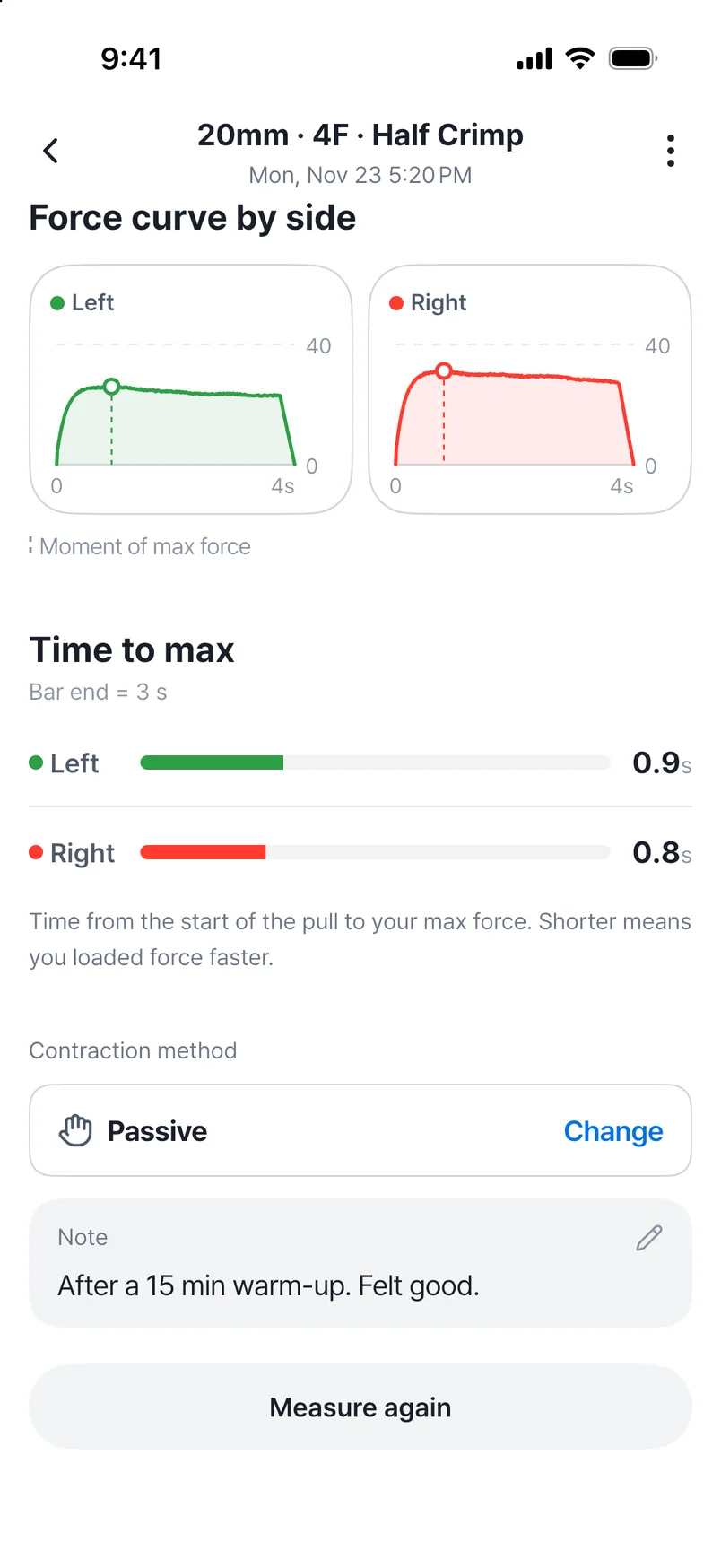
Use Add Note at the bottom of a result for your condition or equipment. On finger exercises, tap Change under Contraction method to switch between passive and active. It applies to both sides. Measure again starts a new test of the same sides.
Edit or delete
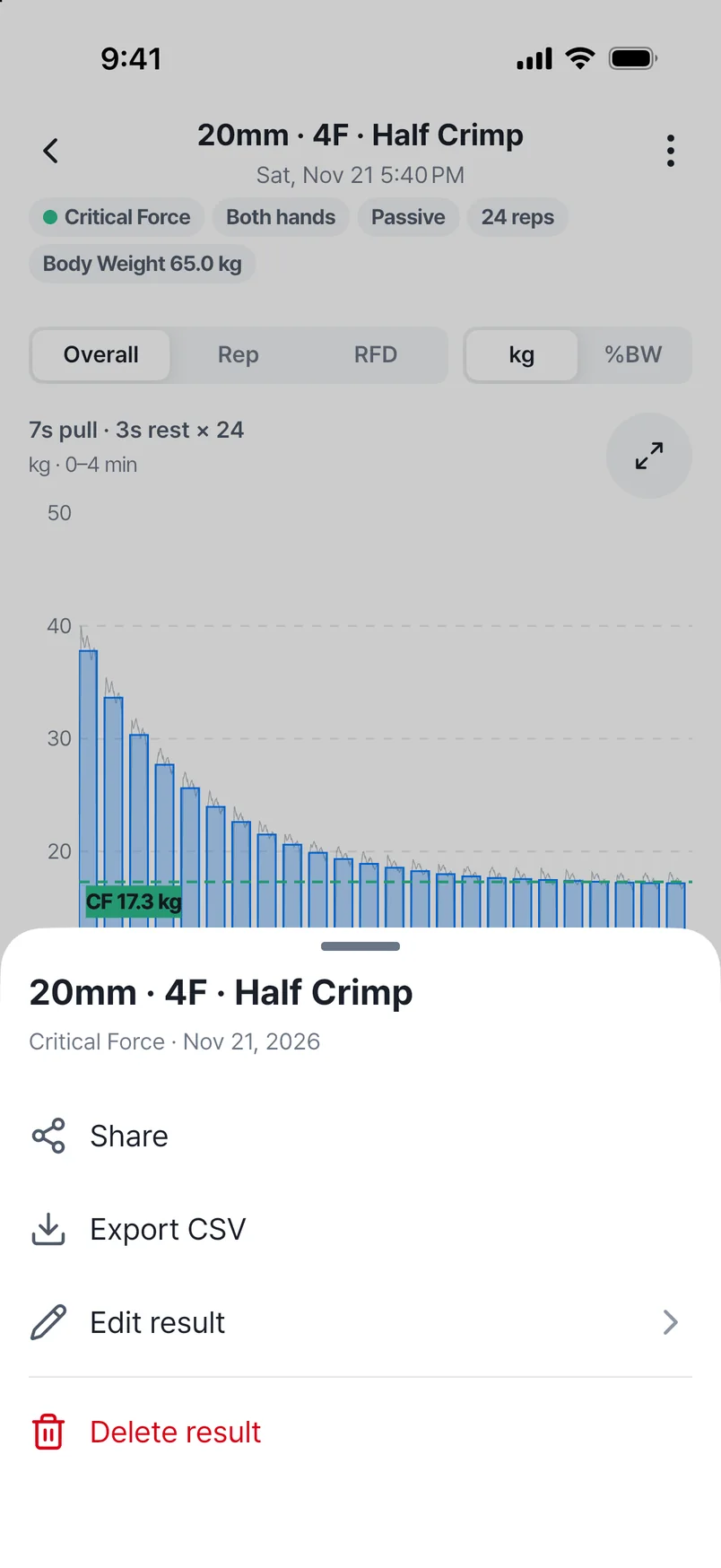
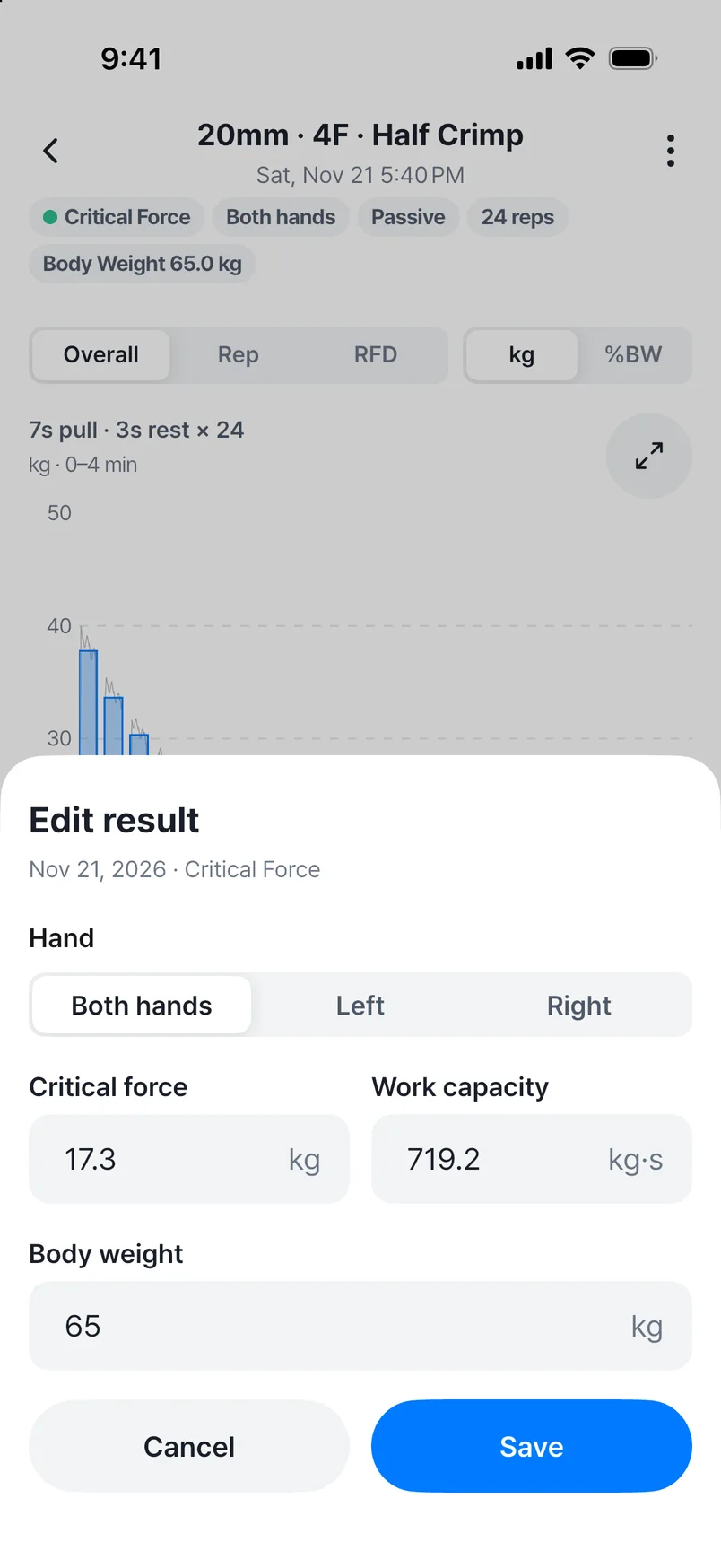
Open the menu at the top right of a result. For Critical Force, Edit result changes CF, W′, bodyweight and the side you tested. Delete result removes the left and right you measured together.
Import from other exercises
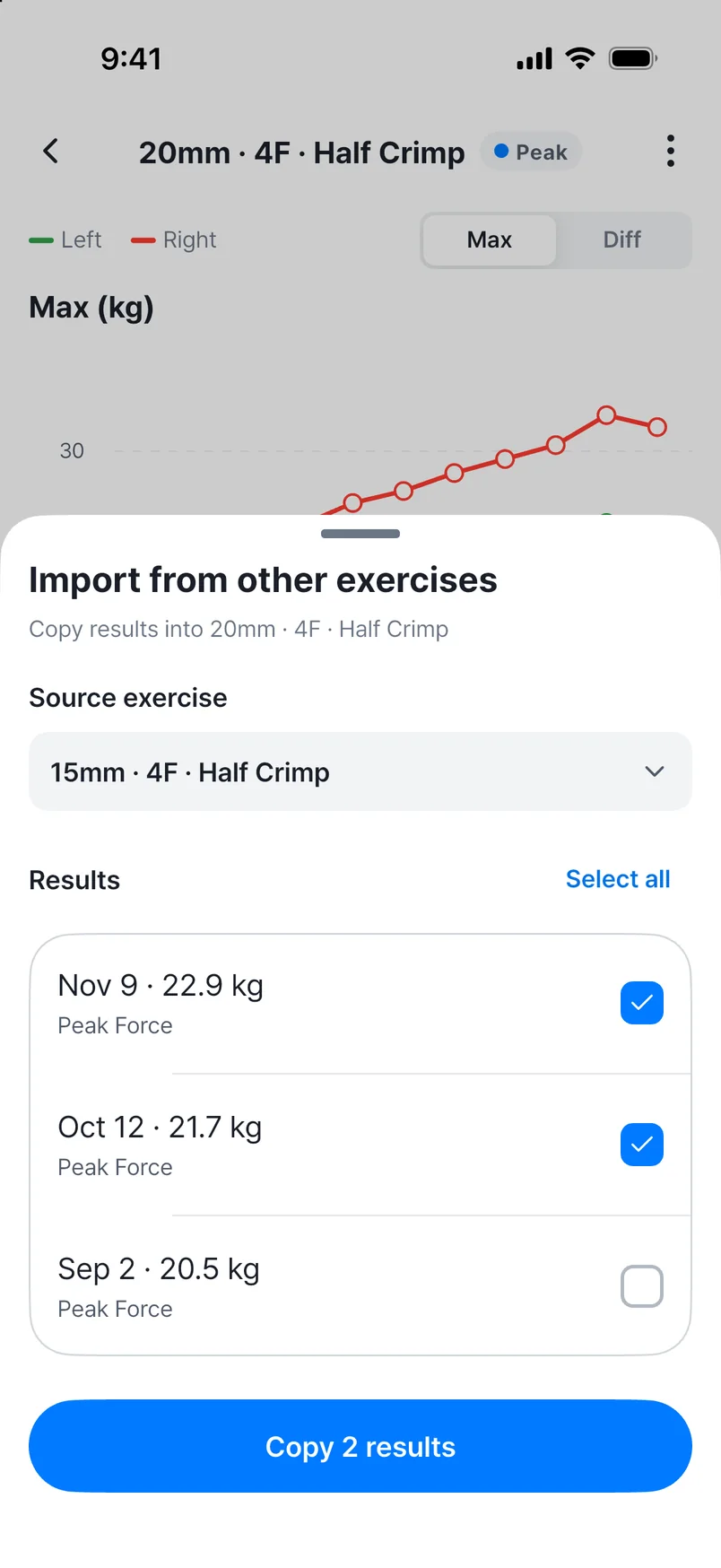
Open the menu at the top right of the trend screen, tap Import from other exercises, and choose an exercise and its results. Only results of the same type and settings appear. They are copied, so the originals stay.
Grip measurements from Frez 4.0 appear in the same list.
Share and export
Share turns a result into a share card. Export CSV makes a file of one result from the result menu, or of every result of this type from the trend screen menu.