What are set types?
Every set has a type. The type decides whether the set counts toward volume and records.
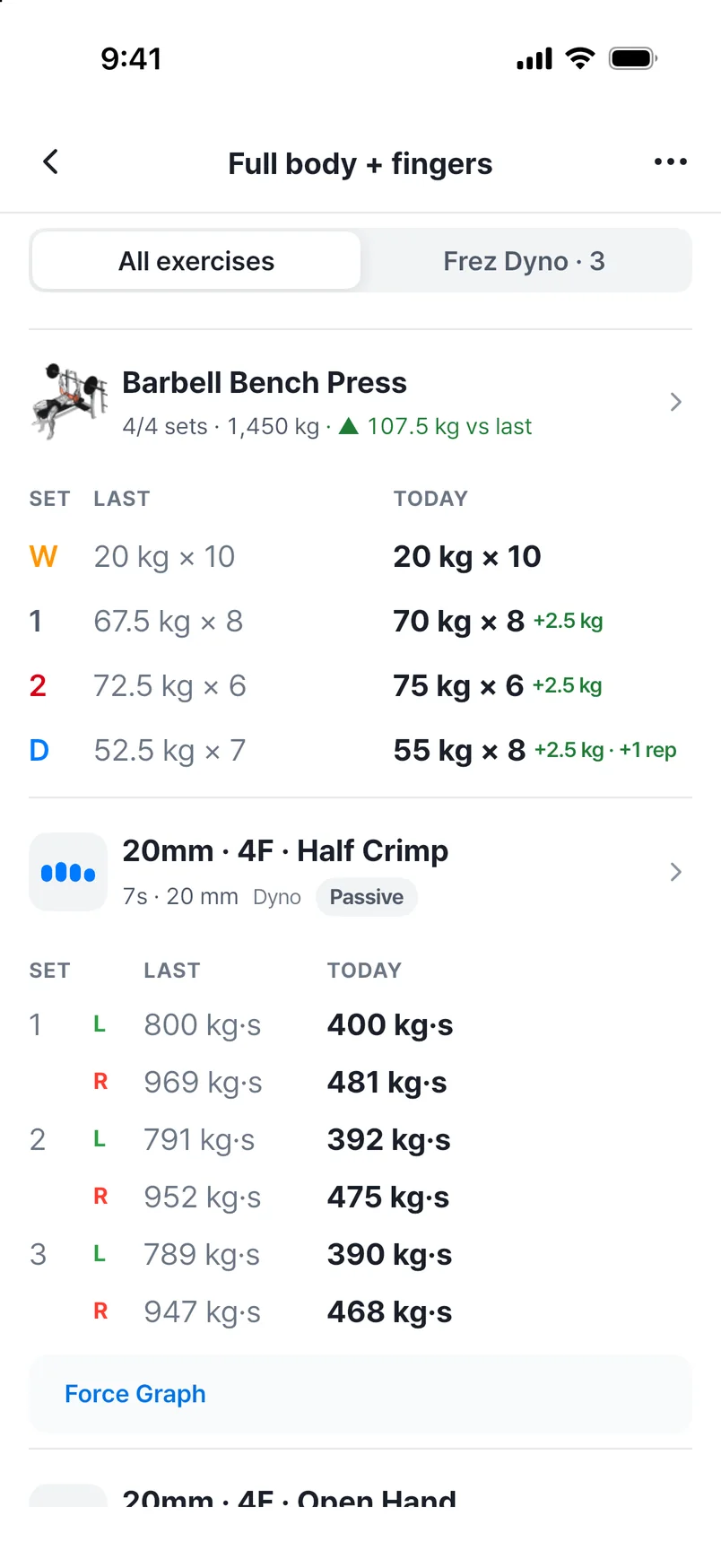
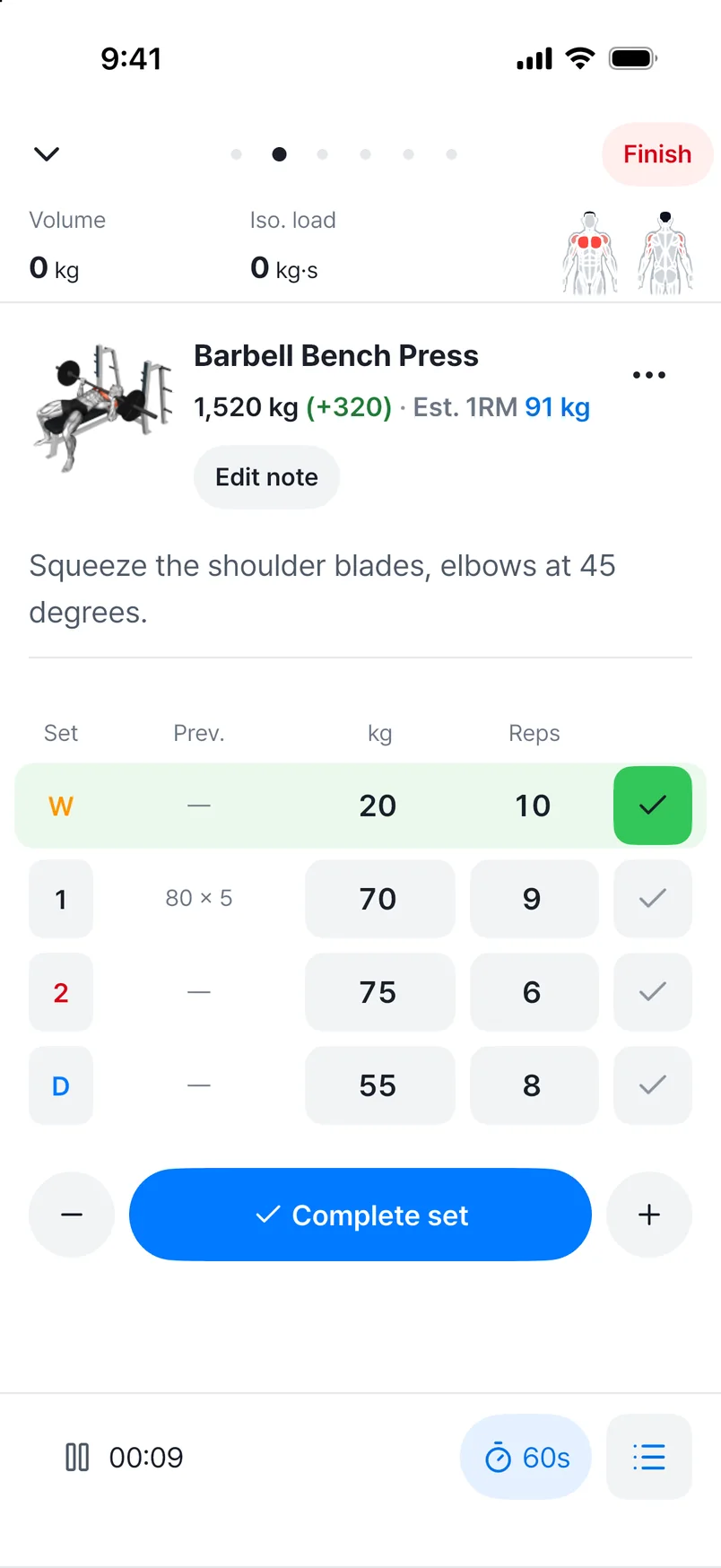
- Normal: The default, shown as a number.
- Warm-up: Shown as W and not numbered. Left out of volume, set counts and records.
- Drop: Shown as D. You lower the weight and keep going.
- Failure: You go until you cannot continue. The number is red.
Drop and failure sets count toward volume and records. Load suggestions use normal sets only.
Choose a set type
Tap a set number in a workout or in the routine editor and choose a type.
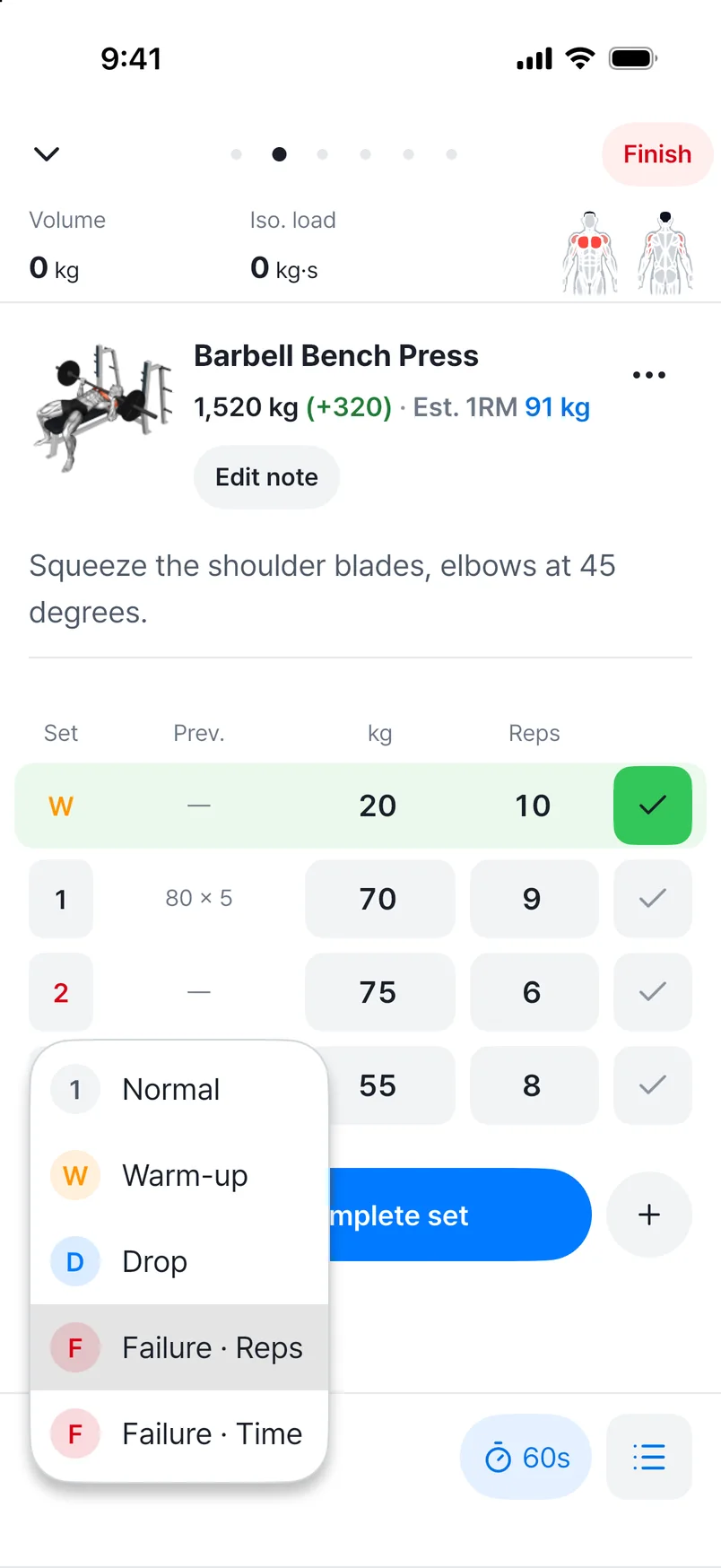
There are two kinds of failure set. Failure · Reps changes the reps to ∞ and Failure · Time changes the work time to ∞.
A weight you enter is copied to the unfinished sets below it, so fill in warm-ups first and work down.
Go to failure on a Dyno exercise
On a Dyno exercise, a failure set ends like this.
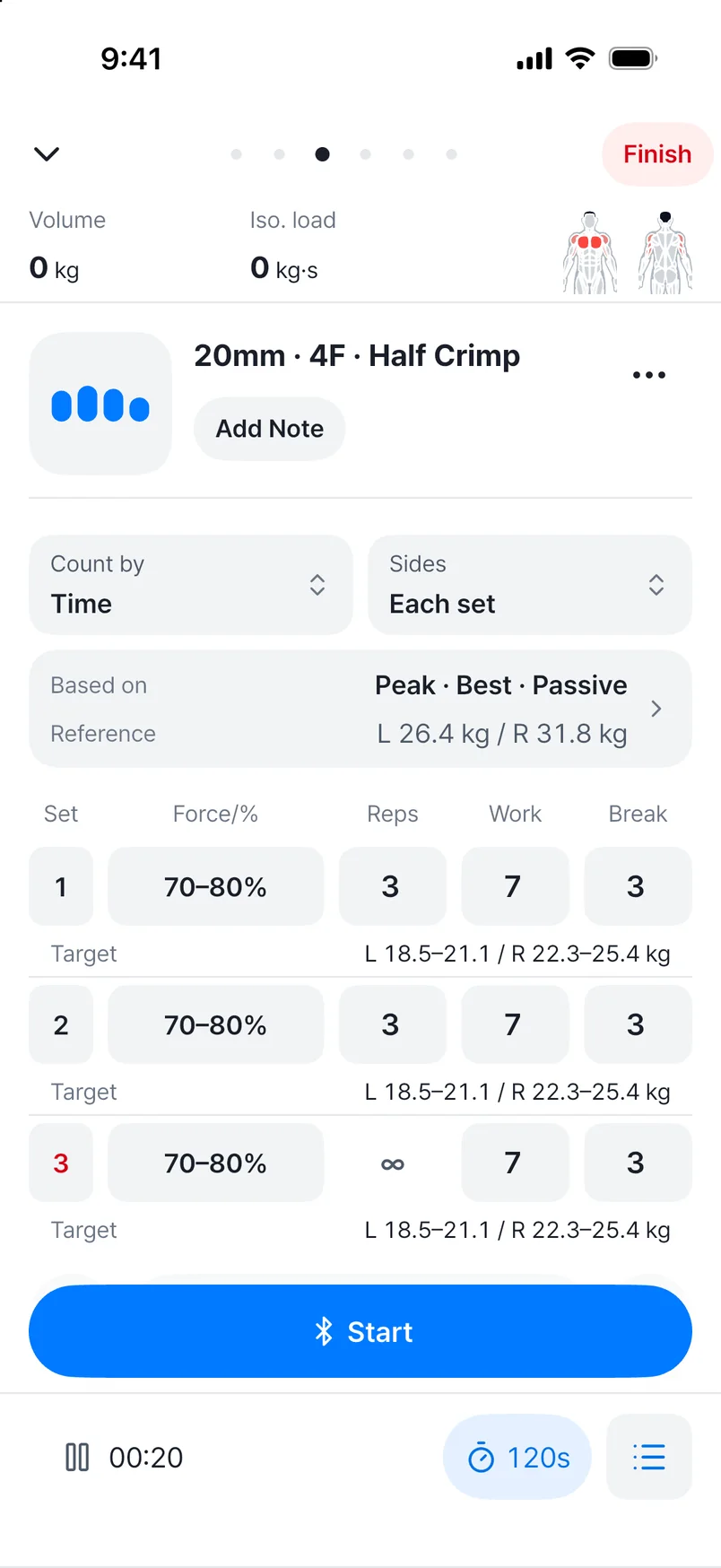
For reps, press and hold Declare Failure when you cannot pull anymore. The set also ends if it is your turn to pull and you apply no force for 7 seconds, once you have done at least one rep. For time, hold one rep as long as you can, then press and hold Stop.
See them in your log
For weight exercises, your workout log shows the same W, D and red numbers.