What is a hangboard grip?
In Frez, one combination of fingers, grip and edge depth is one exercise. Logs and measurements are kept per combination.
Choose a grip
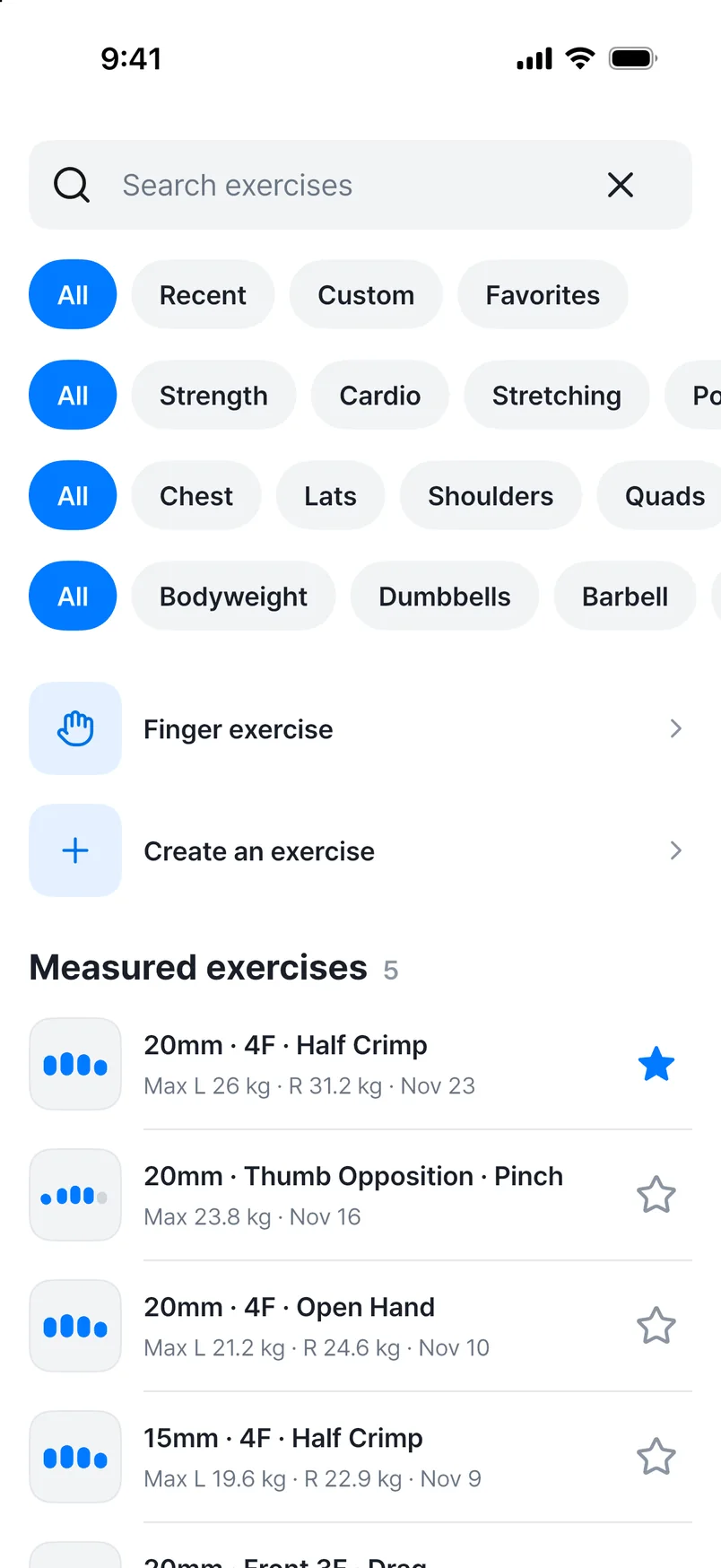
In a routine or workout, tap Add exercise and choose Finger exercise. When you measure, tap Choose another exercise, then Hangboard.
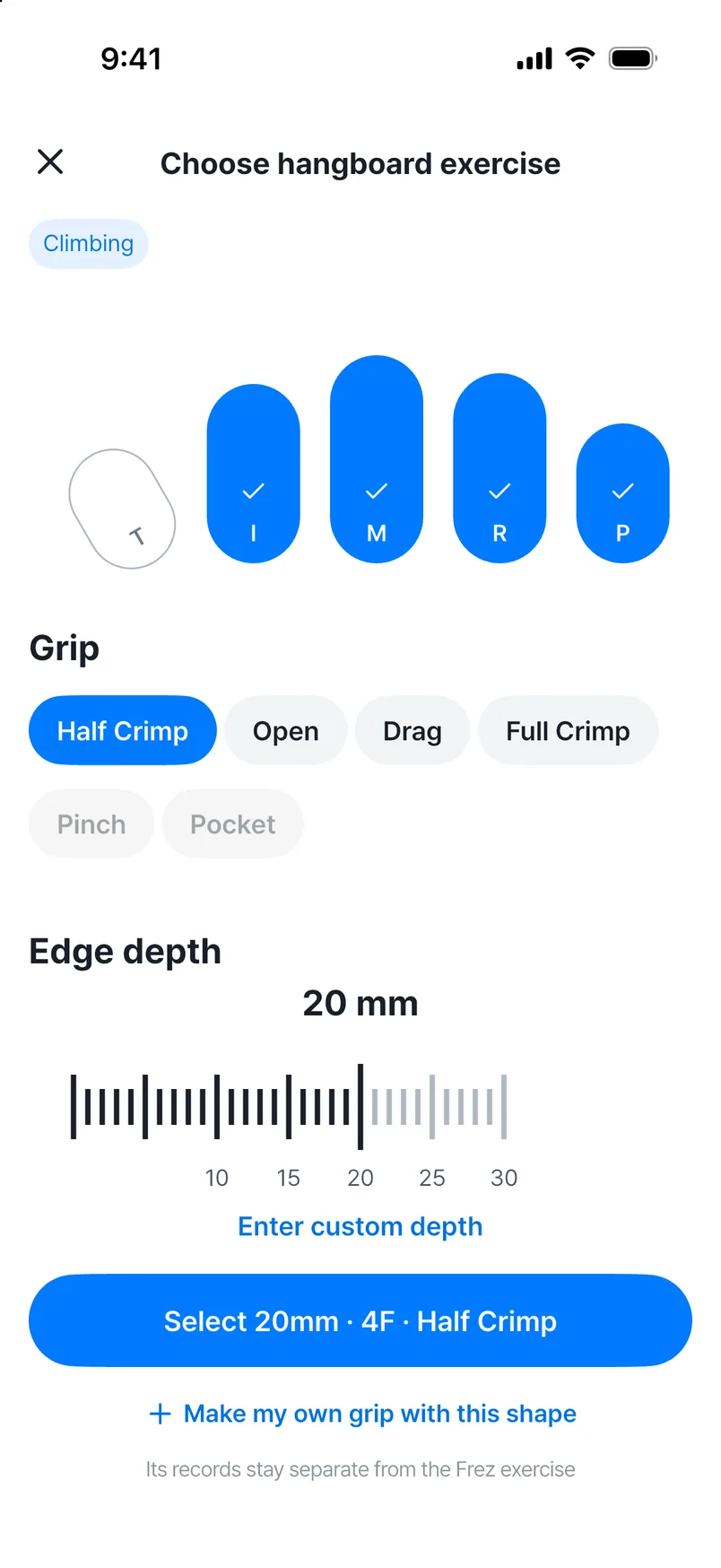
Tap the fingers you use. It opens with all four fingers on and the thumb off. Only grips that fit those fingers can be selected.
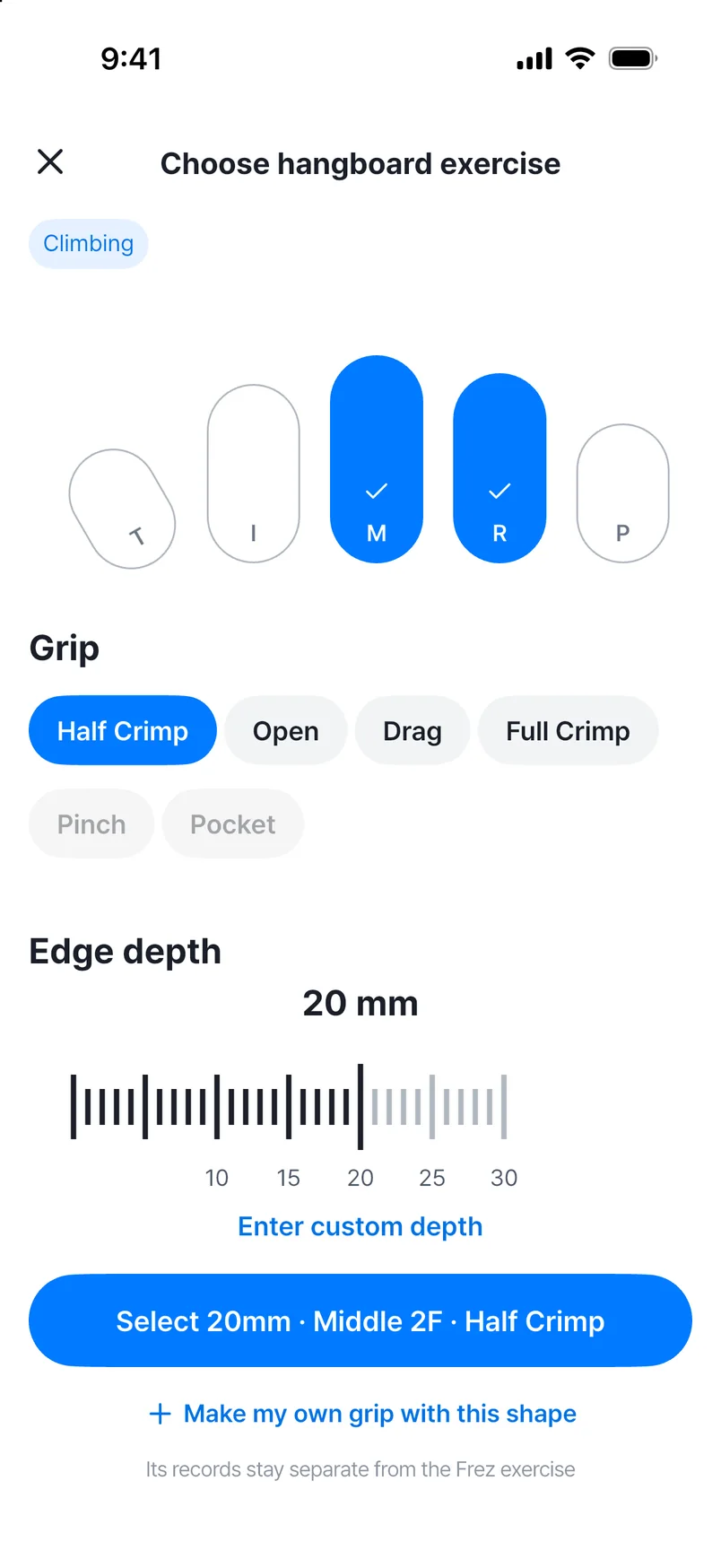
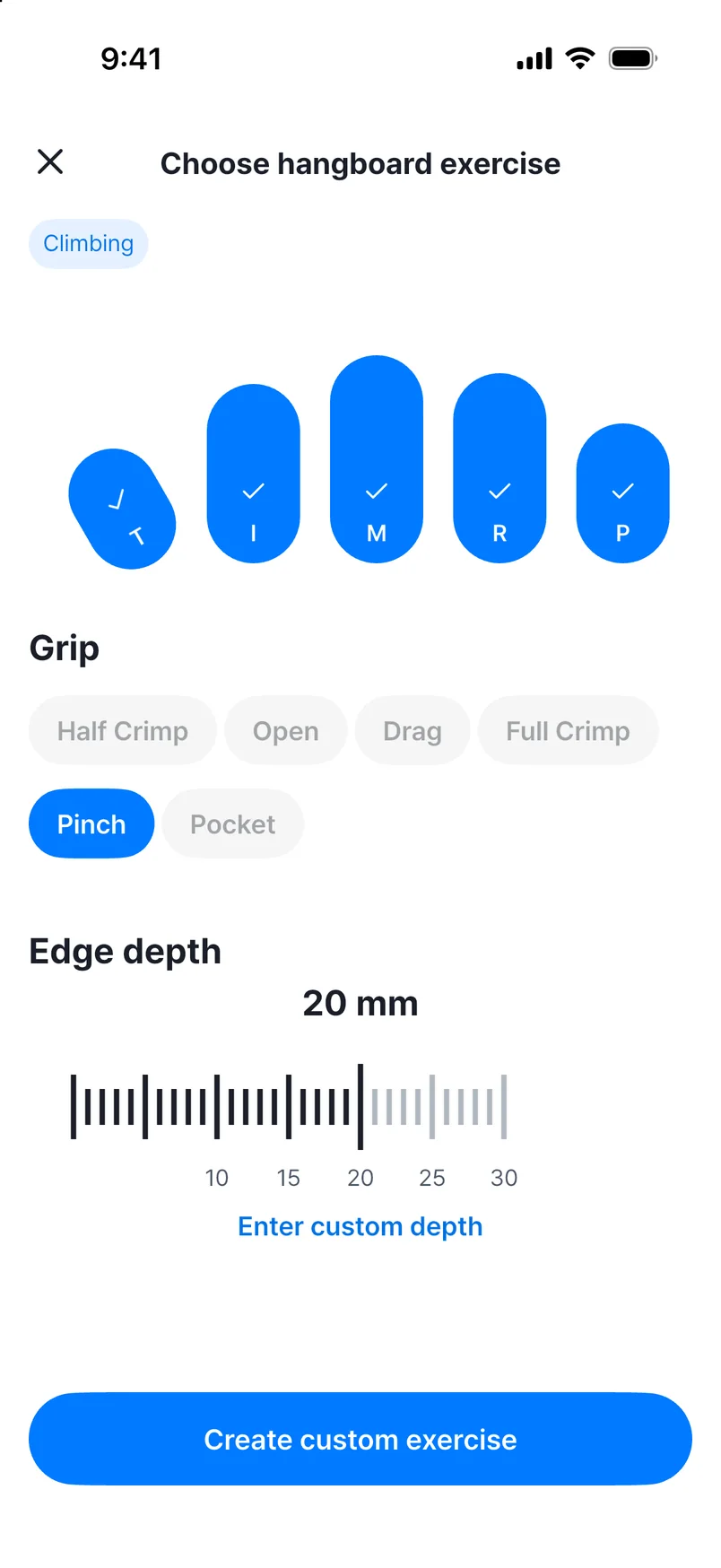
- Half Crimp, Open, Drag, Full Crimp: 2 to 4 fingers, no thumb
- Pinch: The thumb and at least one finger
- Pocket: One finger
Edge depth
Slide the ruler from 10 to 30 mm in steps of 5 mm. For another depth, such as 8 or 22 mm, tap Enter custom depth.
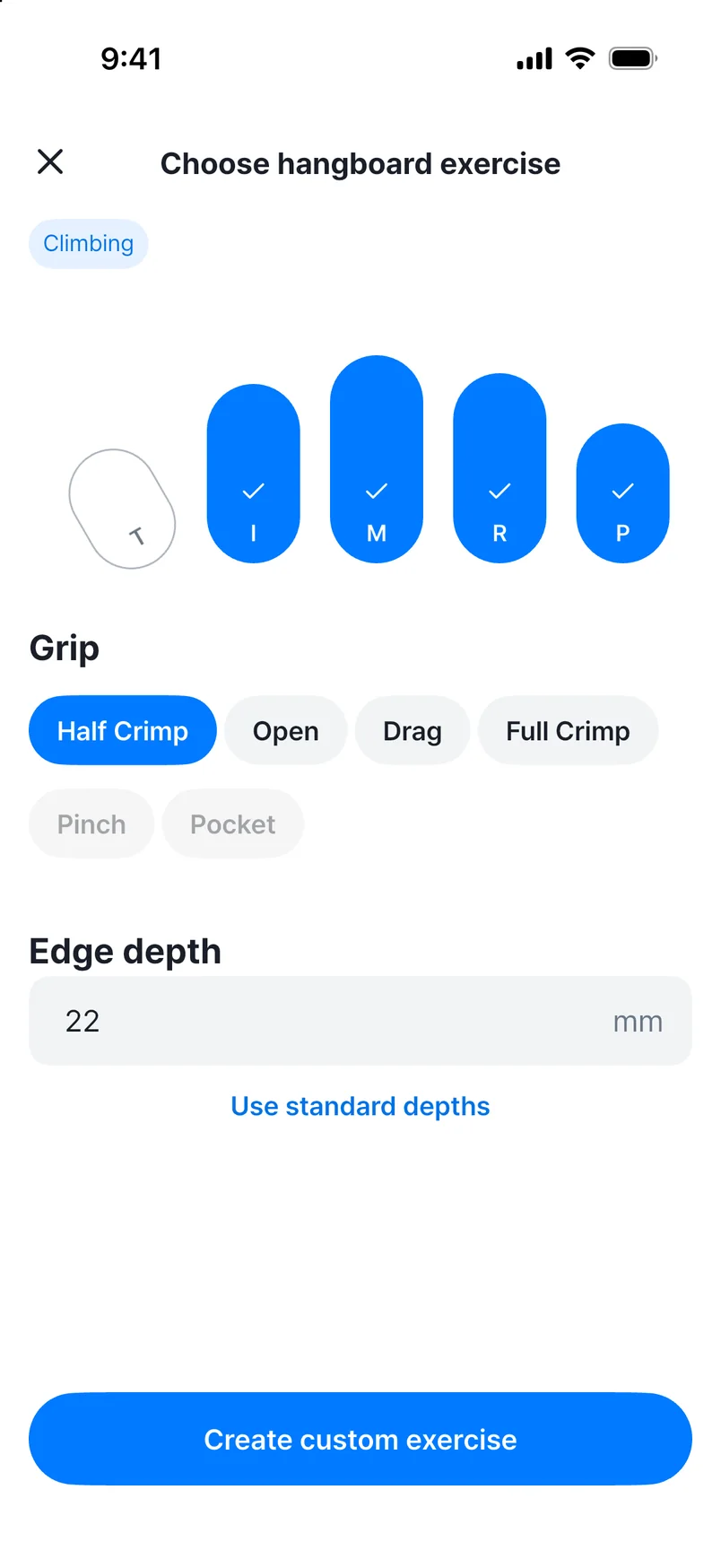
If the bottom button shows a grip's name, that grip exists already. Tap it to add the grip.
Make your own grip
For a new combination, the button reads Create custom exercise. To keep two 20 mm boards apart, tap Make my own grip with this shape and give it a name.
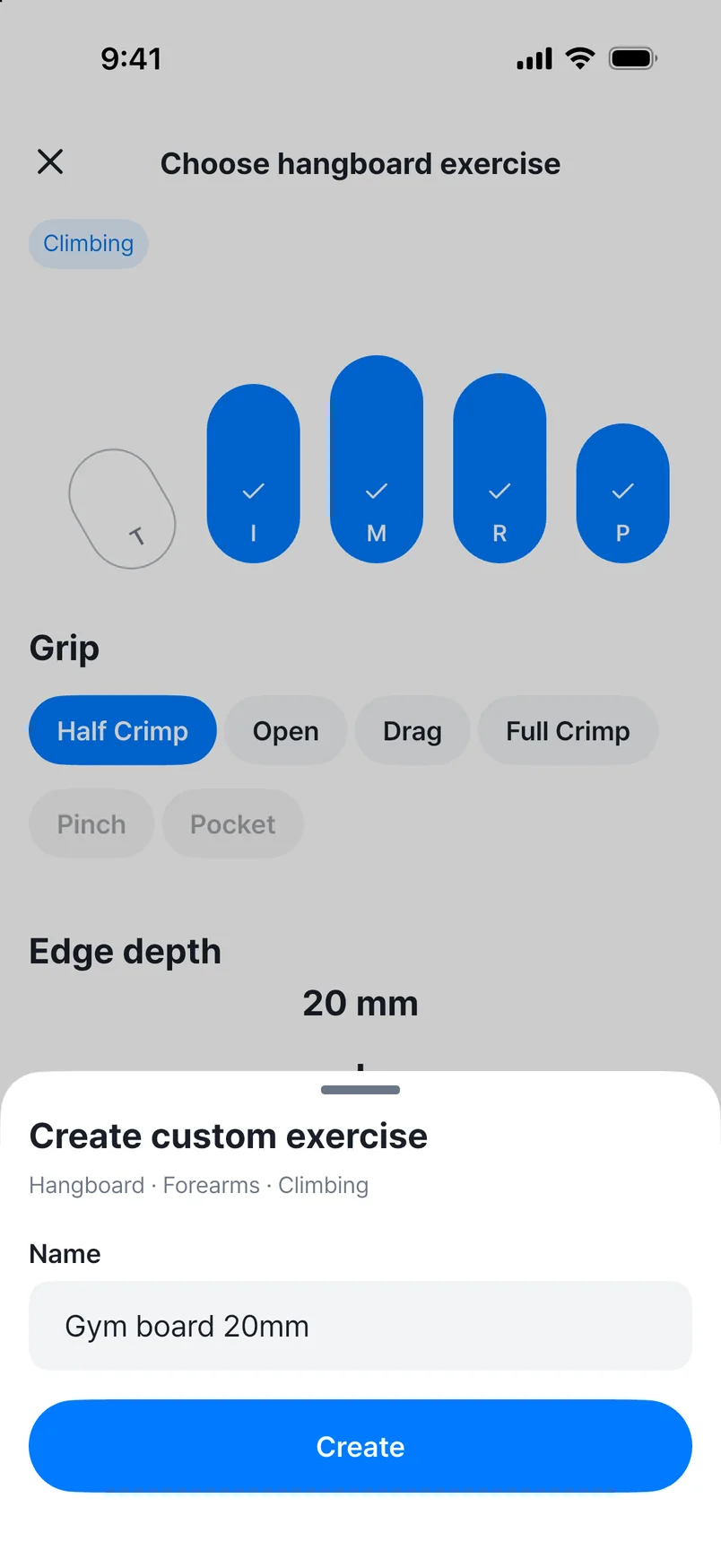
Its records stay separate from the original grip. For other movements, make a custom exercise.
Passive and active
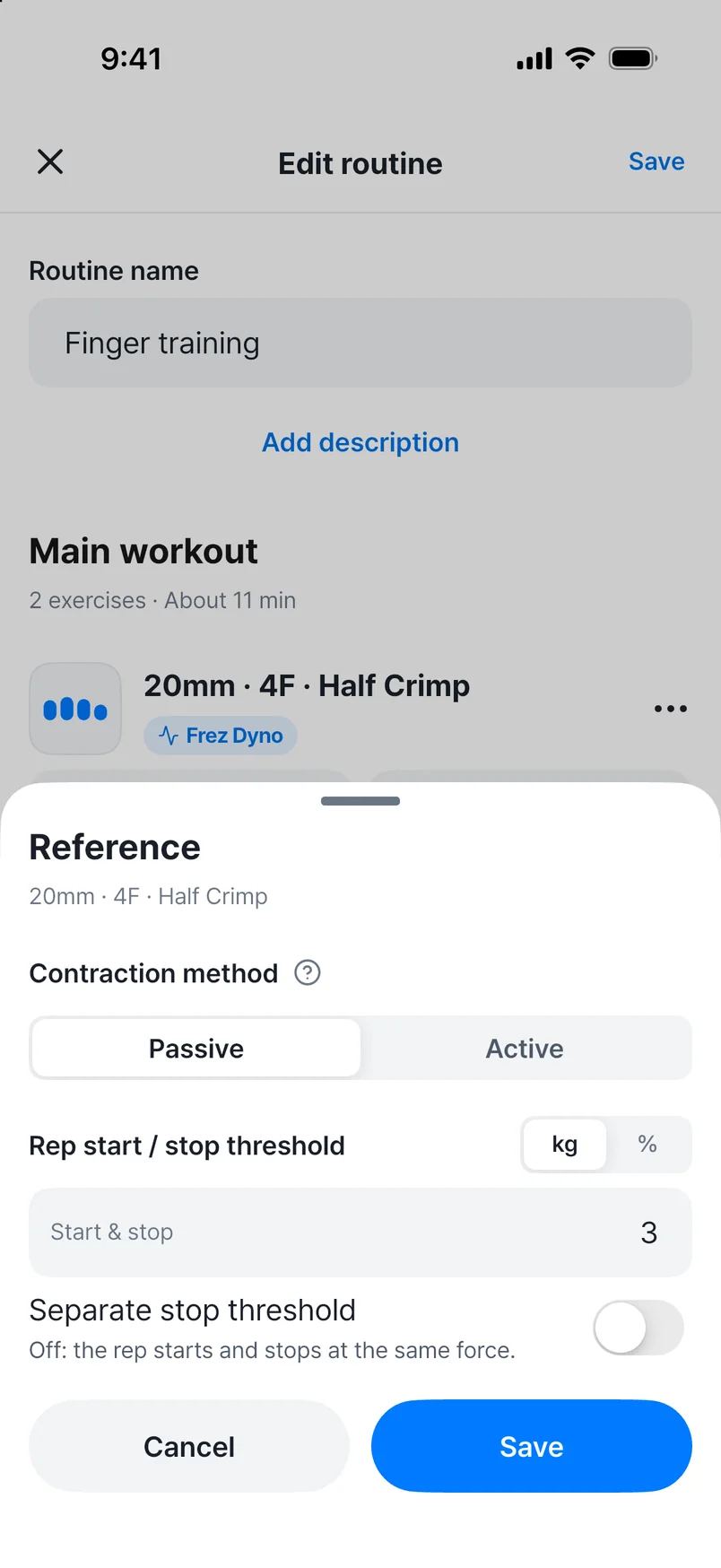
One grip works two ways. In a passive hold you keep your hand from opening. In an active hold you curl your fingers in. Tap Based on on the exercise card and choose under Contraction method. % targets look for measurements of that method first.