What is a force target?
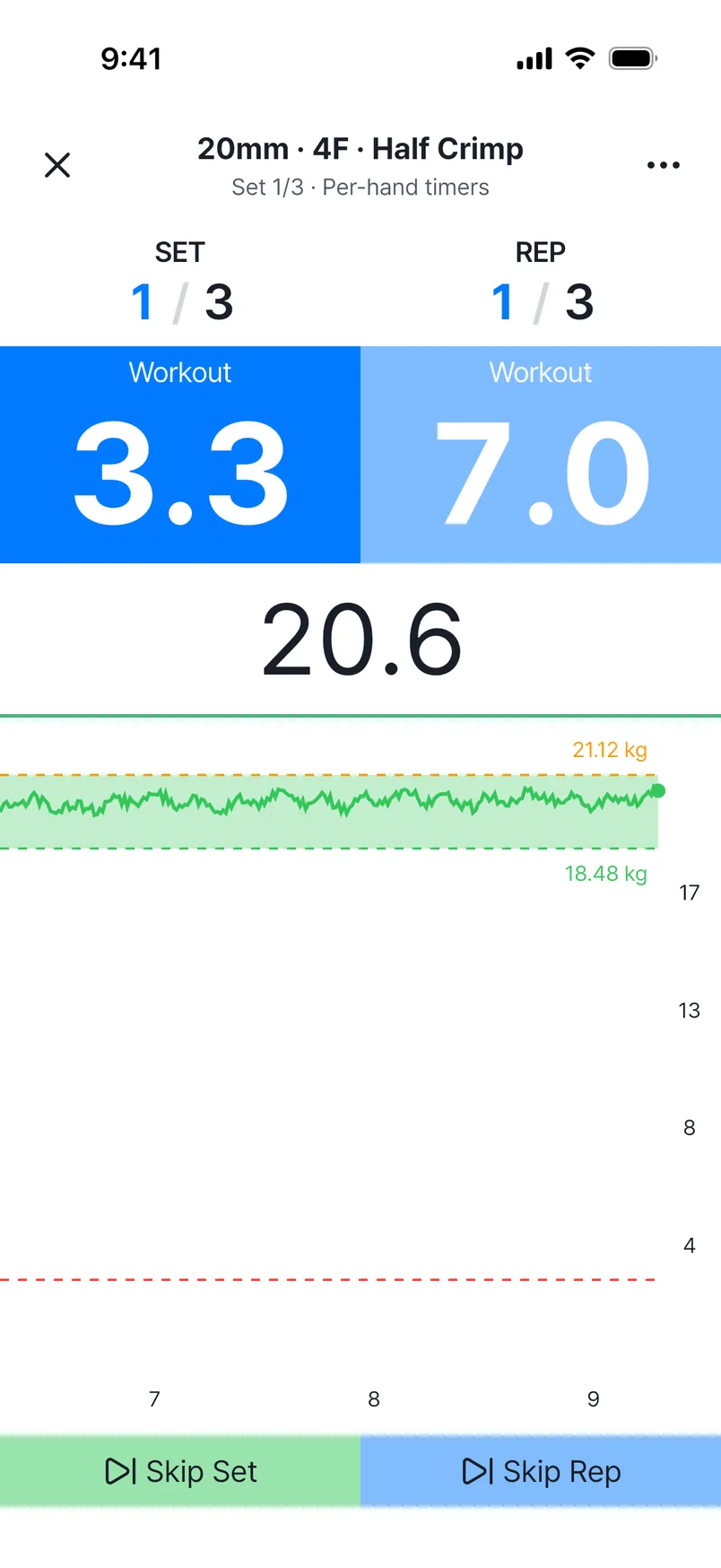
It is the lowest and highest force to pull in a set. The graph shows it as a band during a Dyno workout.
- Green: You are in range.
- Red: You are below the target.
- Orange: You are above the target.
Set a %
While editing a routine or working out, tap the Force/% cell of a set.
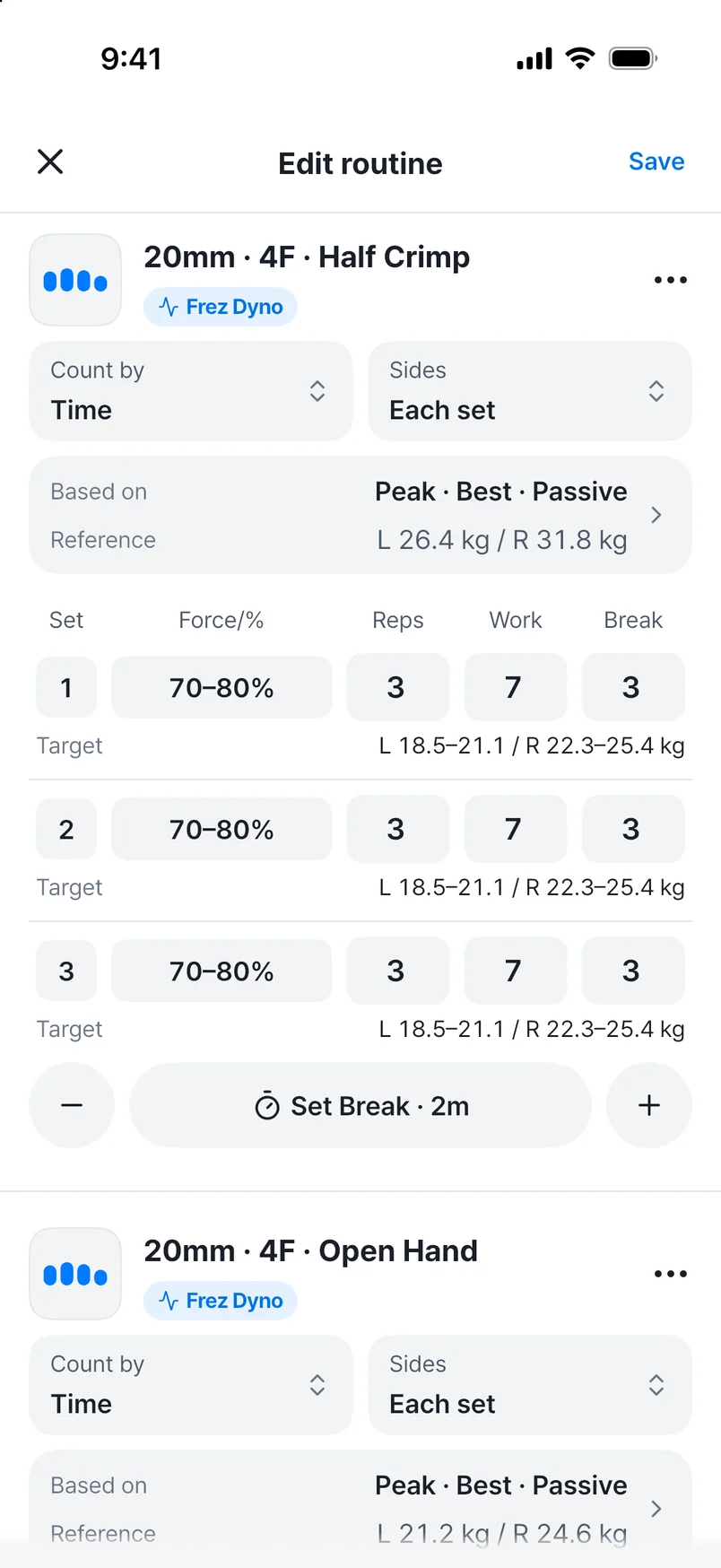
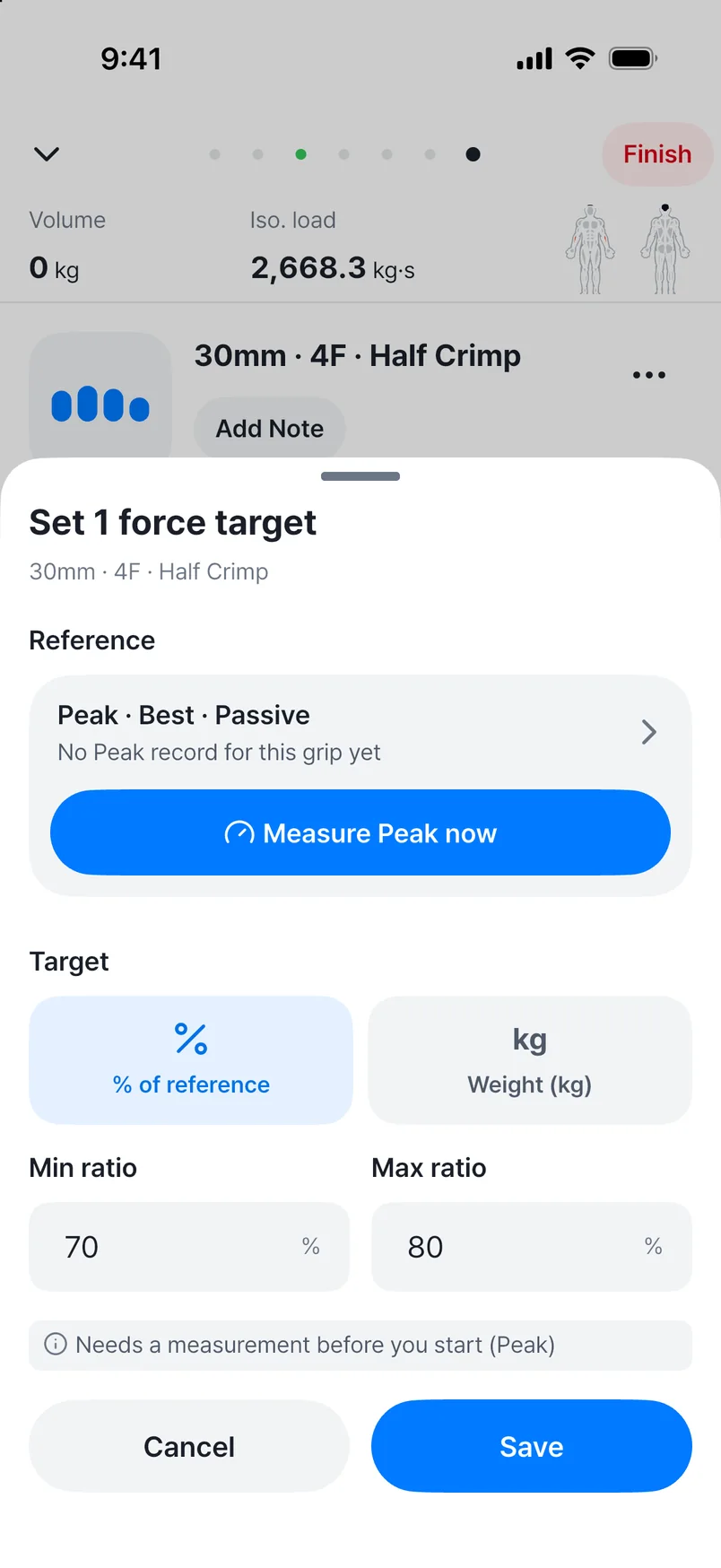
Under % of reference, enter the min and max ratio. It starts at 70–80%. Once you have a measurement, the range in kg appears below.
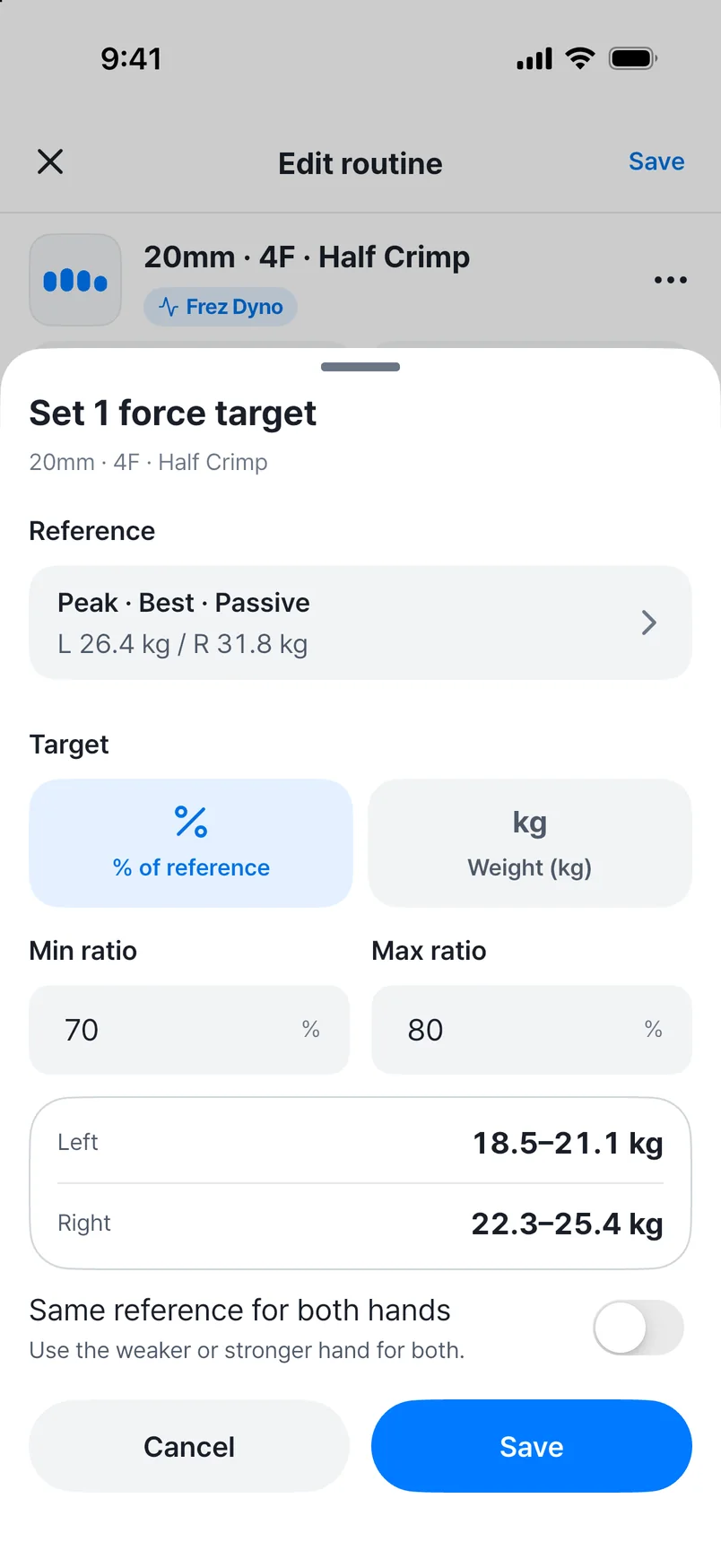
When an exercise switches hands, left and right each use their own measurement. To match them, turn on Same reference for both hands and choose Weak or Strong.
Set a weight
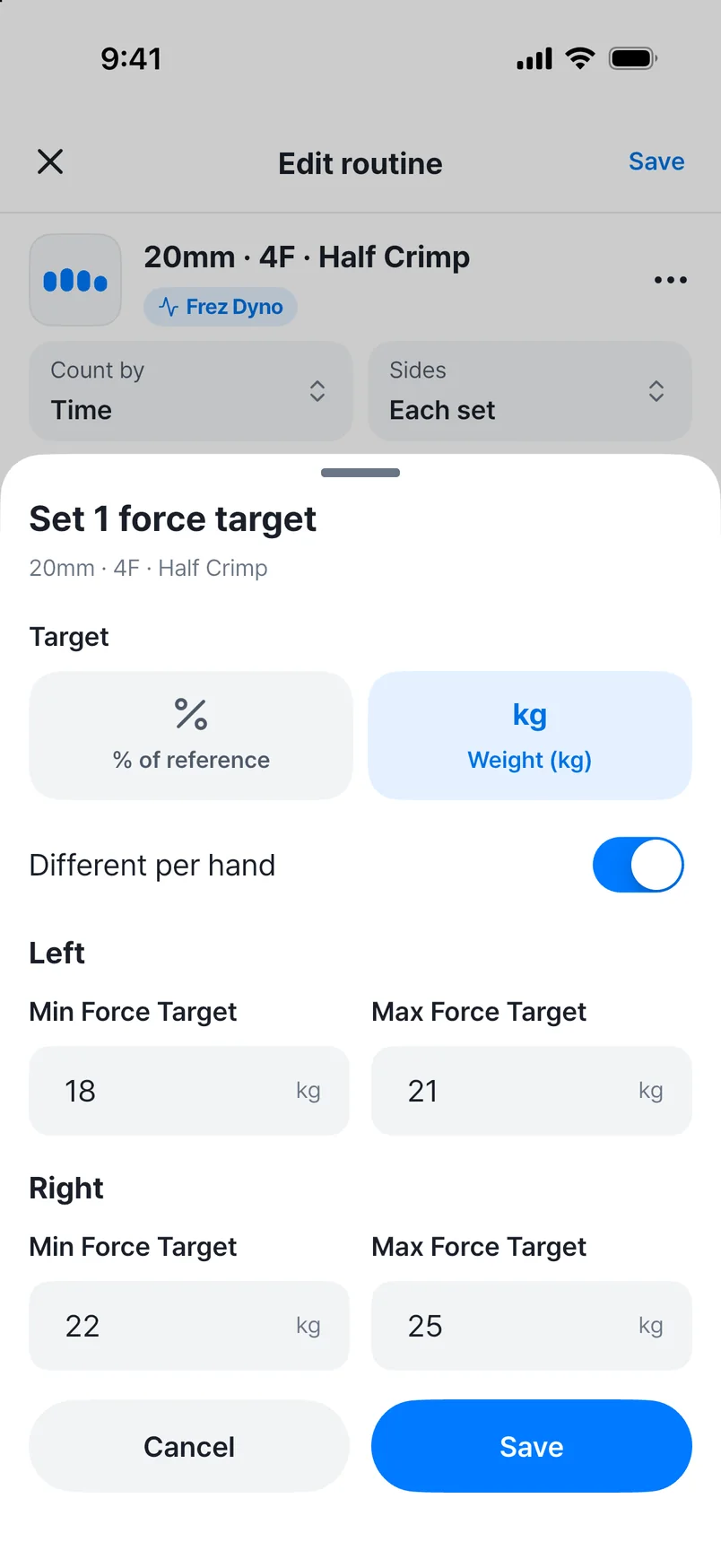
Choose Weight (kg) to enter the range yourself, with no measurement. Turn on Different per hand to set left and right separately.
Choose the reference
Tap Based on on the exercise card to change what the % is taken from.
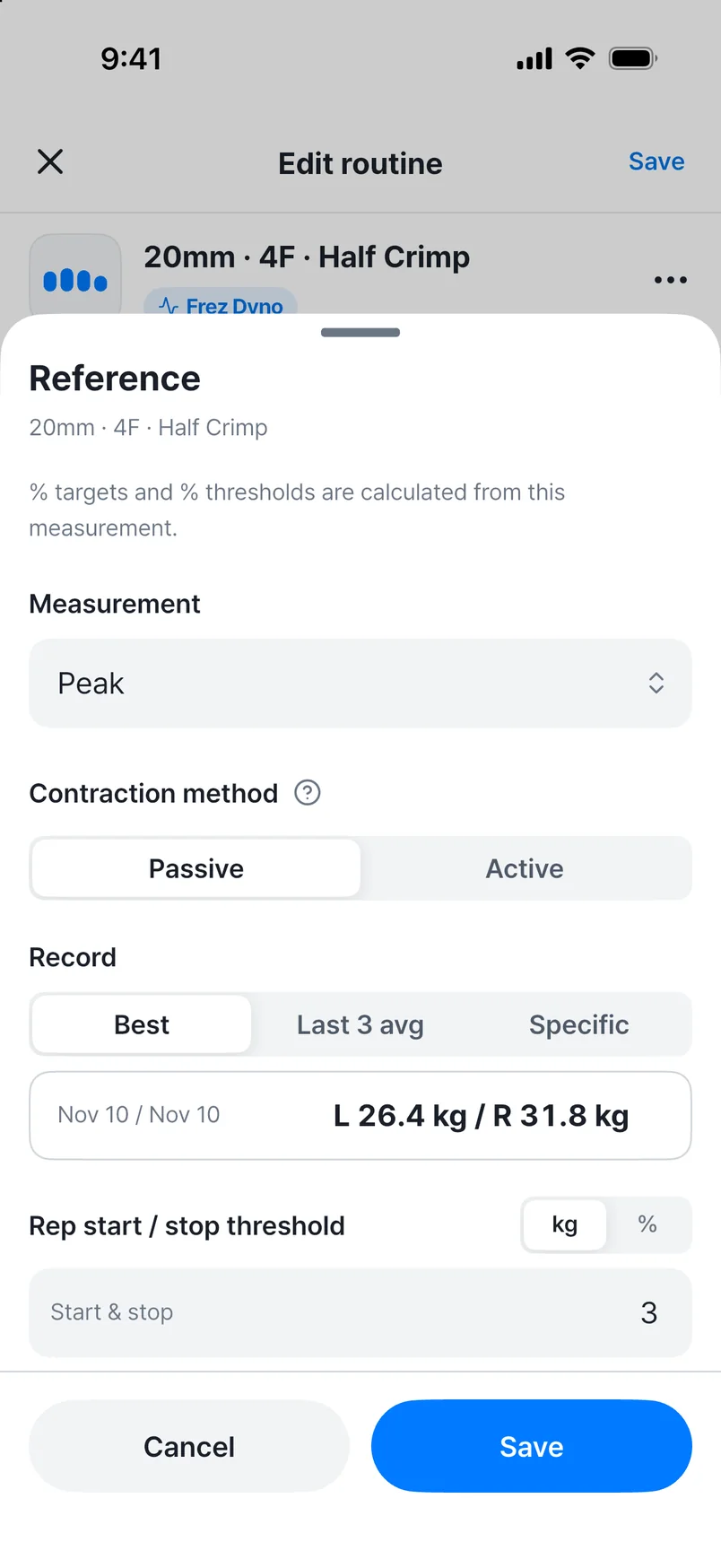
- Measurement: Peak by default. For endurance work you can choose Critical Force.
- Contraction method: Passive or Active, for finger exercises.
- Record: Your best, the average of your last 3, or one specific result.
With Best or Last 3 avg, the target moves when you measure again. A specific result stays the same.
When a measurement is needed
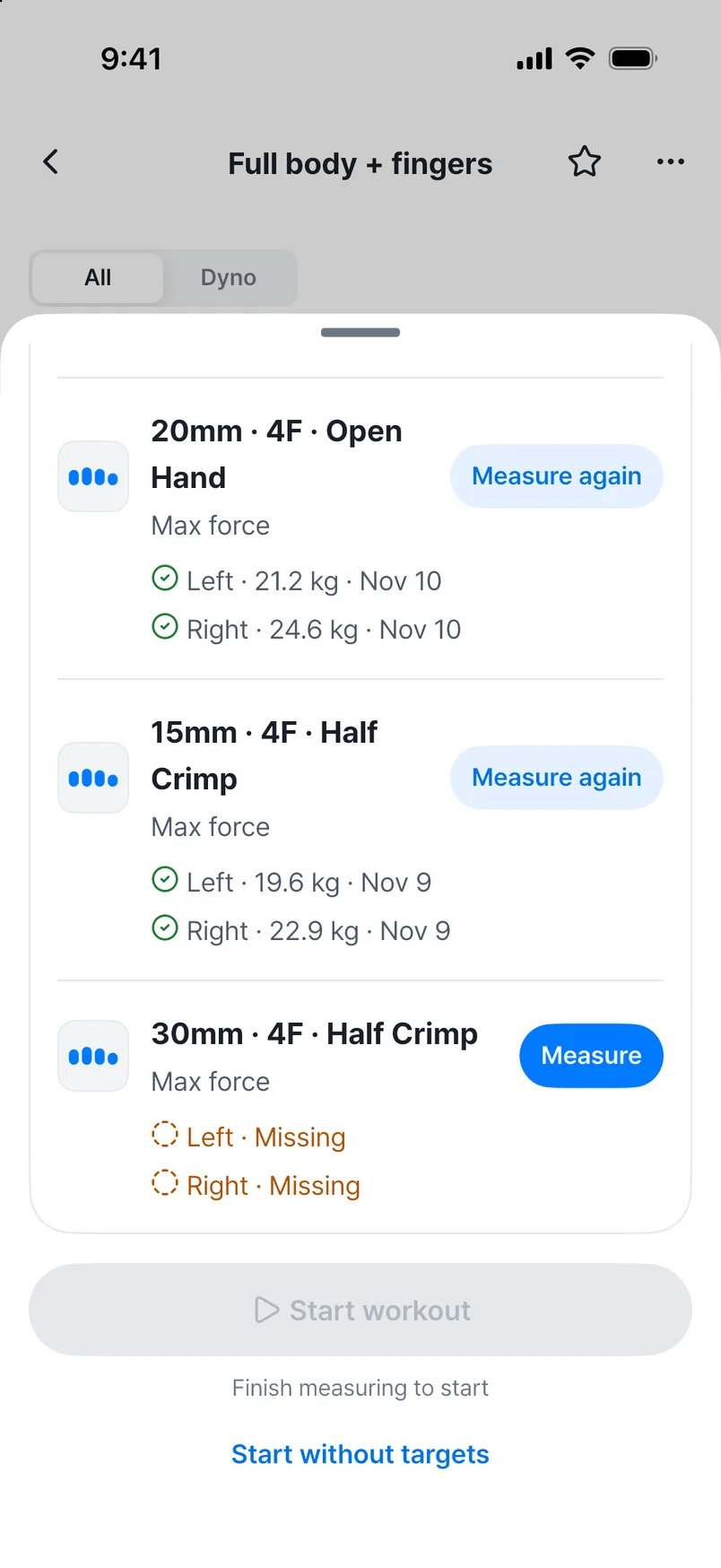
With no record to use, you see Measure Peak now during a workout. While editing a routine, save it as it is. The routine asks for the measurement when you start it.