
What is a Dyno workout?
It is isometric training with a force device connected. Applying force starts the timer, and the rests between reps and sets follow on their own.
How to start
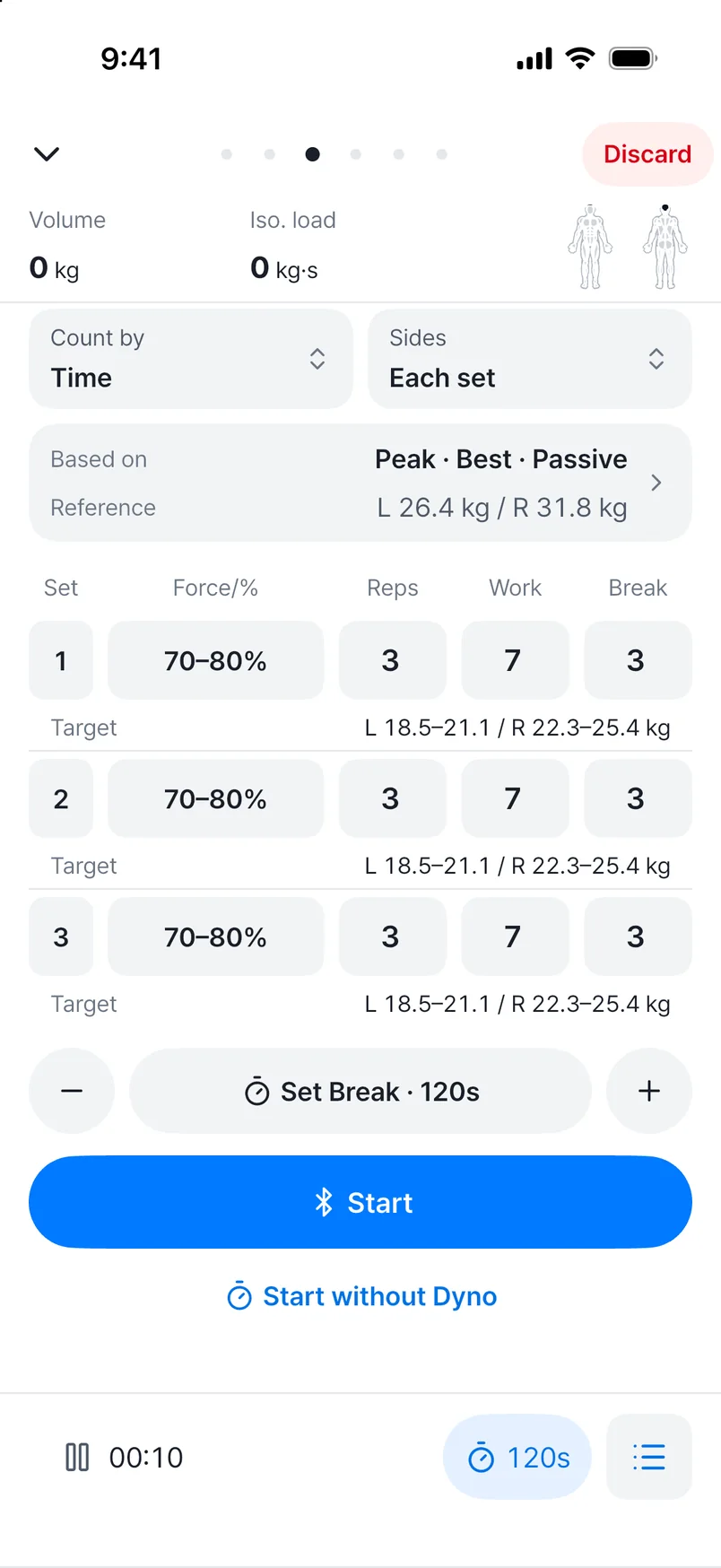
During a workout, tap Start on the card of a Dyno exercise.
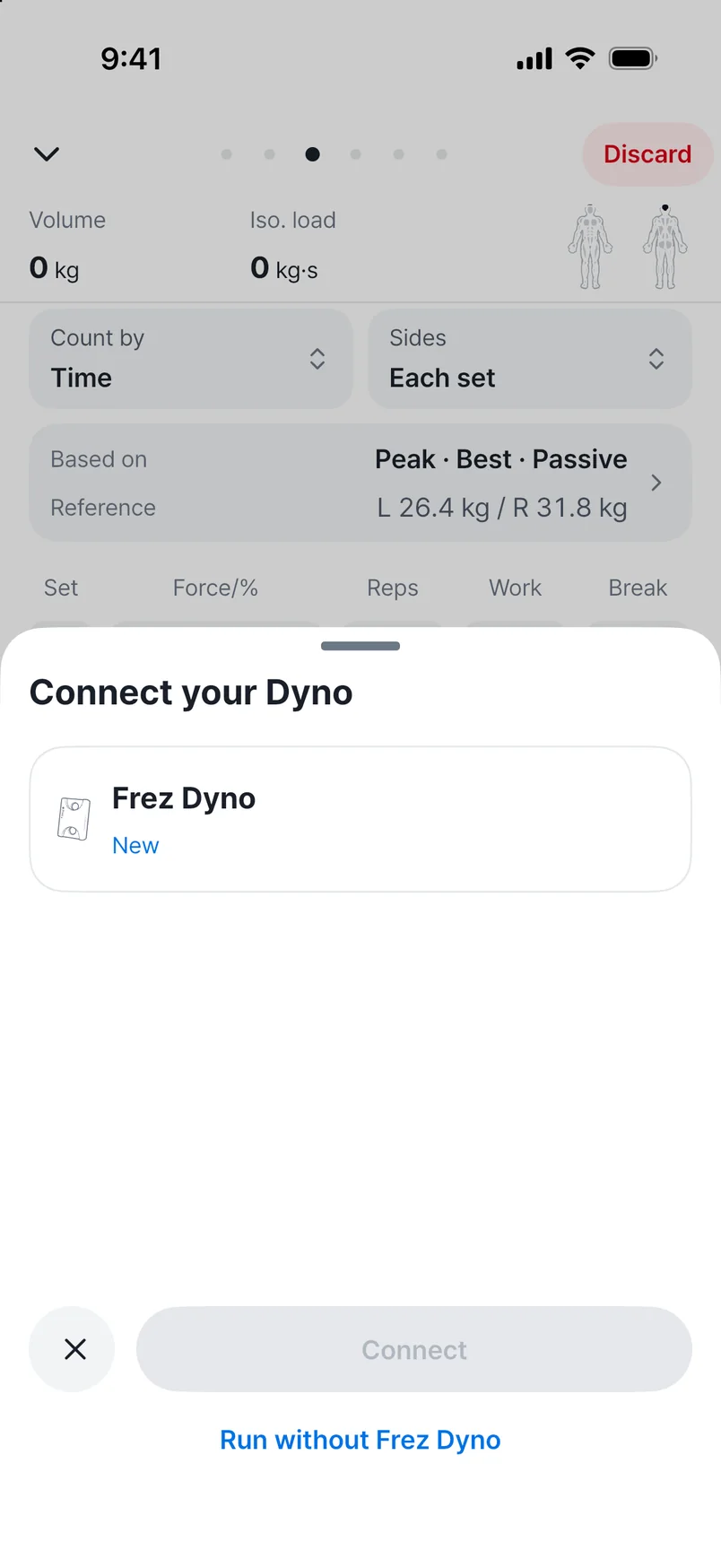
If no device is connected, Connect your Dyno opens. Turn the device on, choose it and tare it. A routine with only Dyno exercises goes straight to its first set once connected.
Pull and rest
Pull when you see Pull! and the time counts down. When it runs out and you see Release!, let go to start the rest. If you let go with a second or more left, the timer stops and continues when you pull again.
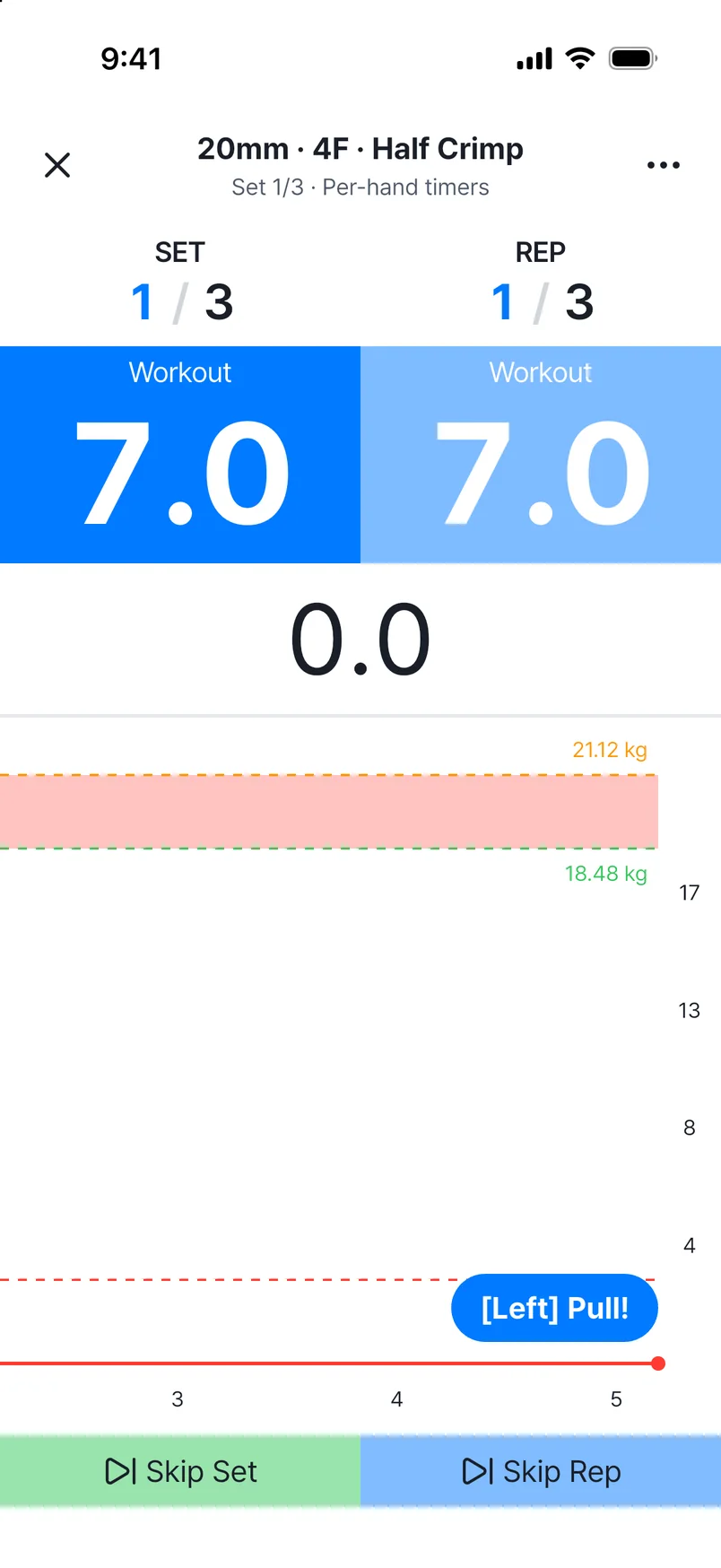
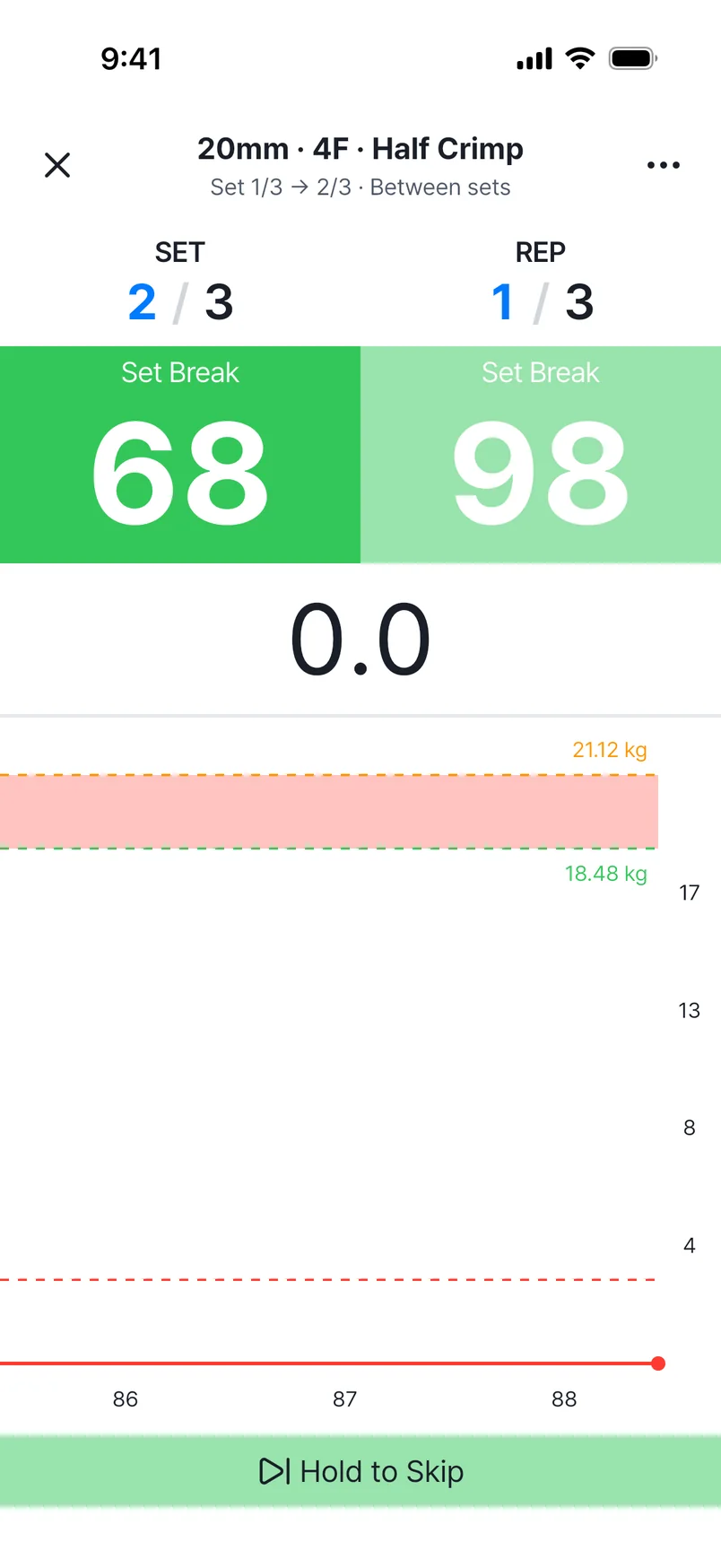
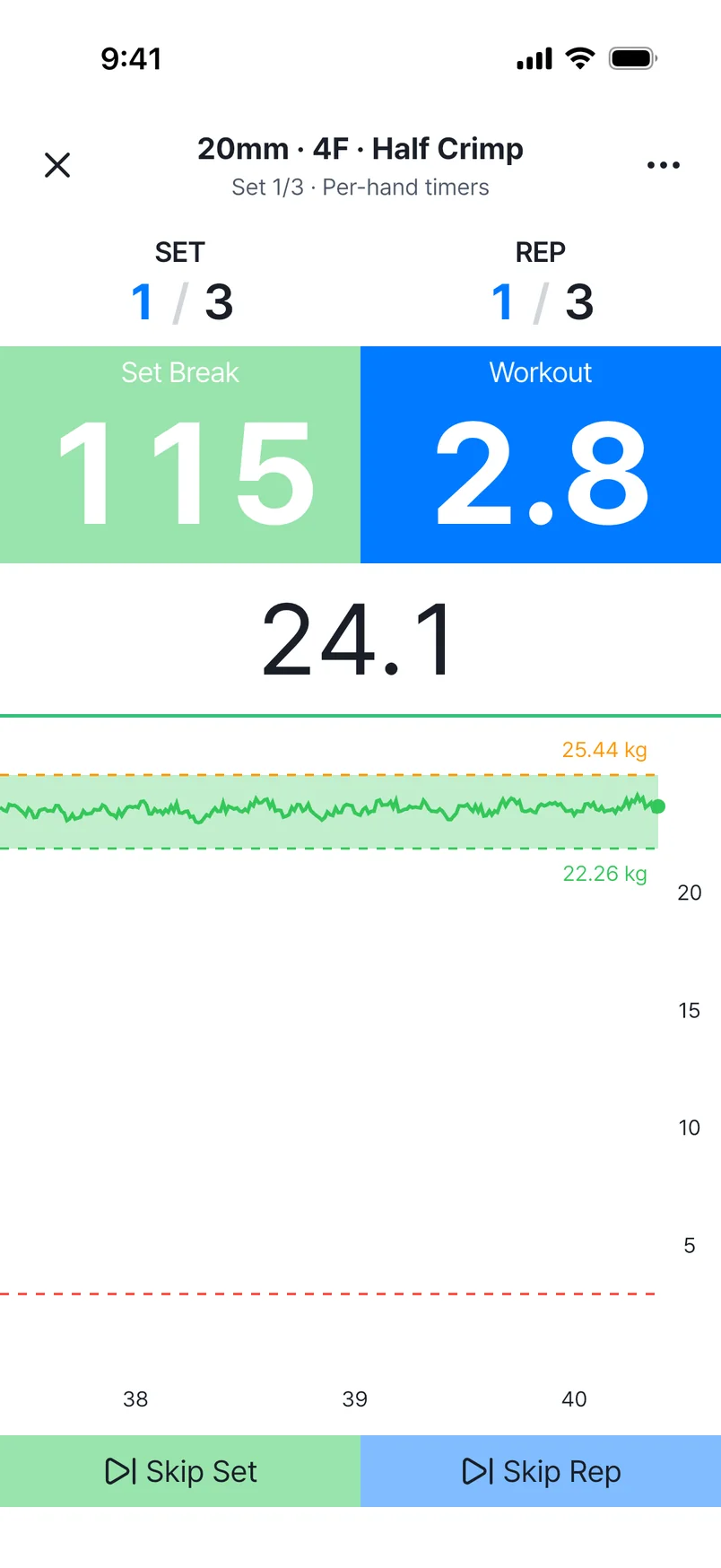
Blue is Workout, green is Rep Break or Set Break, and red means it is time to let go. Use Hold to Skip to cut a rest short. Exercises that switch hands show left and right timers.
Change what starts a rep
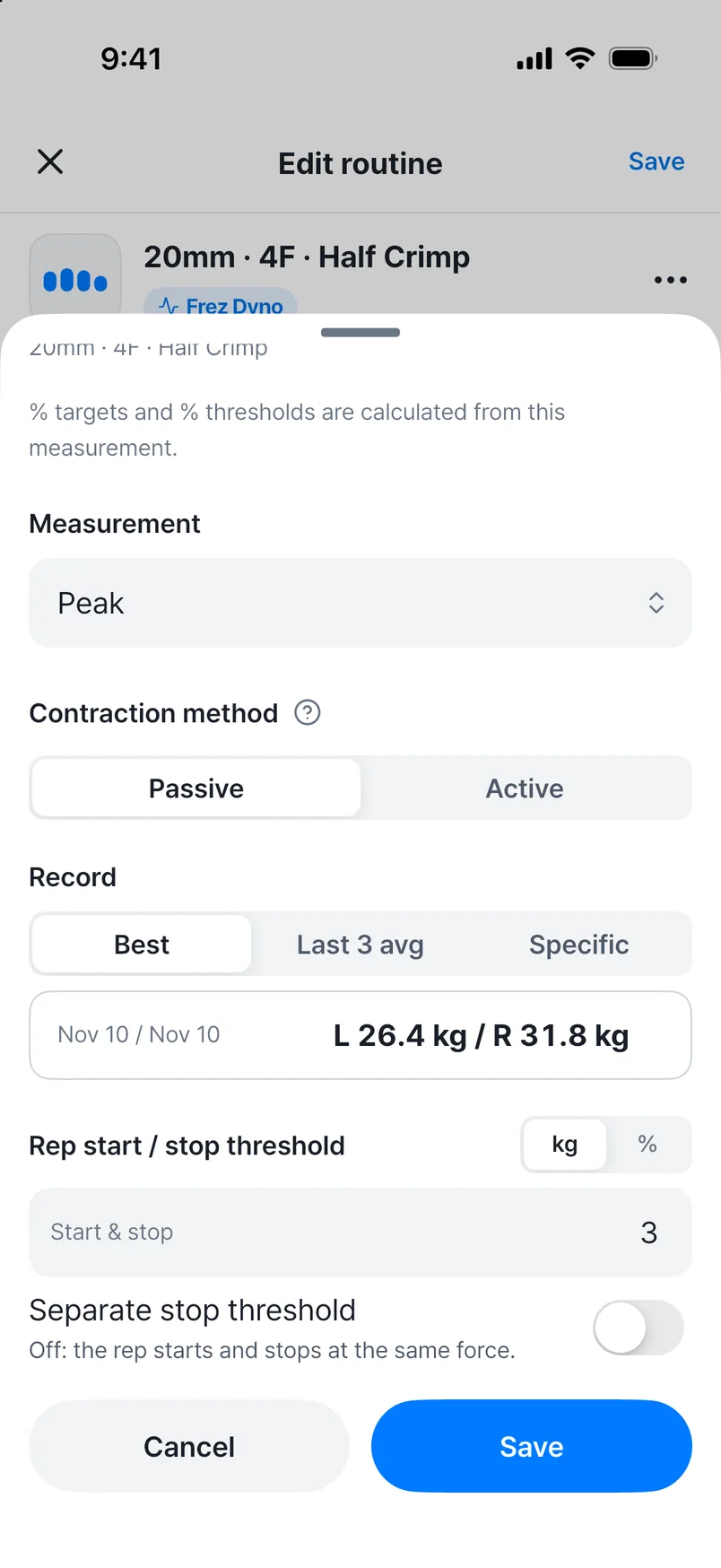
By default a rep starts above 3 kg, and dropping below 3 kg counts as letting go. Tap Based on on the exercise card and change Rep start / stop threshold to another weight or a % of the reference measurement. Turn on Separate stop threshold to set the two apart.
Count reps by weight
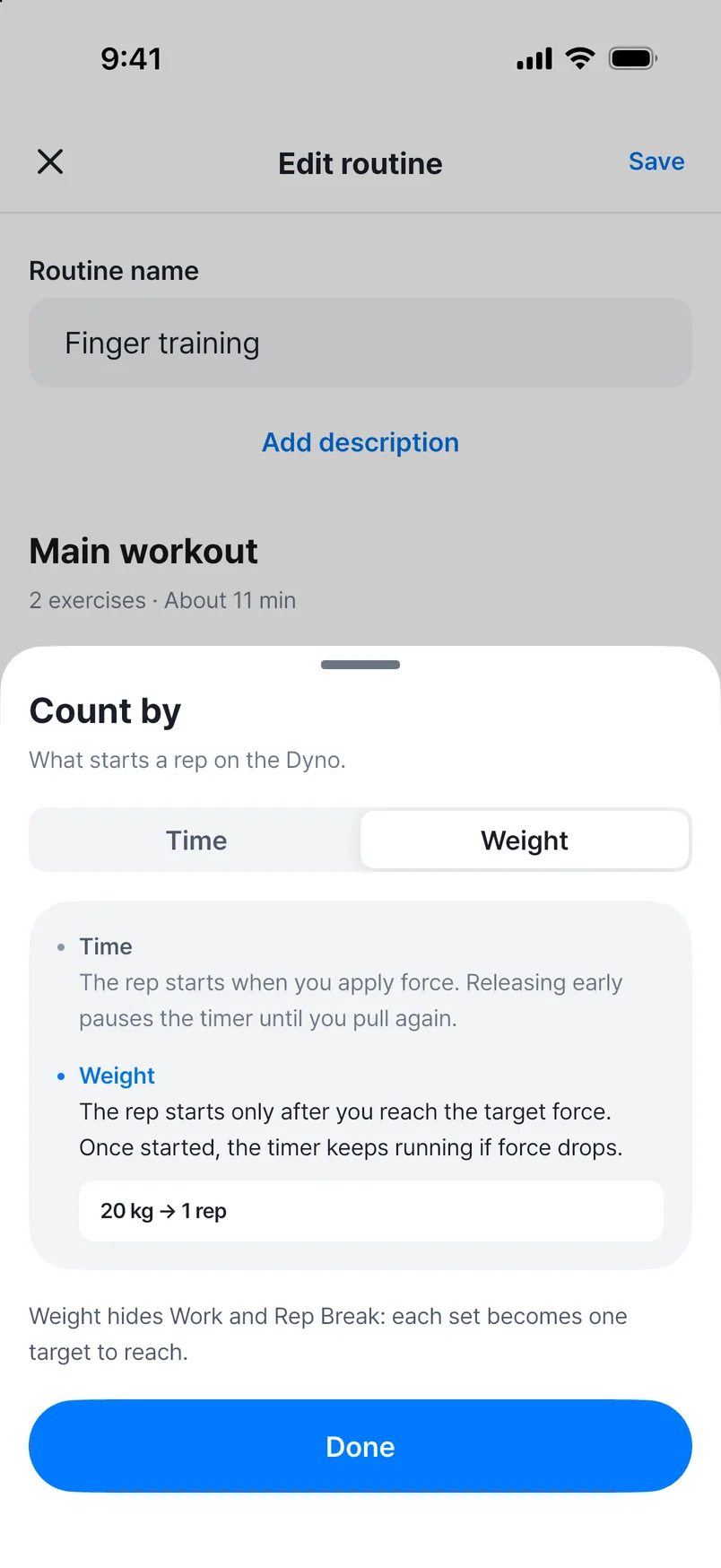
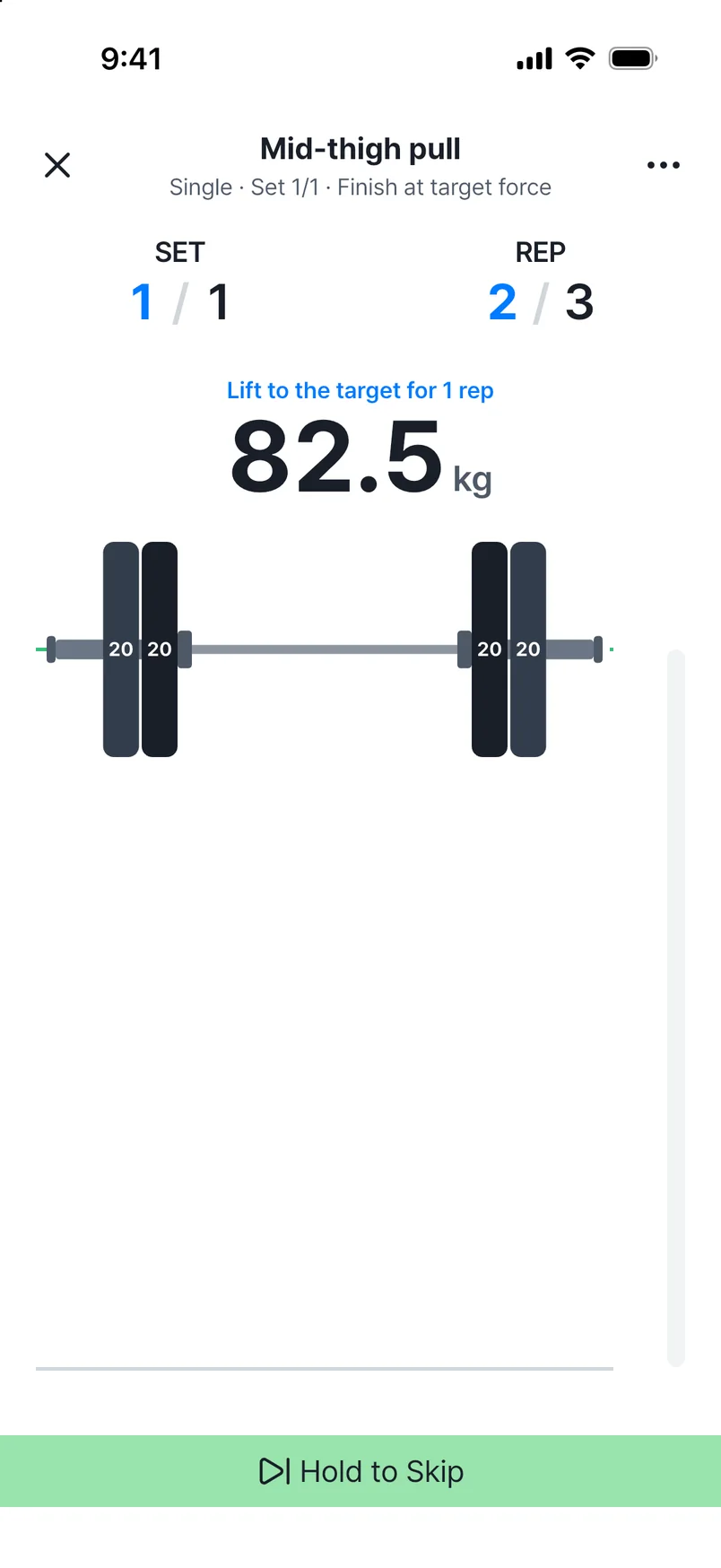
Set Count by to Weight and a rep counts the moment you reach the target force. There is no work time or rep break. Ease off and pull again for the next rep. It suits lifts such as a deadlift.
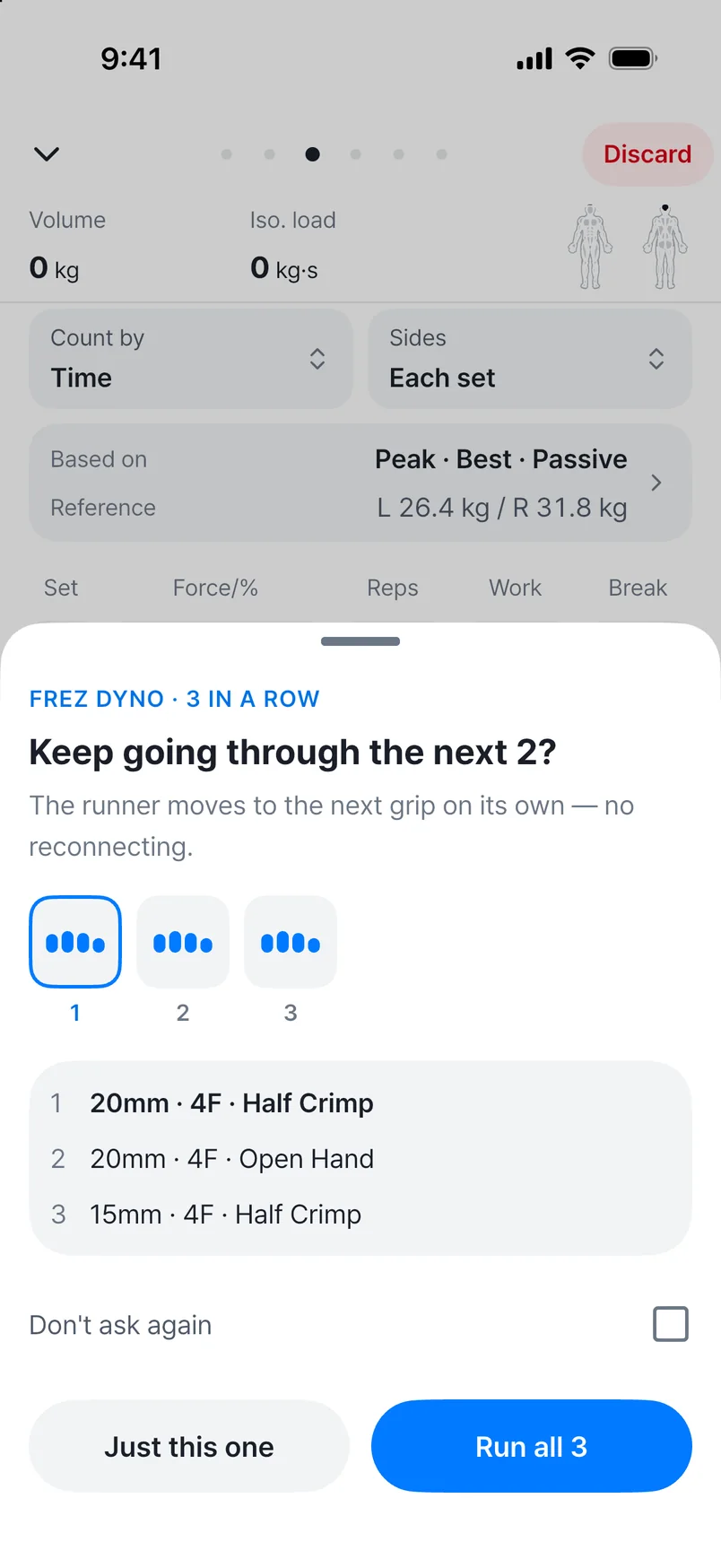
Run several grips in a row
When Dyno exercises follow each other, Frez asks whether to keep going. Run all 3 (the number follows the exercises in a row) moves to the next exercise without reconnecting and shows a card with the grip to change to. Choose Just this one to stop after the first.
Skip or leave
Open More (⋯) to tare again, skip a rep or set, or change the starting hand. Skipping needs a long press.
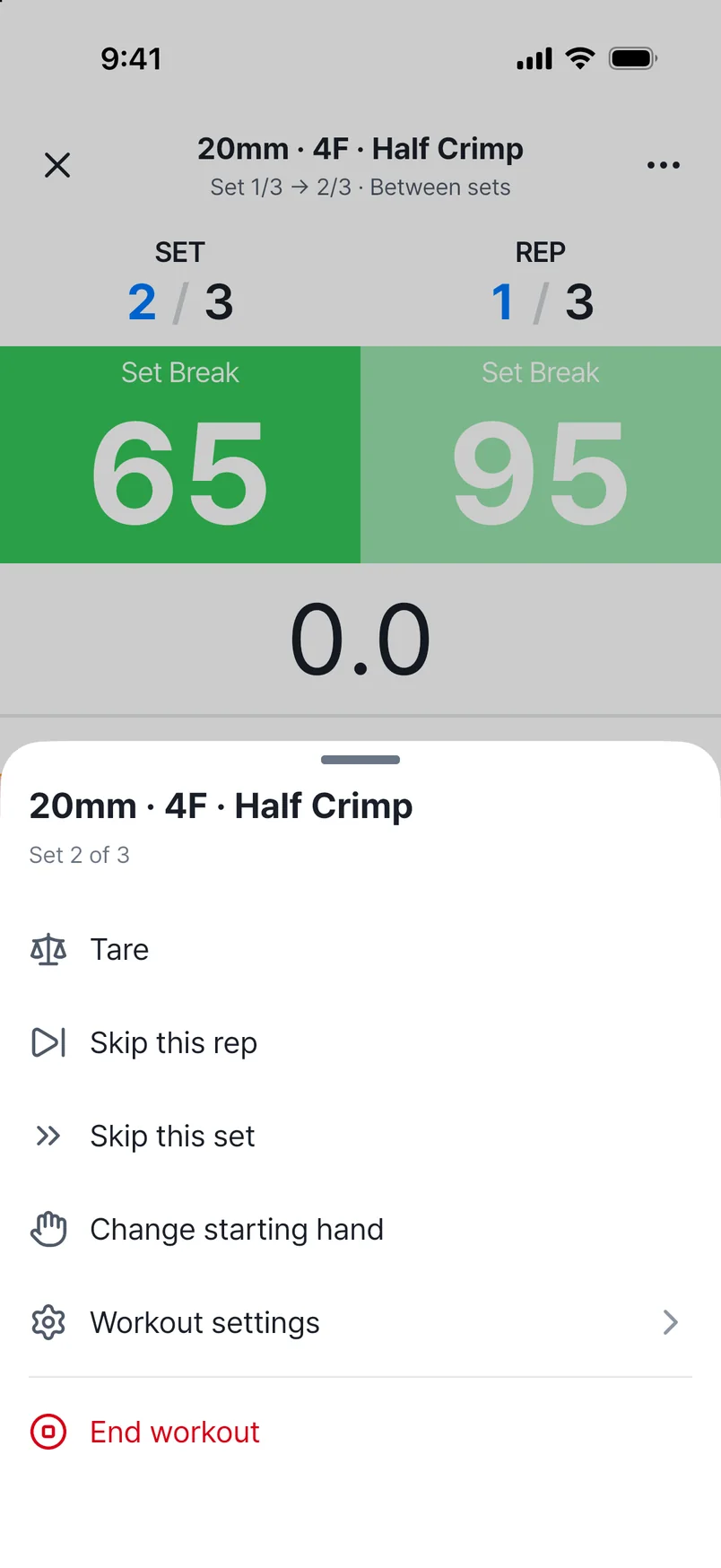
Tap X at the top left and choose Save to keep your place. Tap Start on the same exercise to continue.
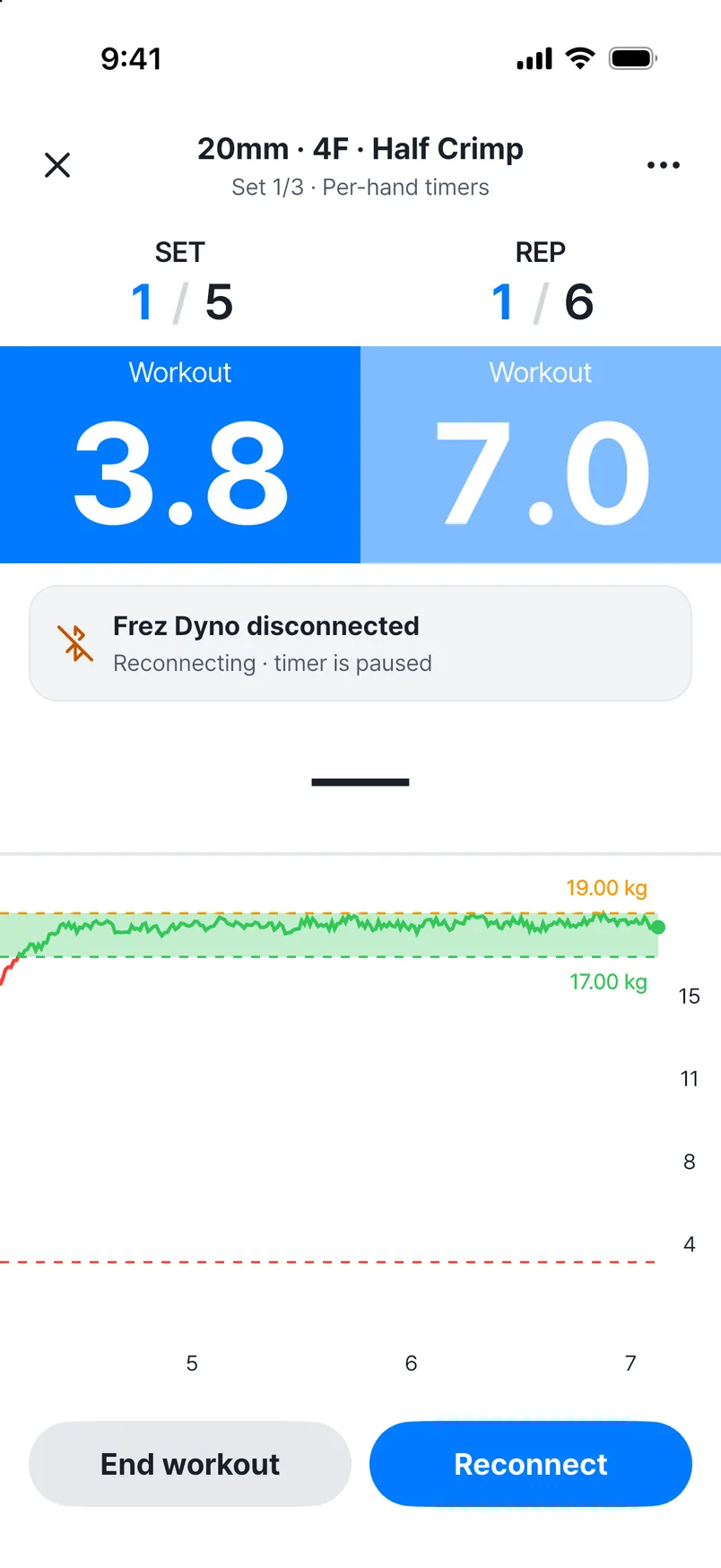
If the connection drops
Frez reconnects on its own. A pull pauses its timer and a rest keeps counting. If it does not come back, tap Reconnect.
When you finish
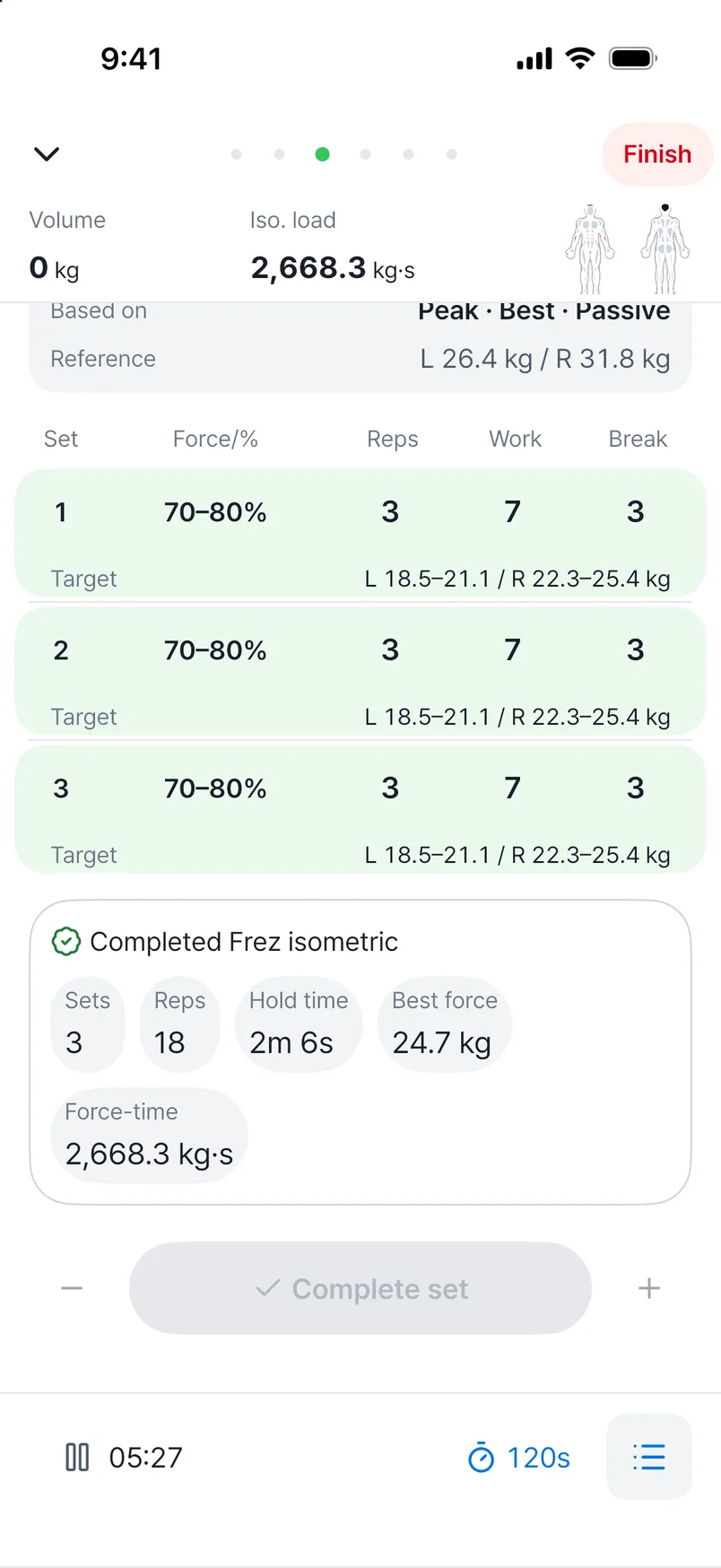
Finished sets are checked off for you, with Best force and Hold time. After you save the workout, see each set's curve in force graphs.
Train without a Dyno
Start without Dyno, or Run without Frez Dyno on the connect screen, runs the same sets on a timer. Enter the load you are using and it starts after a short countdown. The screen turns to landscape and no force is recorded.