Supported devices
You can connect a Frez Dyno, Tindeq or WH-C06. Once connected, it works for both measurements and workouts. If your Dyno is new, see Start with Frez Dyno.
How to connect
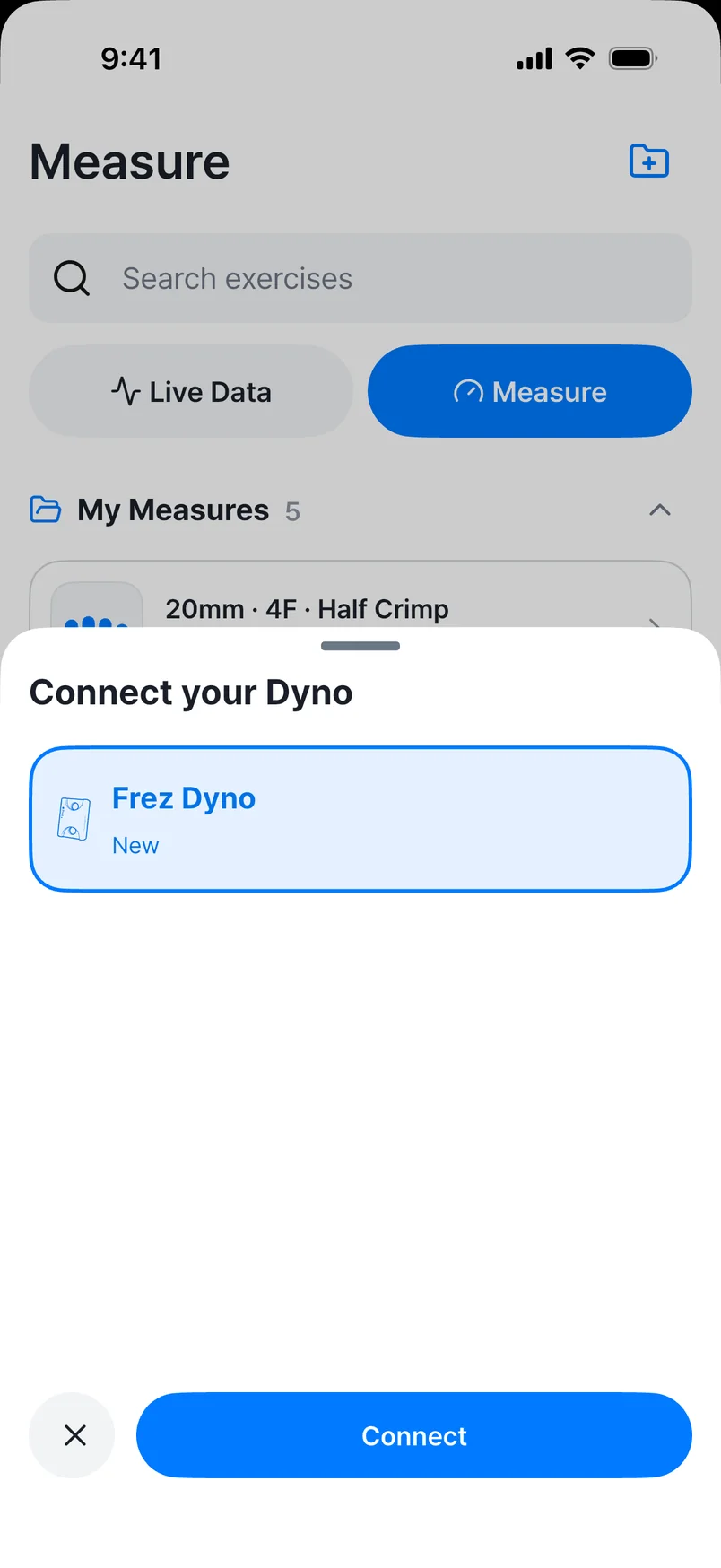
The connection screen opens when you start a measurement or a Dyno routine. Turn on the device, keep it near your phone, select it and tap Connect. More bars mean a stronger signal.
For a new device, Frez asks whether to register it. Tap Register and name it to see that name from then on. Later connects without registering.
Zero the device
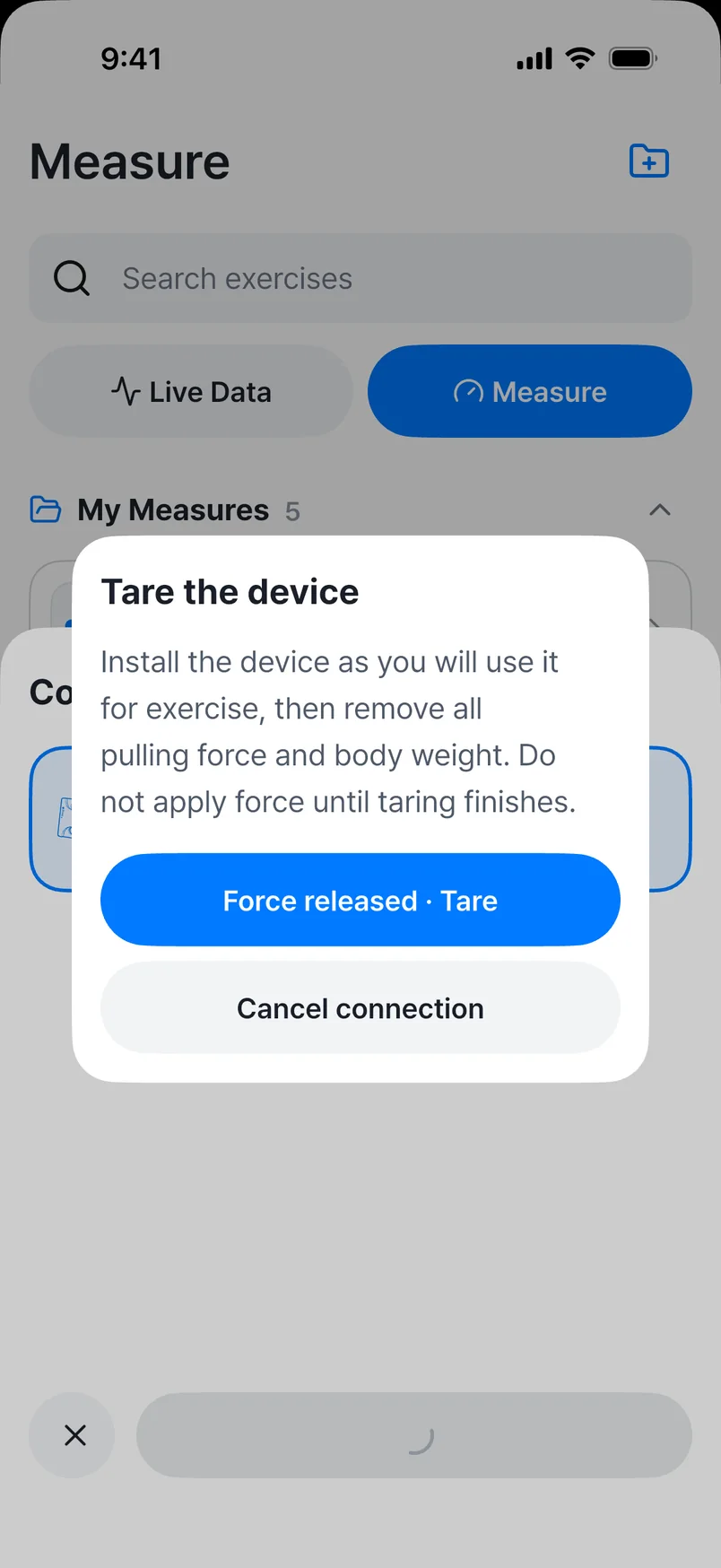
After you connect a Frez Dyno or Tindeq, Tare the device appears. Set it up the way you will train, remove all force and tap Force released · Tare. WH-C06 does not show this screen.
Check the battery and connection
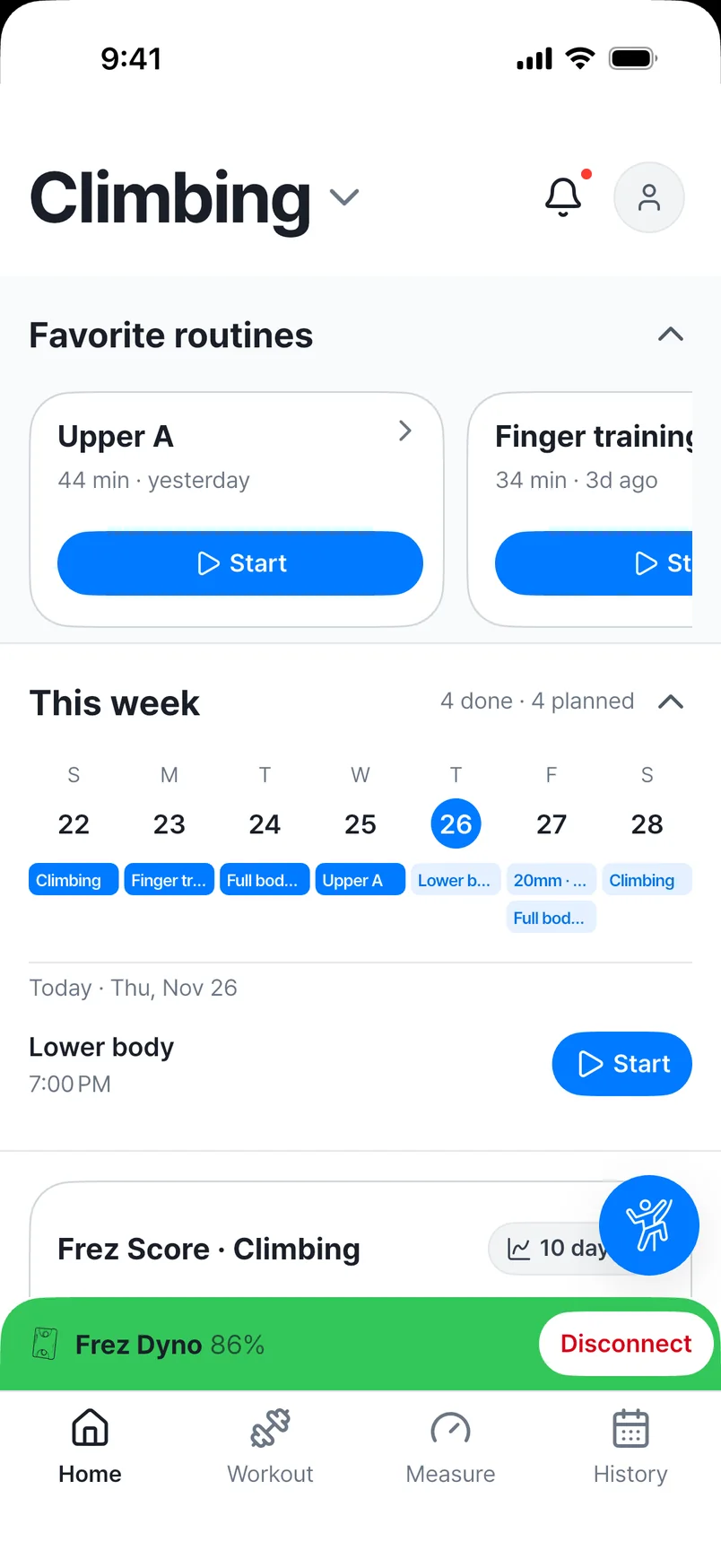
While a device is connected, a green strip at the bottom of Home shows its battery and a Disconnect button.
Manage your devices
Tap your profile at the top right of Home to open Settings, then tap Devices. You see your registered devices and when each was last connected. Use Add device for a new one.
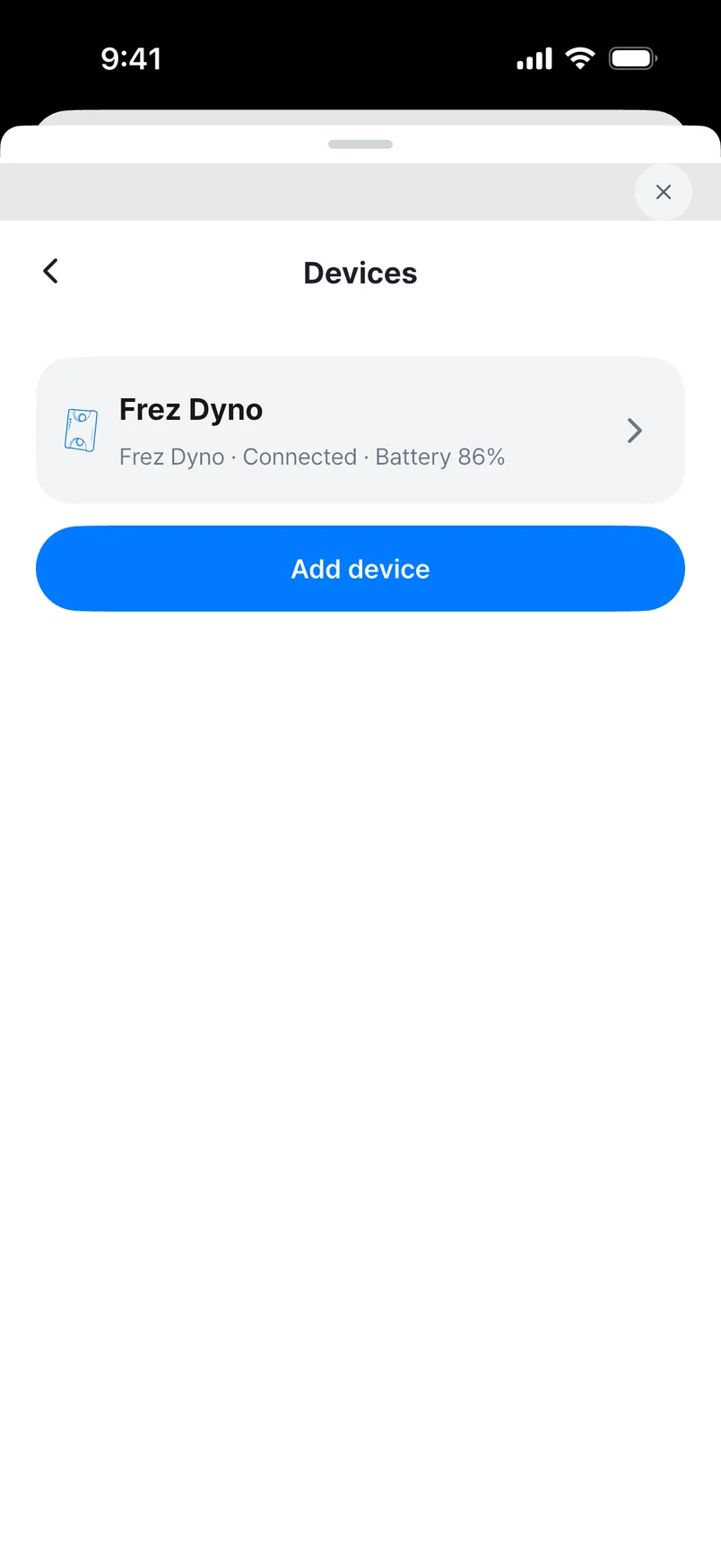
Open a device to rename it or choose Forget device. With a Frez Dyno or Tindeq connected, Zero scale zeroes it again.
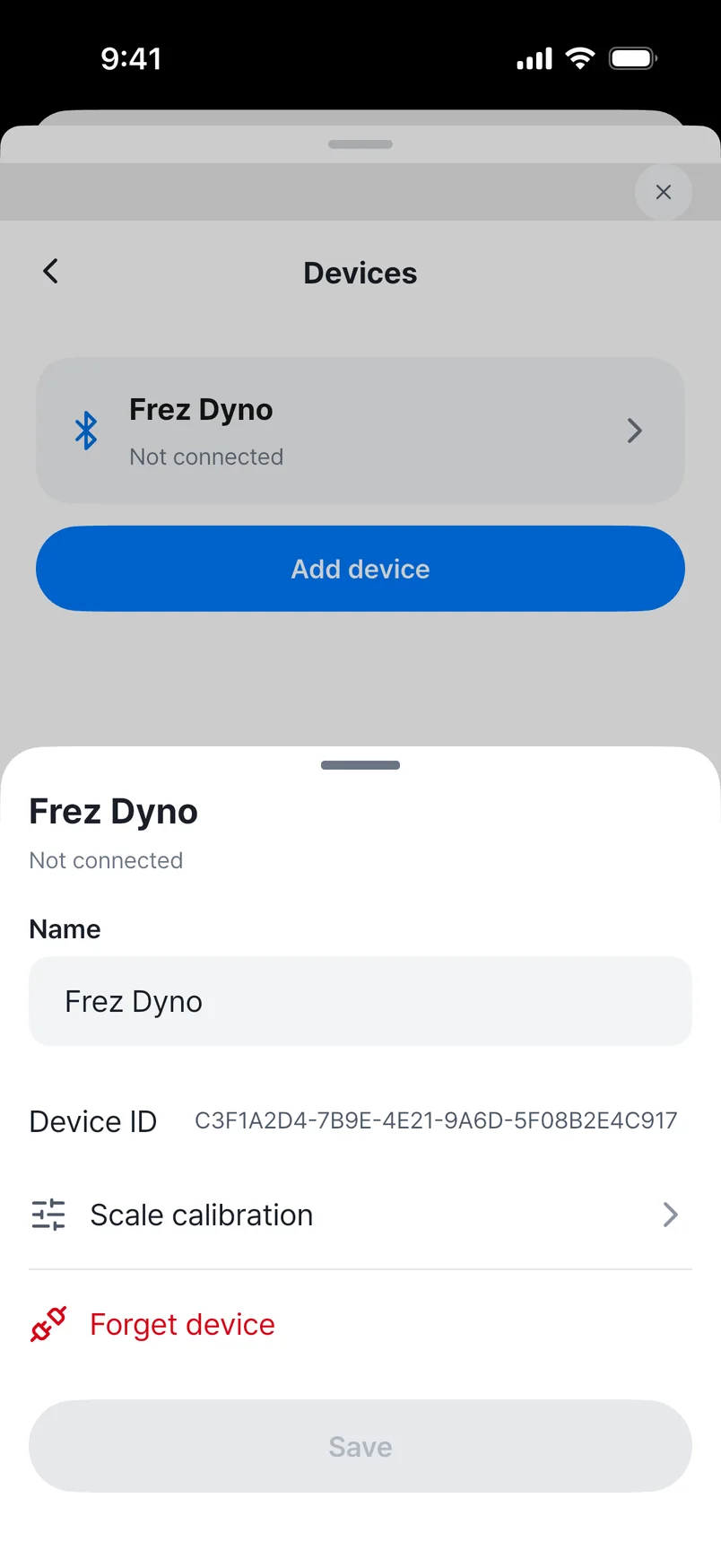
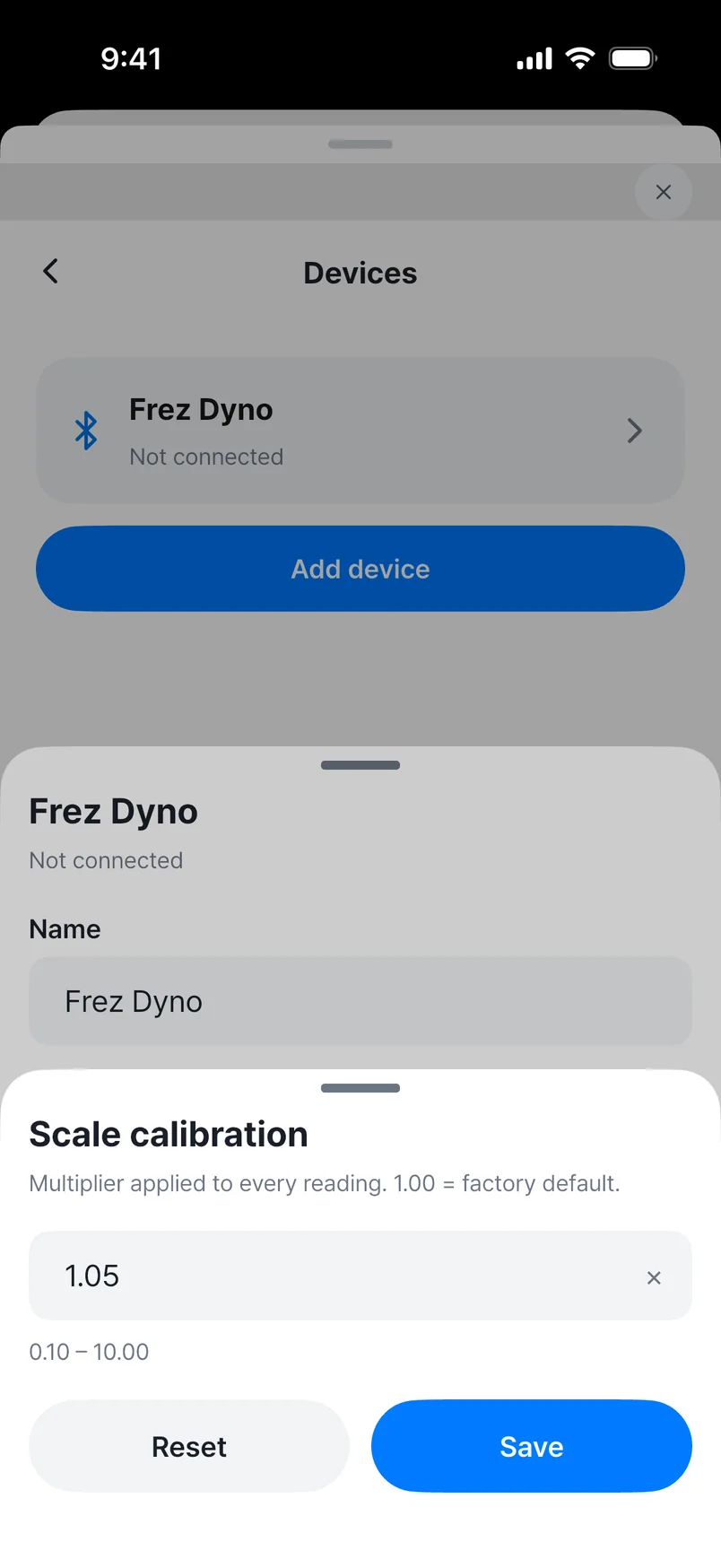
Scale calibration
If a known weight reads wrong, change the multiplier in Scale calibration. If 20 kg reads 19 kg, enter 1.05. You can enter 0.1 to 10, and it applies to every device you connect.