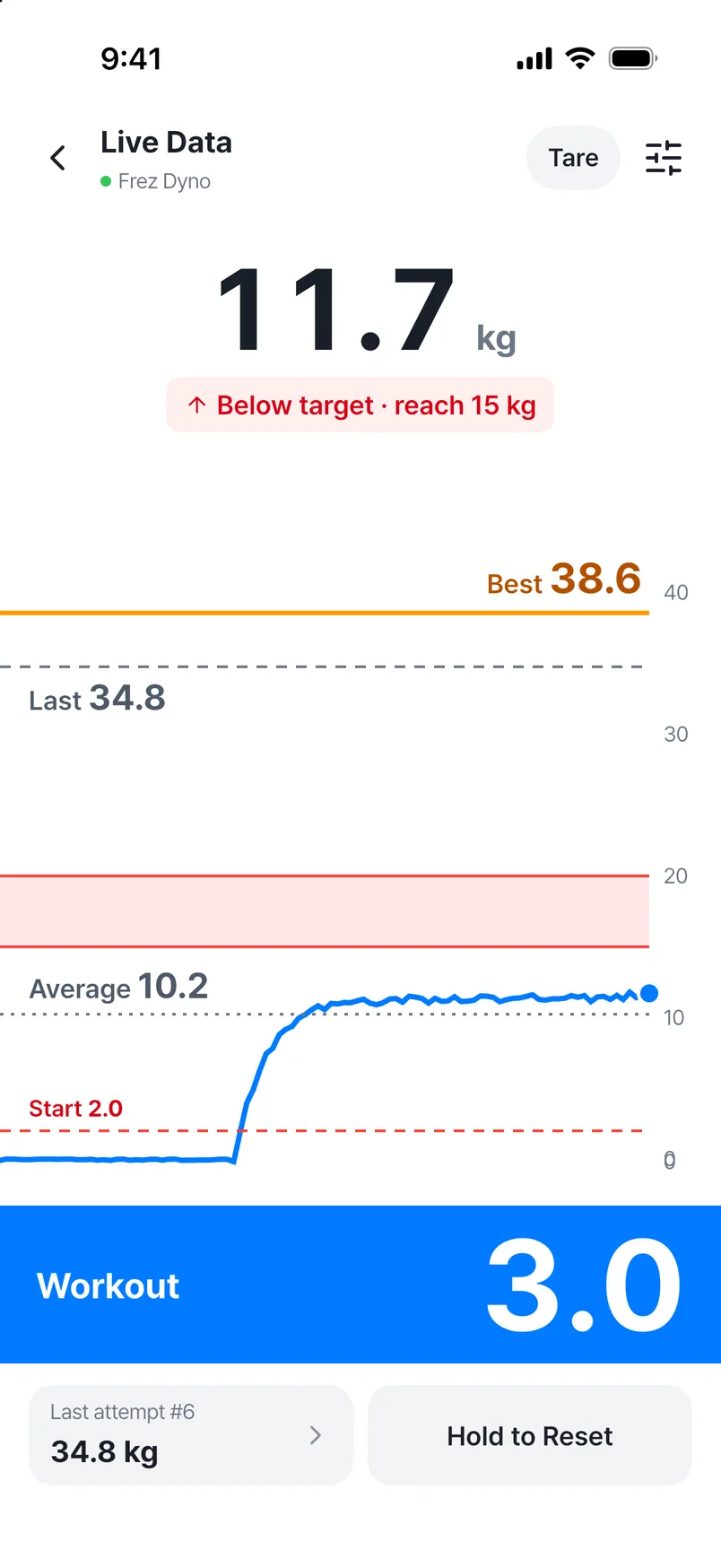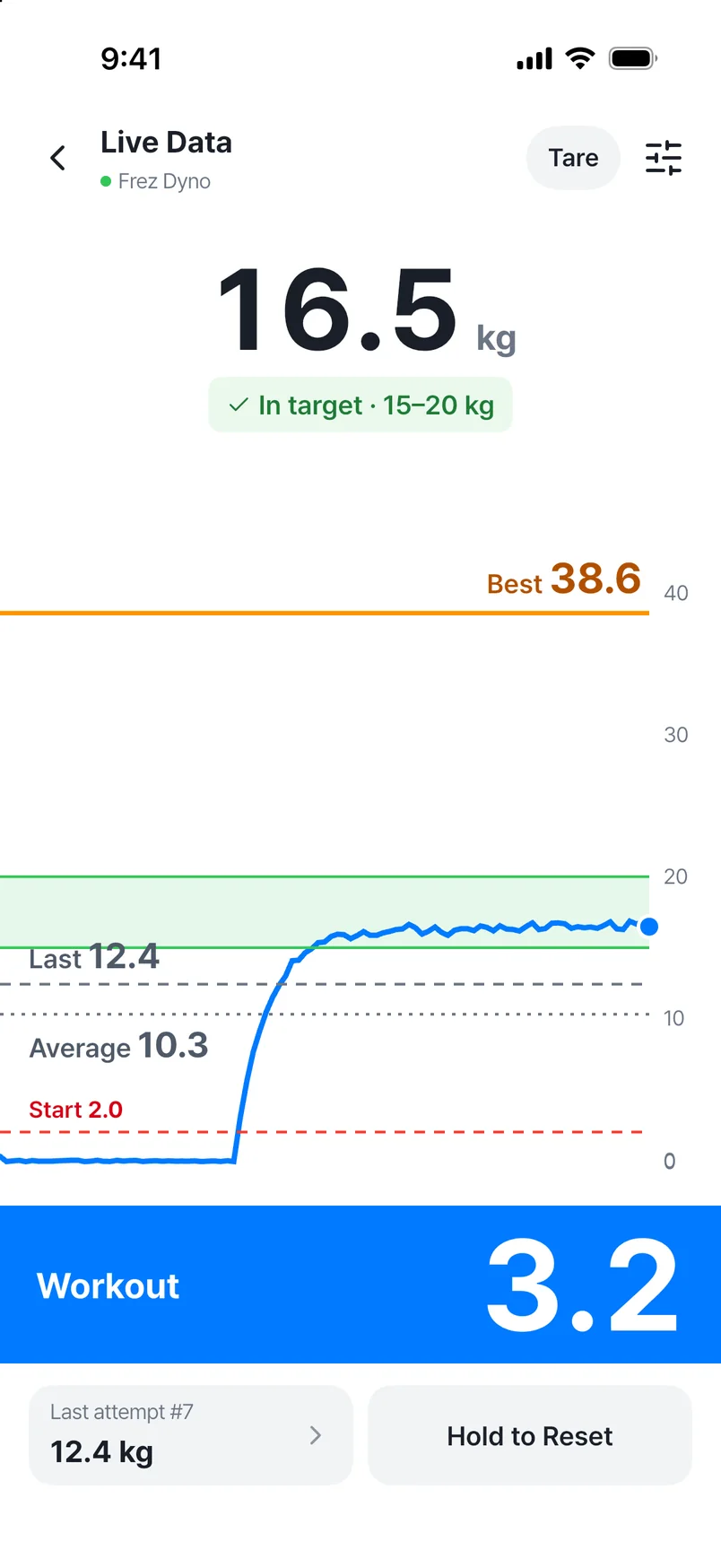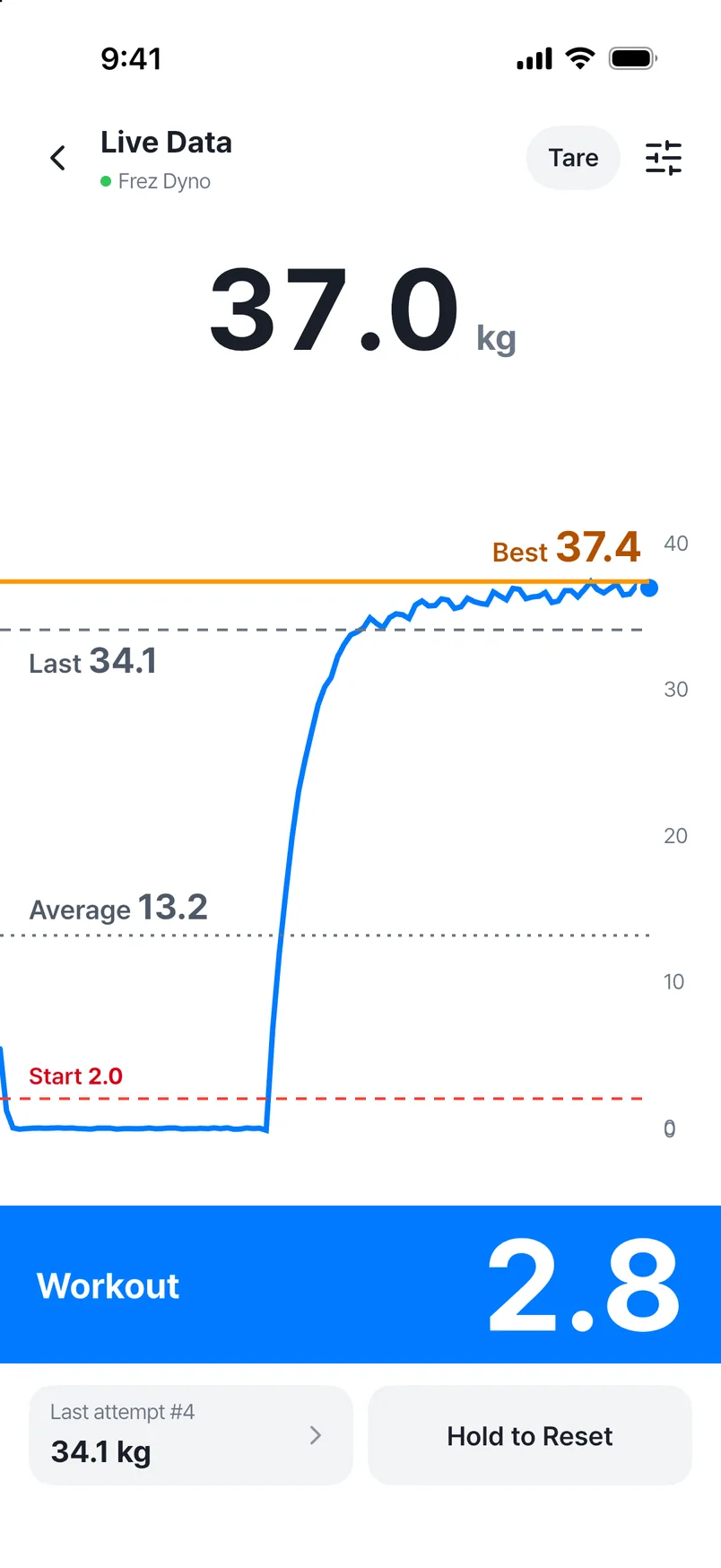
What is Live Data?
It shows the force on your device as it is. You don't choose an exercise or a type, and nothing is saved. Use it to check the device or get a feel for a load.
Start
On the Measure tab, tap Live Data and connect your device. If the value is not 0, release the force and tap Tare.
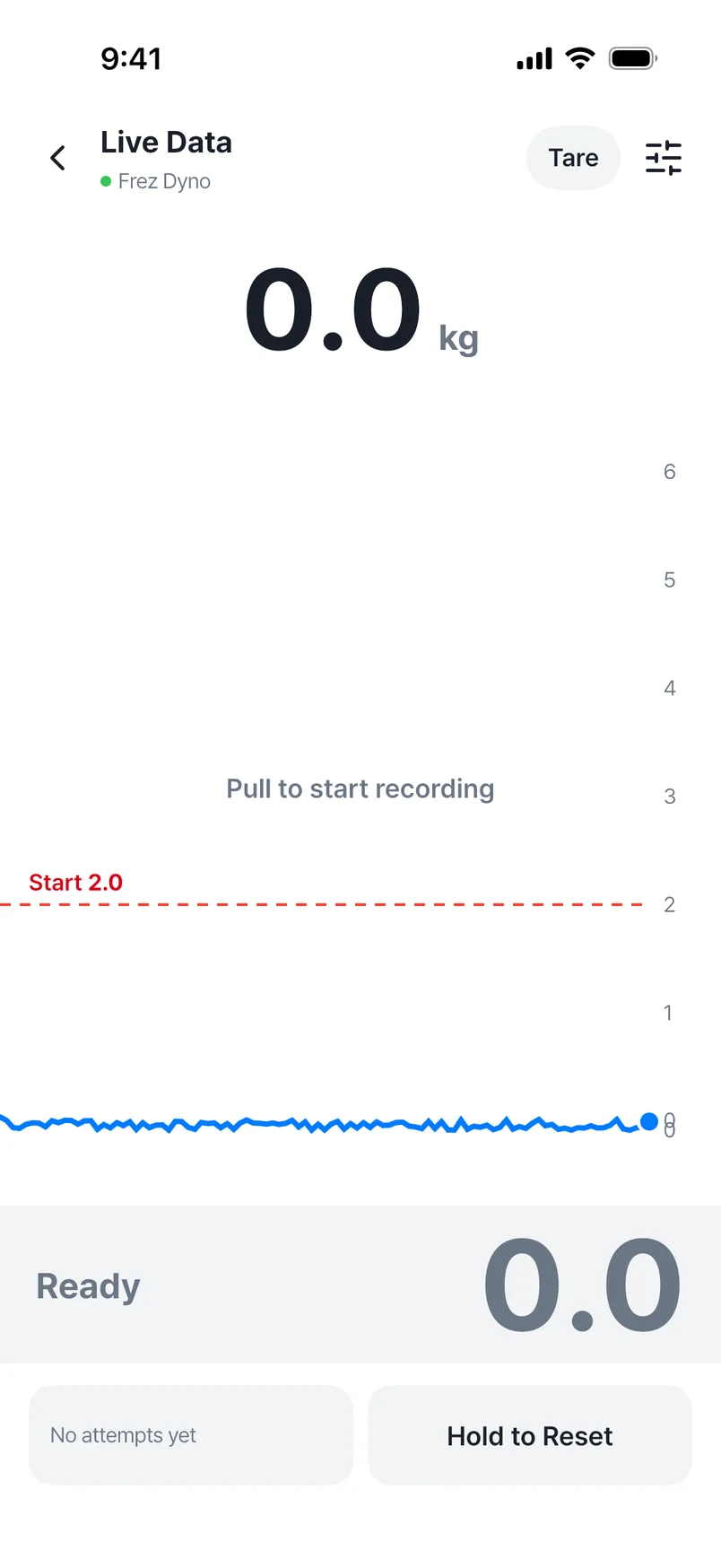
Above 2 kg it shows Workout; below that, Rest. The graph covers the last 5 seconds.
See your attempts
Tap Last attempt at the bottom for the peak and length of the last 20 attempts. Swipe left to delete one. The session best stays.
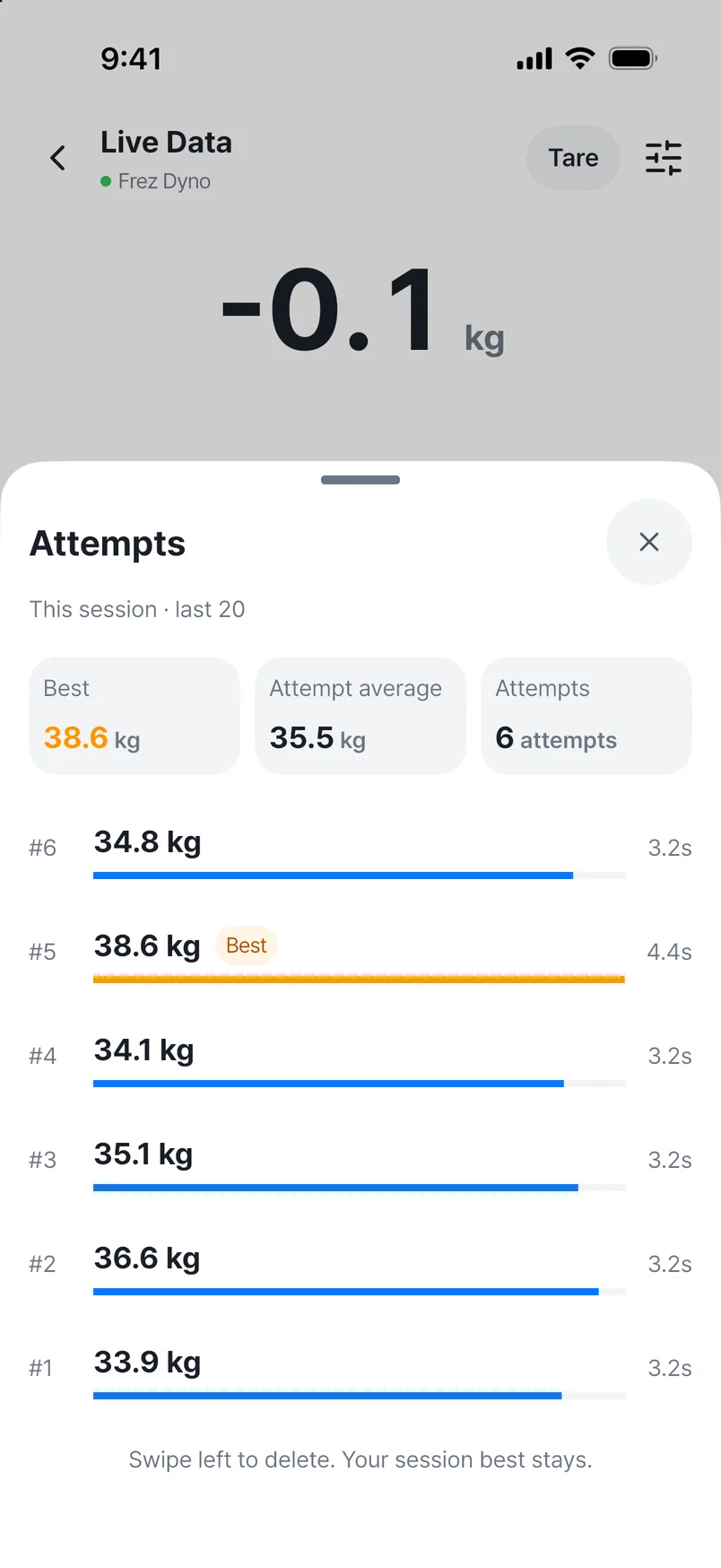
Hold to Reset clears the attempts, the best and the average.
Settings
Tap the sliders icon at the top right.
- Measuring speed: Standard 80 Hz or High 250 Hz. Shown for Frez Dyno only, and back to 80 Hz each time you open the screen.
- Start line: The force that separates workout and rest. 2 kg by default.
- Stopwatch: Shows workout and rest time in large digits.
- Target range: You can fill in only the min or only the max.
- Show on graph: Turns the best, last, average and start lines on or off.
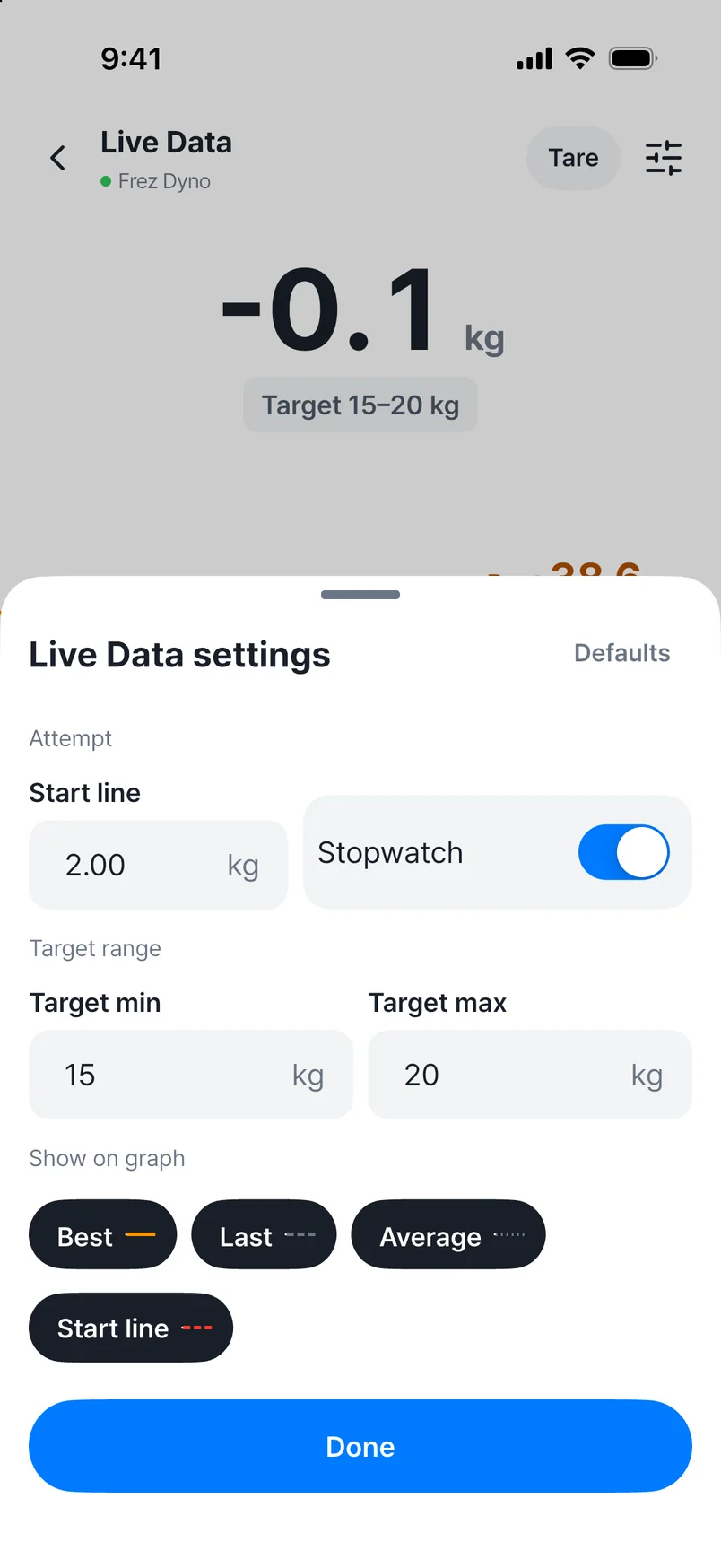
Stay in a target range
With a target set, the color tells you where you are while you pull: red below, green inside, orange above.