
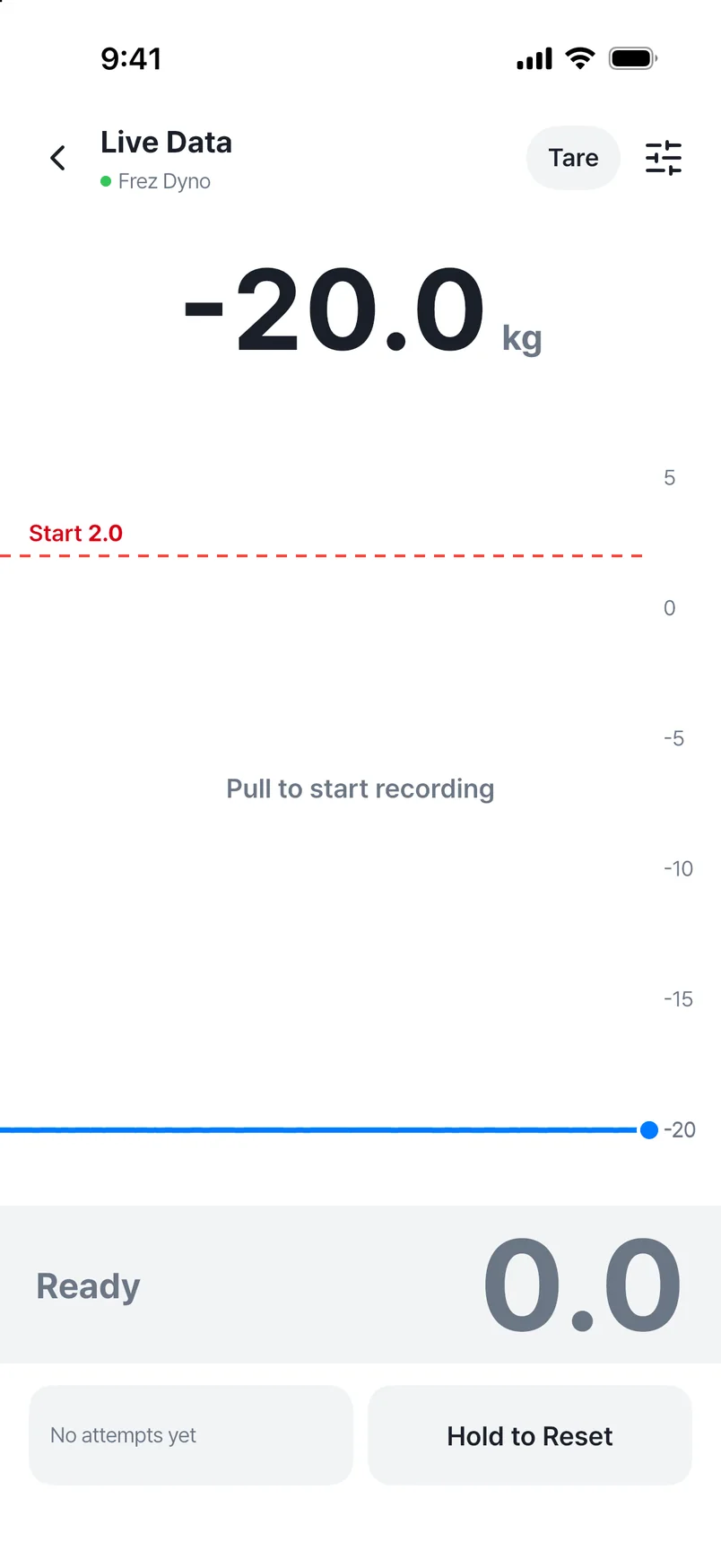
When push force reads negative
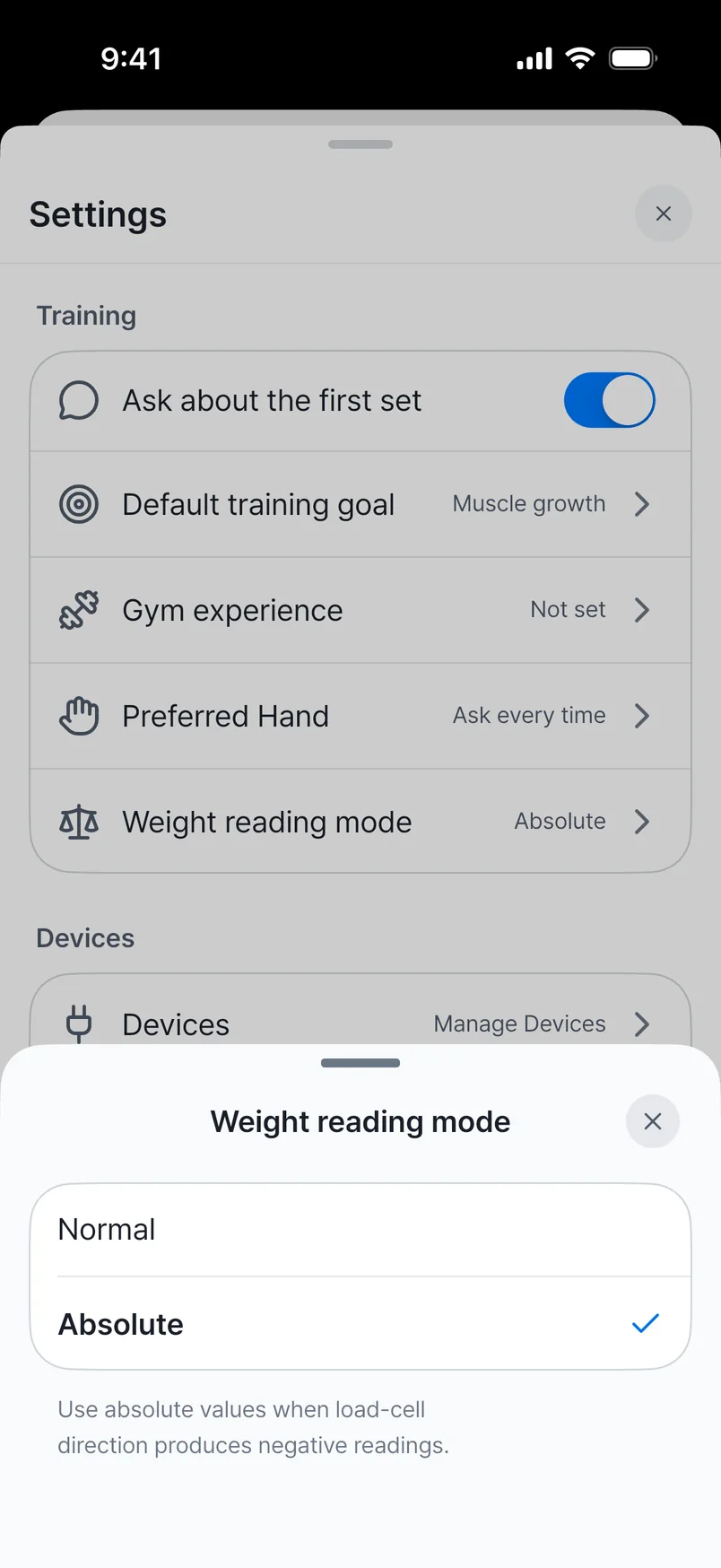
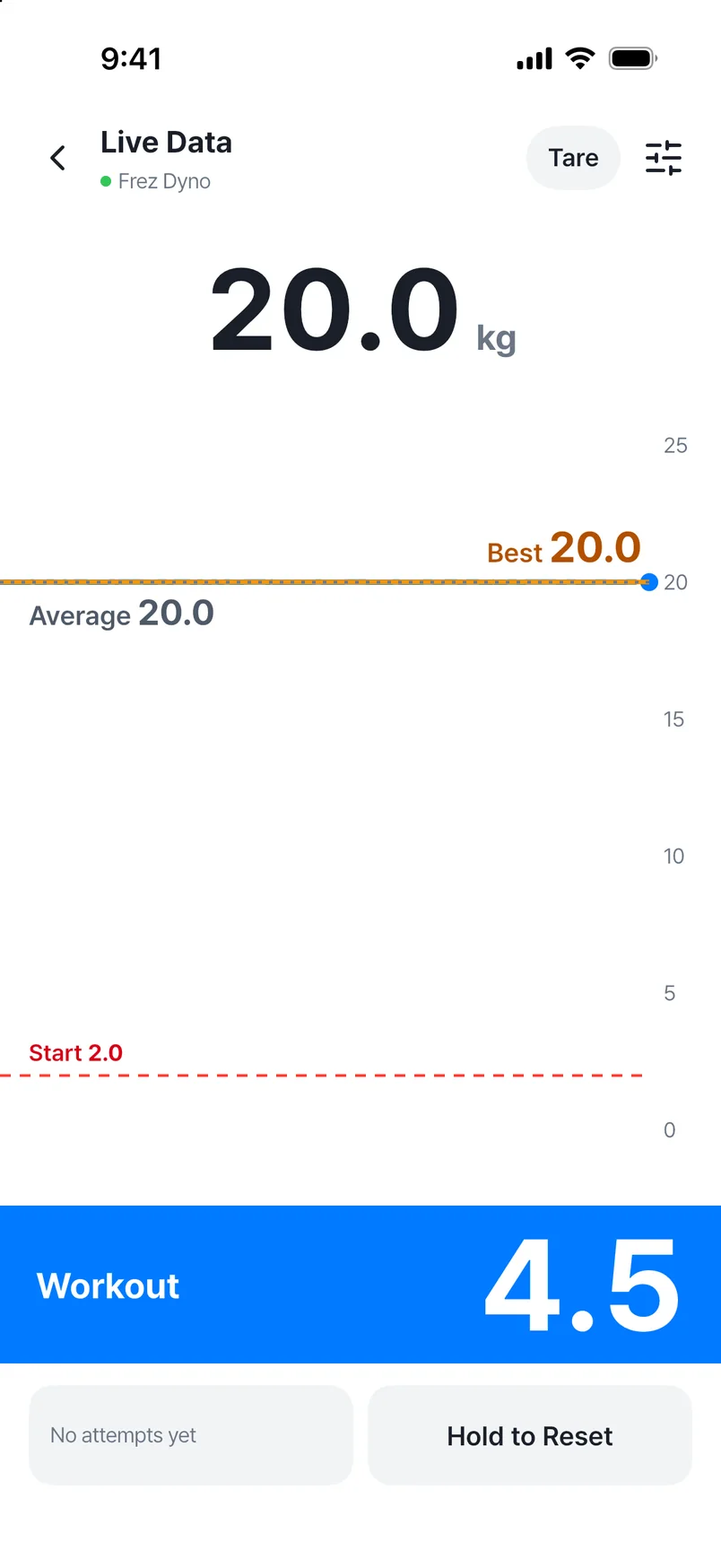
Pushing the device gives a negative value. In Settings, set Weight reading mode to Absolute and it reads positive.
Change it in Settings
Tap your profile picture at the top right of Home to open Settings. Under Training, tap Weight reading mode and choose Absolute. It applies right away.
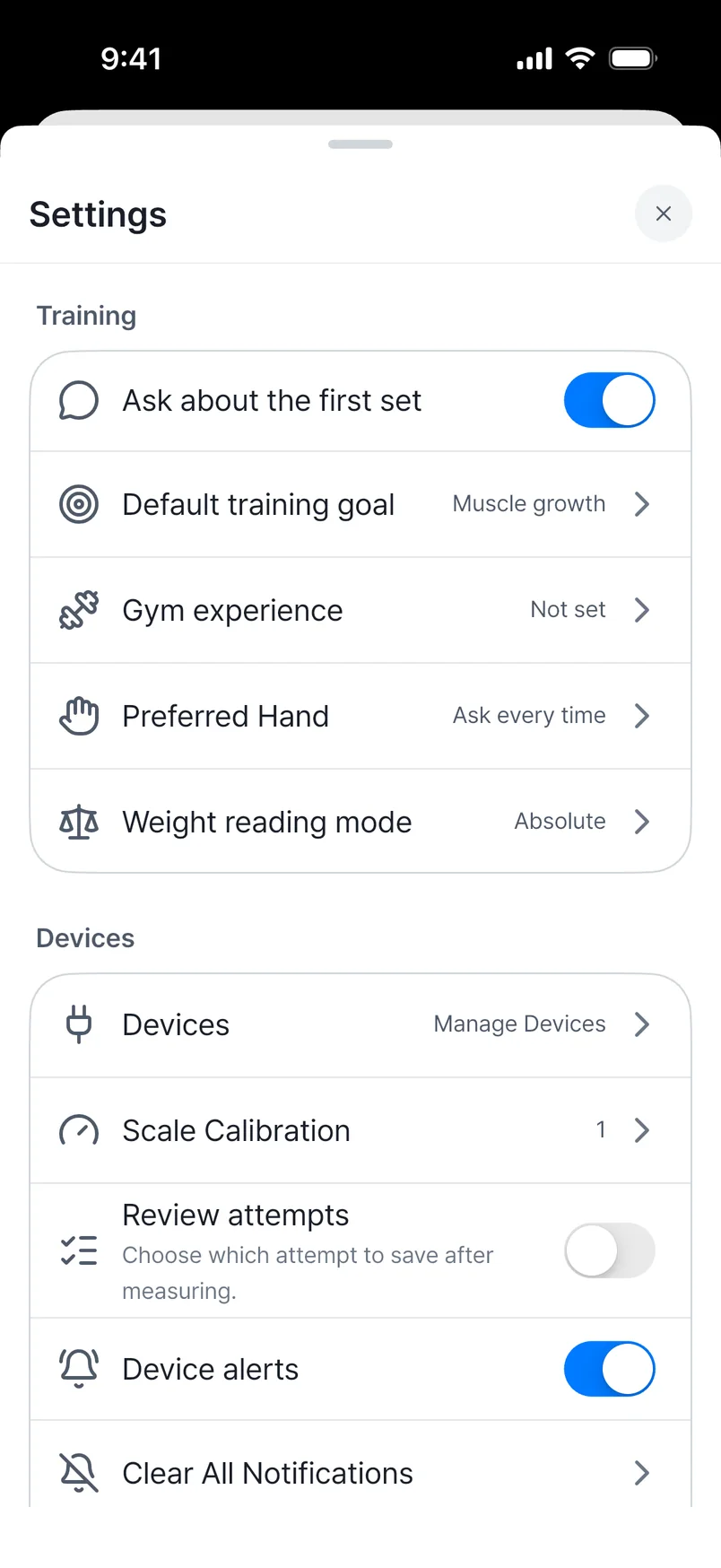
It covers Live Data, measurements and workouts. Change it before you measure a push: Peak and Critical Force never start on a negative value, because it stays below the start threshold.
Change it during a workout
If you push with 5 kg or more in a Dyno workout, Are you measuring a push force? appears. Tap Show as absolute value and push force is positive for that exercise.
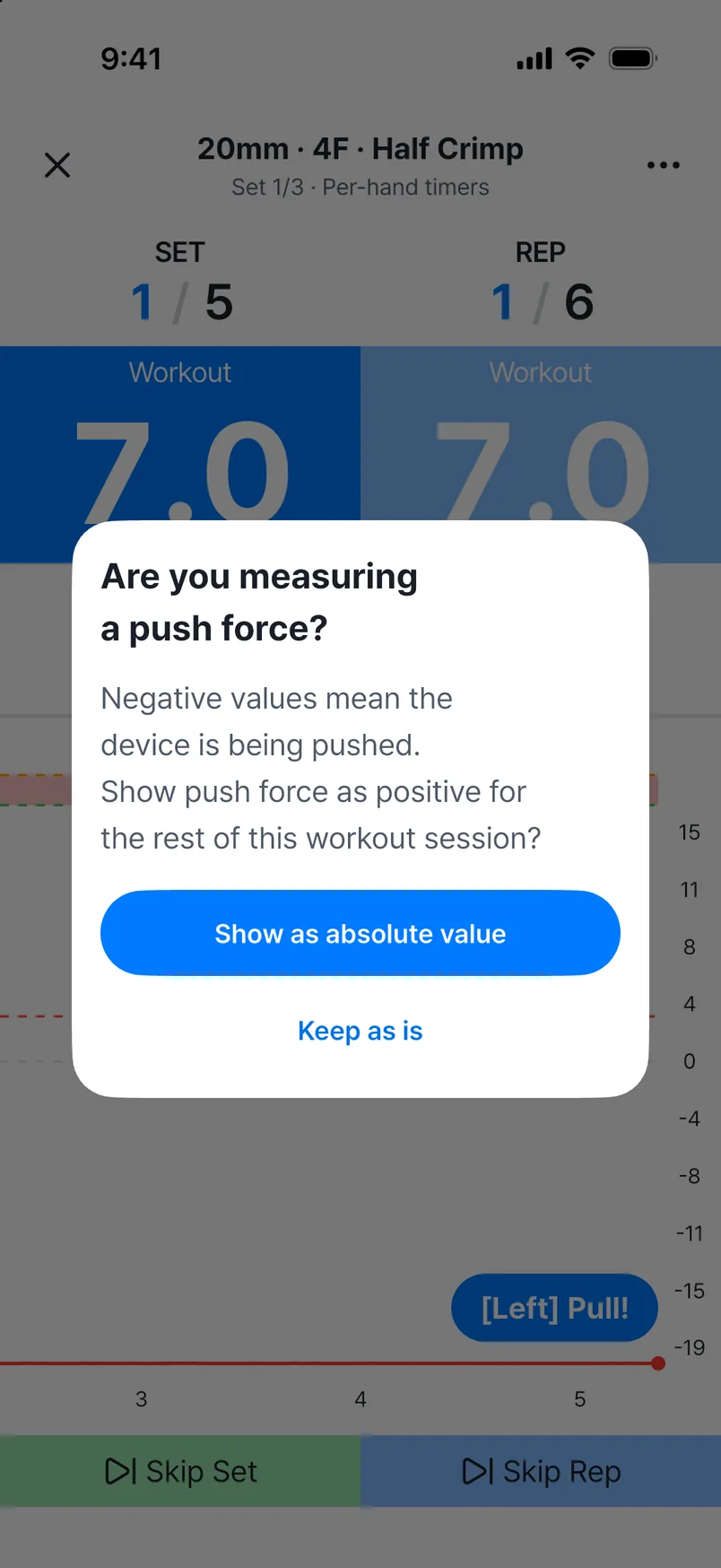
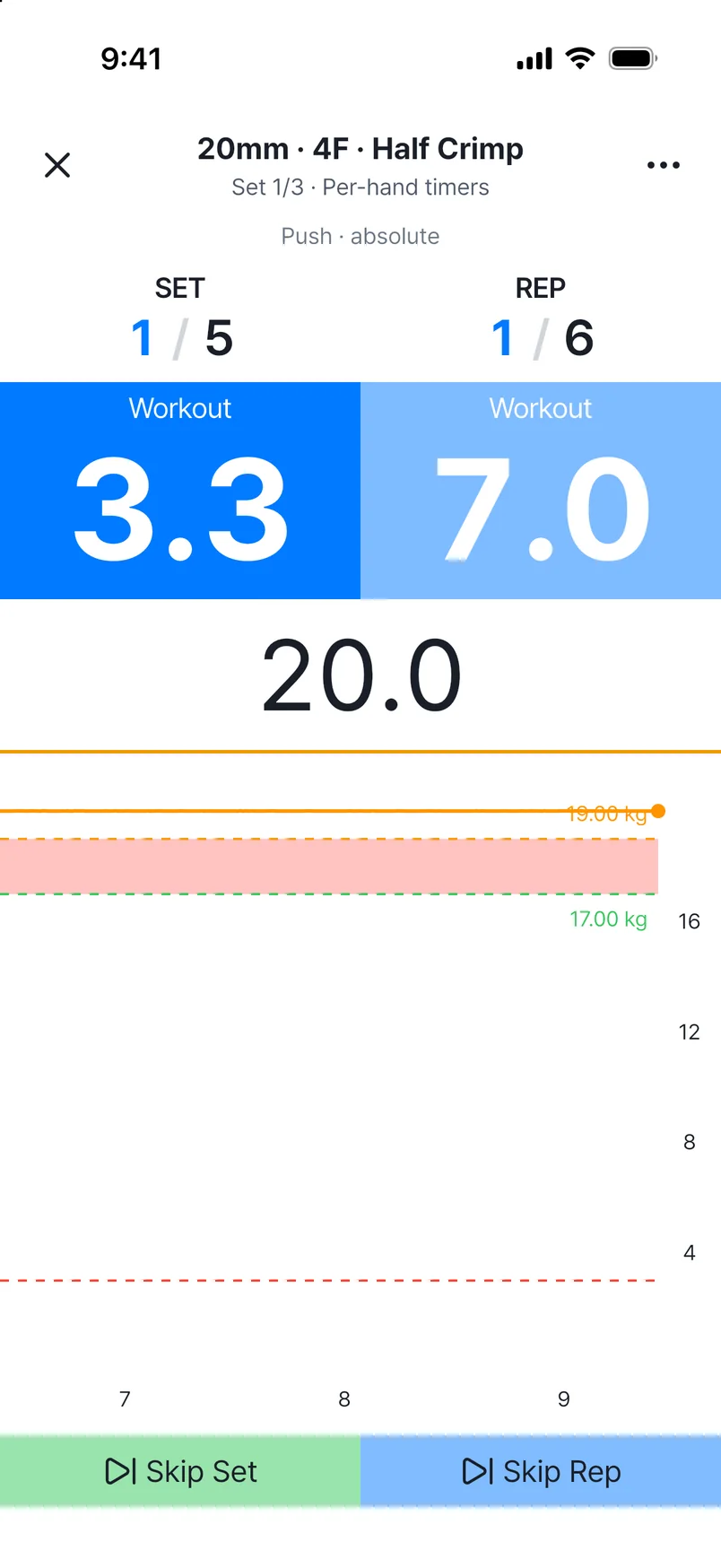
Your setting does not change, and the app asks again when you push in the next exercise. Keep as is leaves the value negative and does not ask again for that exercise.
Switch back
When you only pull, set Weight reading mode to Normal. Saved results do not change.
What Absolute cannot show
In Absolute mode, push and pull cannot be told apart. Both are positive, and records keep no direction. With the workout prompt, only push is positive and pull reads negative.