What can you measure?
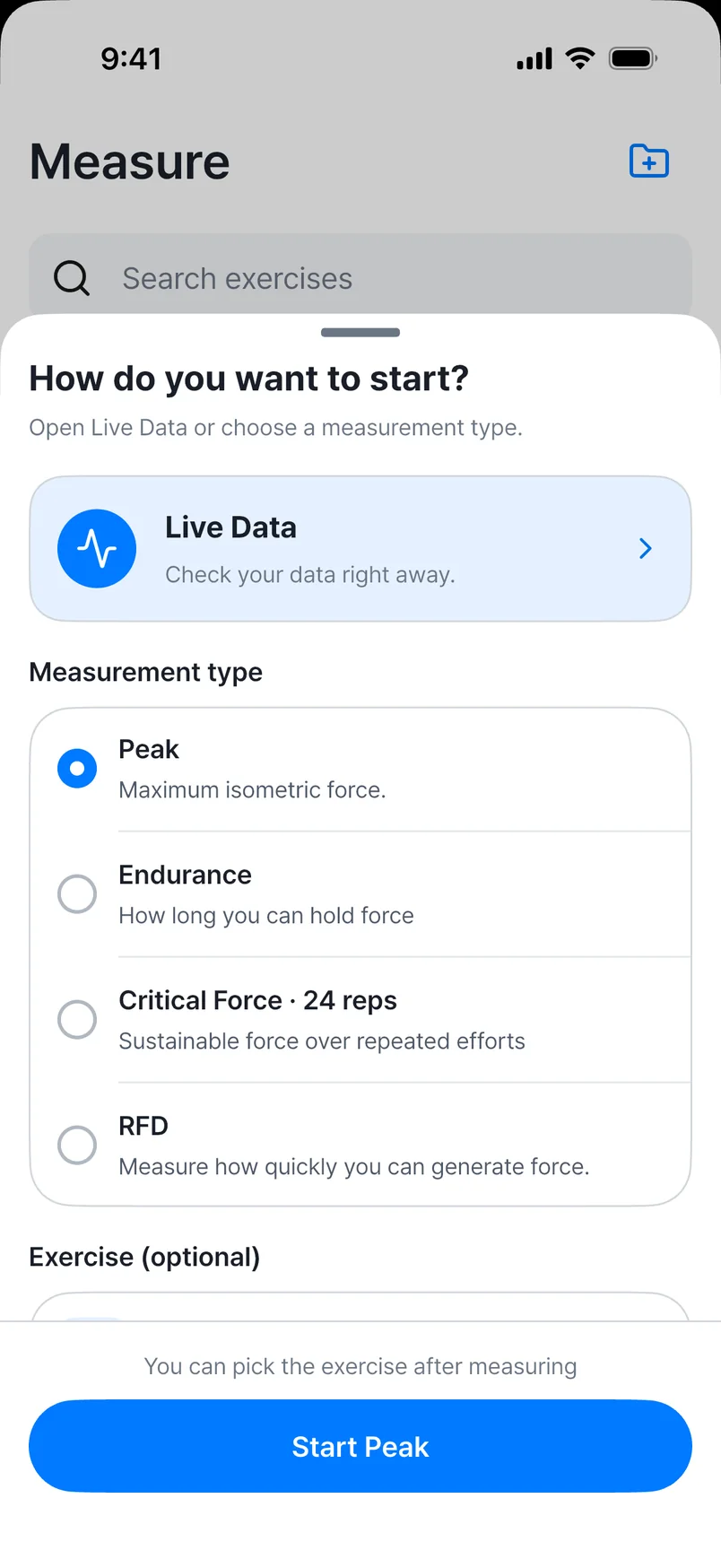
- Peak: The most force you can produce once. See Peak Force.
- Endurance: Your average force over a set time. See Endurance.
- Critical Force · 24 reps: The force you keep up when you are tired. See Critical Force.
- RFD: How fast you build force. See RFD.
Choose a type
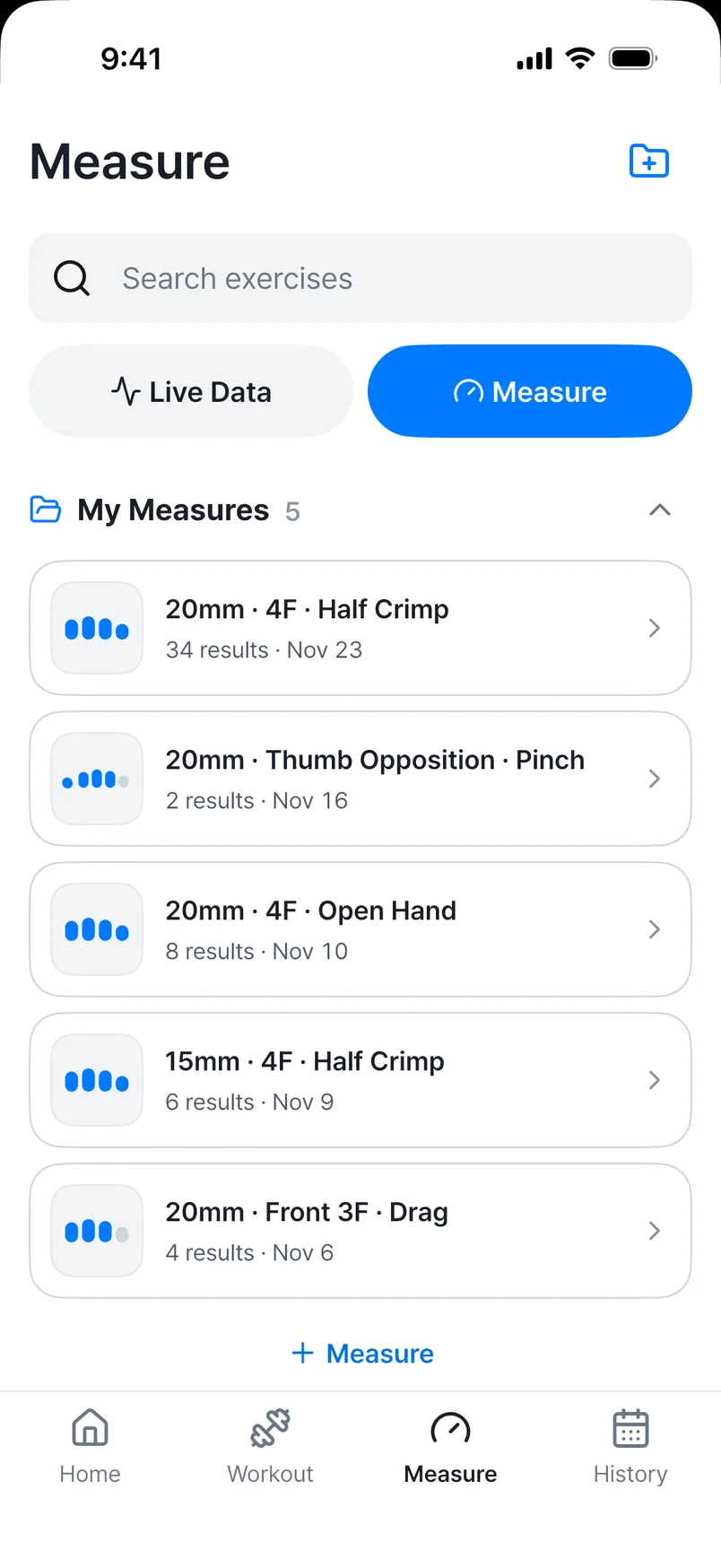
On the Measure tab, tap Measure and choose a type. Live Data at the top shows readings without saving them.
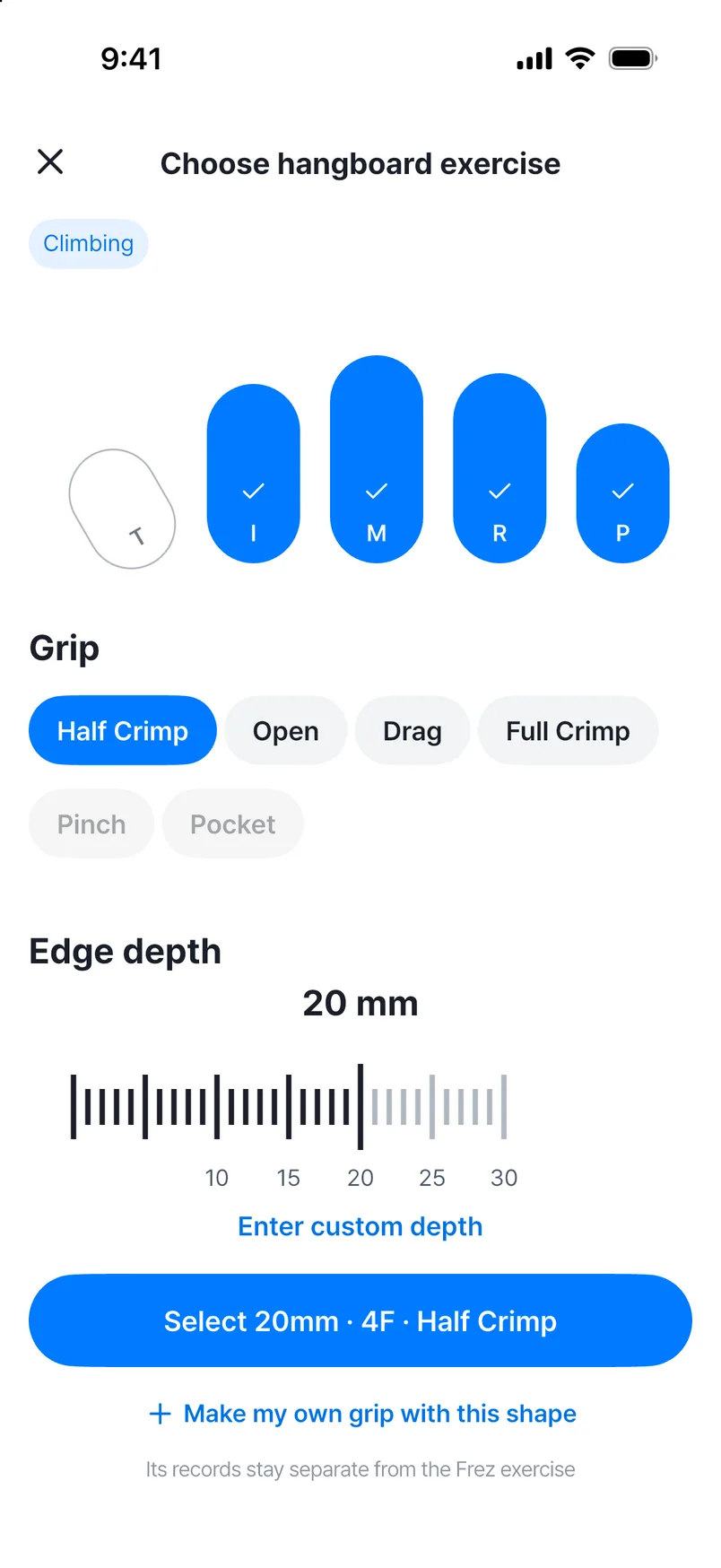
Choose an exercise
Pick an exercise lower on the same sheet and the result is saved to it. Up to three recently measured exercises are listed; the rest are under Choose another exercise. If you skip this, you pick the exercise when you save.
Connect and choose a side
Tap Start Peak to connect your device. After you connect a Frez Dyno or Tindeq, remove all force and tap Force released · Tare.
Choose left, right, or one combined effort: Both hands for finger exercises, Single for others. Finger exercises also ask for Passive or Active.
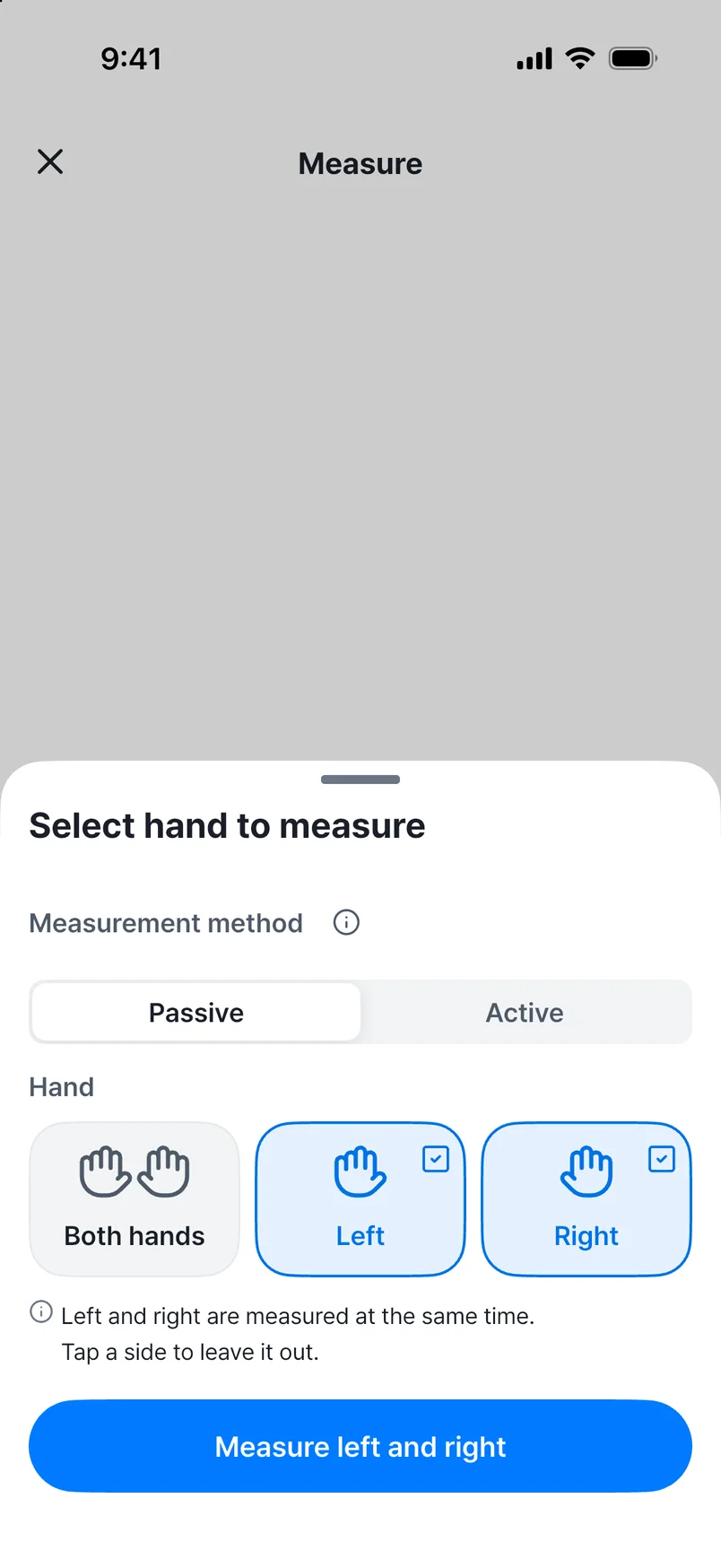
When you check left and right, you still measure one side at a time. Switch sides with the buttons at the top, and measure both to save. Critical Force takes one choice per run.
Save
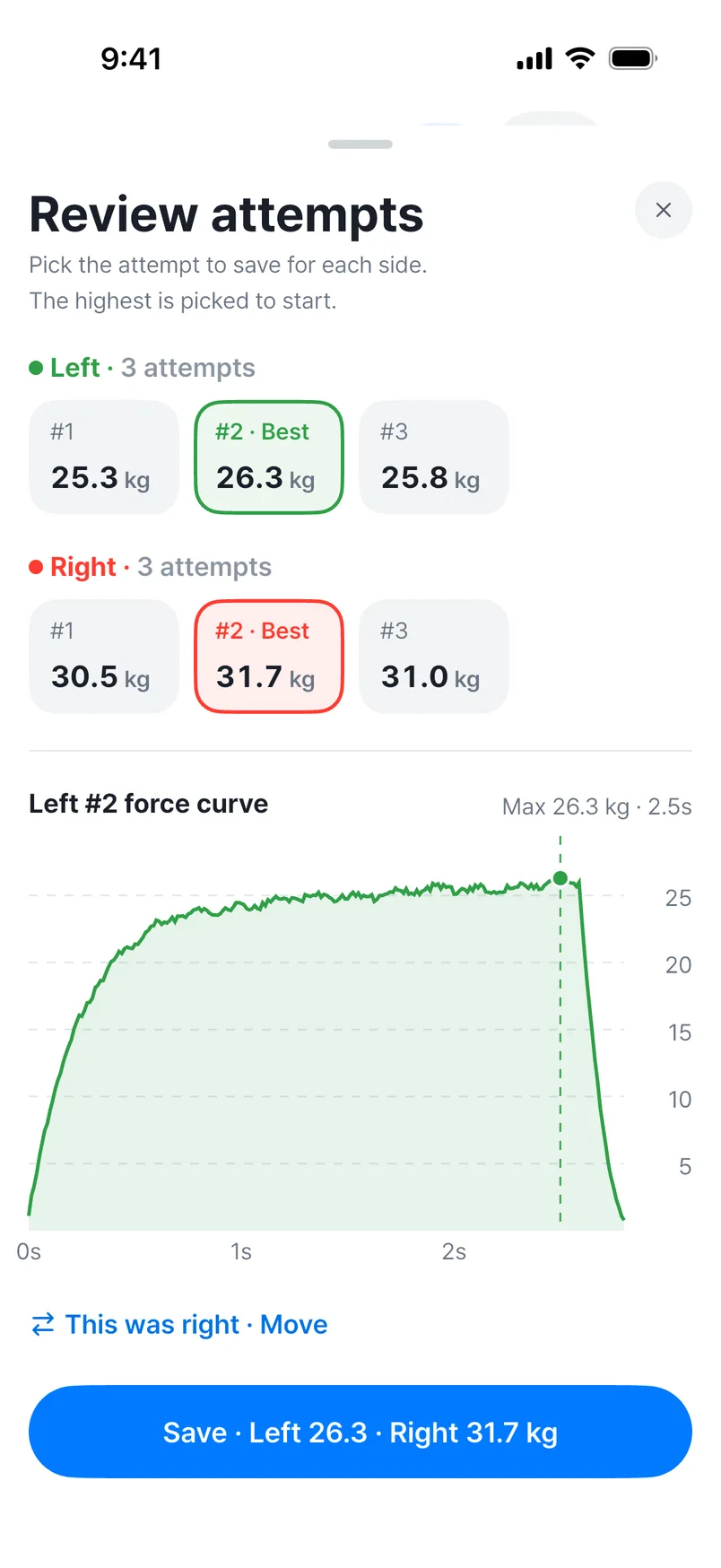
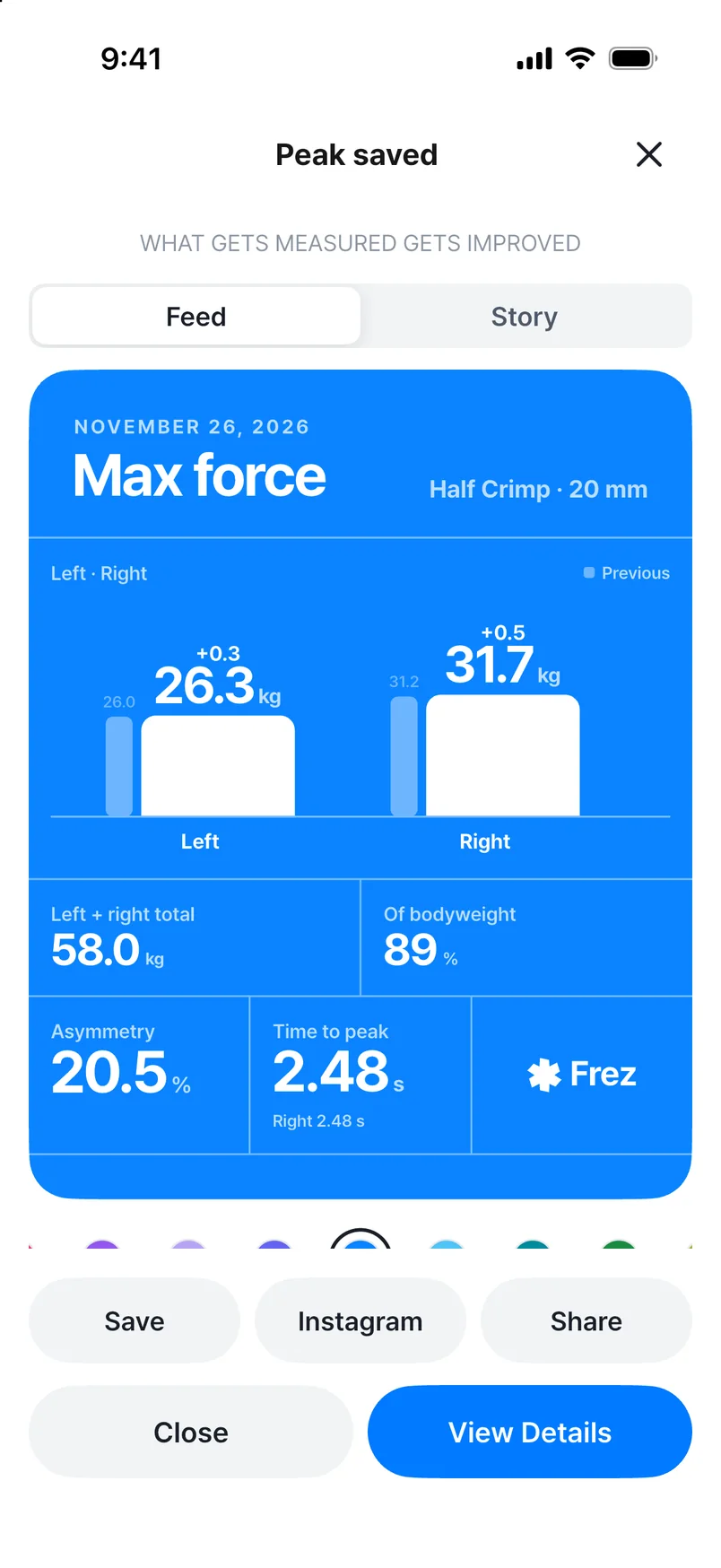
Save keeps the highest Peak attempt, or the latest Endurance or RFD attempt. To pick the attempt yourself, turn on Review attempts under Devices in Settings.