
01
Charge and power on
Charge the device, turn it on, and keep it close to your phone before pairing.
Frez Dyno Guide
Use this guide if your box includes Frez Dyno. Connect it in the app, zero the reading, then save your first baseline.
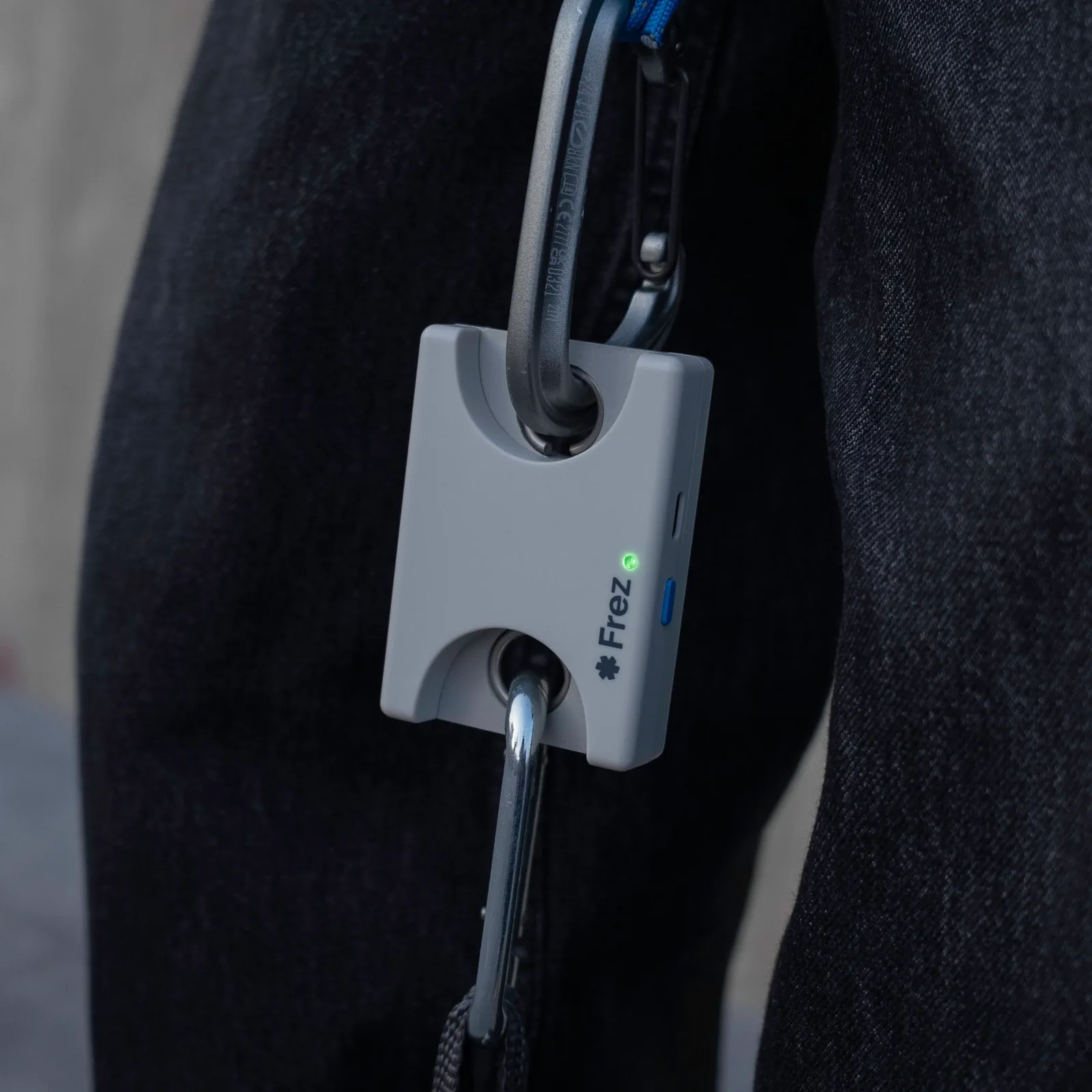
Frez Dyno
Start with a clean setup so your first reading is easier to trust.
Charge the device, turn it on, and keep it close to your phone before pairing.
Open Frez, start device connection, and select your Dyno from the wireless device list.
With no force on the setup, zero or tare the reading before every measurement.
Build force smoothly into a maximum effort, then save it as your starting baseline.
Language
Set the language for this start page.