
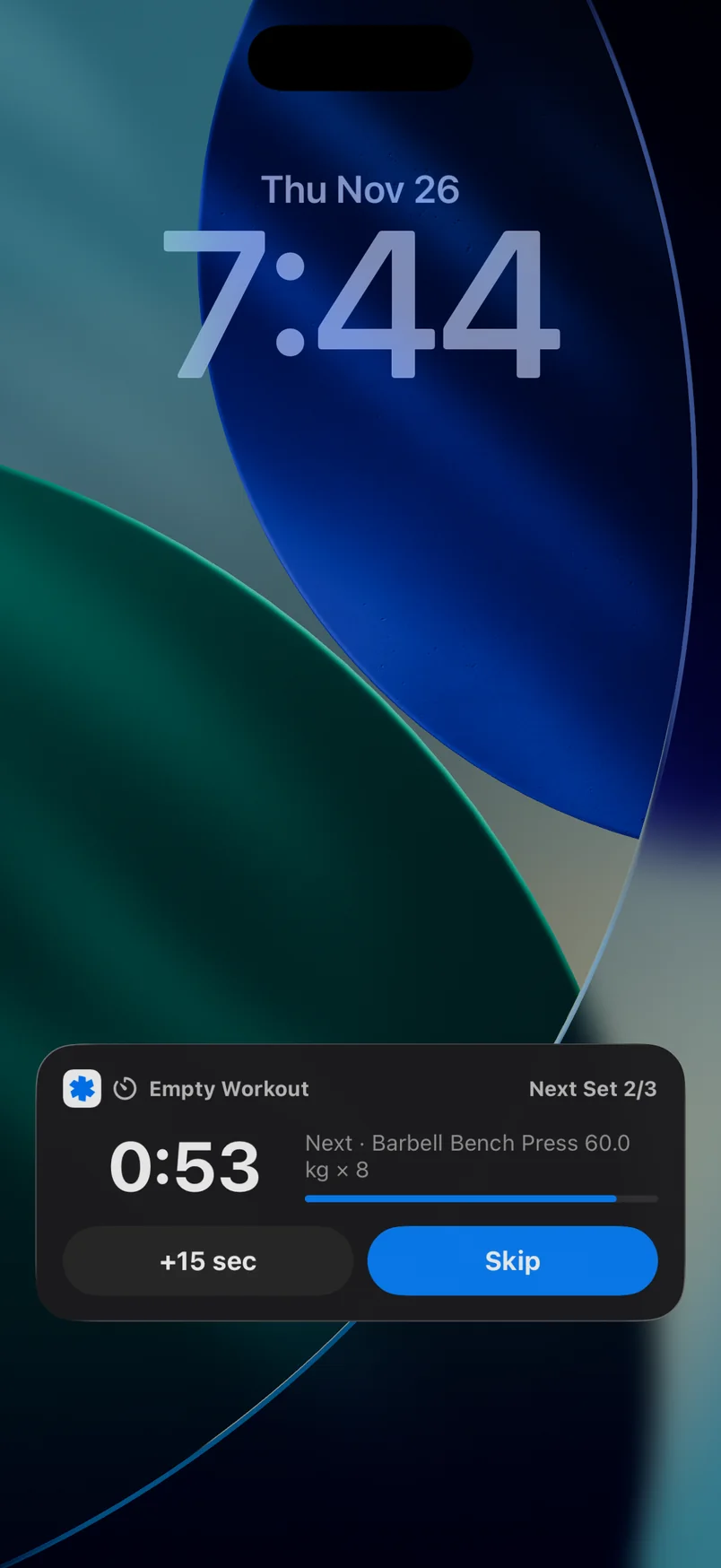
What is the Live Activity?
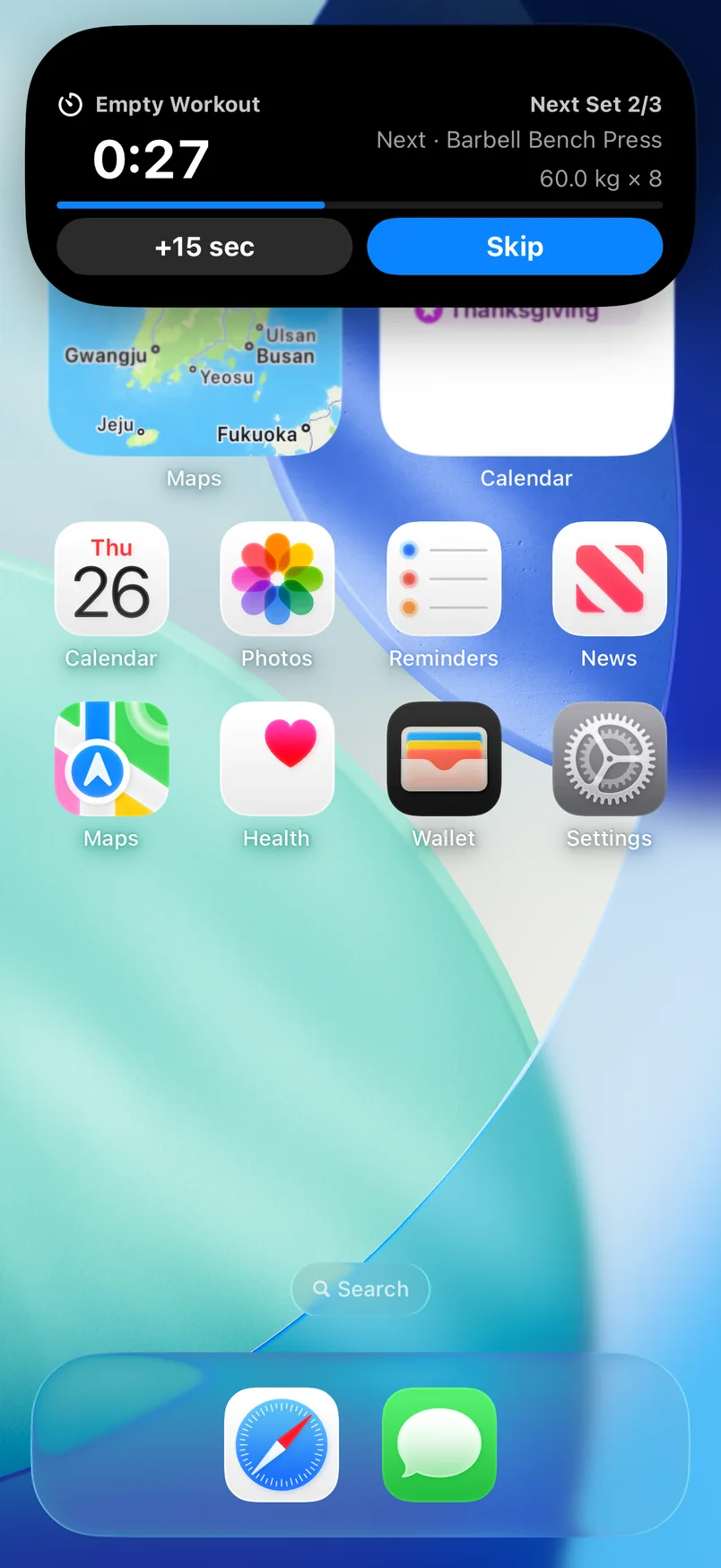
Start a workout and its progress appears on your lock screen. On an iPhone with Dynamic Island it also shows at the top of the screen while you use other apps. On Android it is a notification.
Complete a set
You see the weight, the reps and which set you are on. Tap Complete set to log it with the values entered in the app and start your rest.
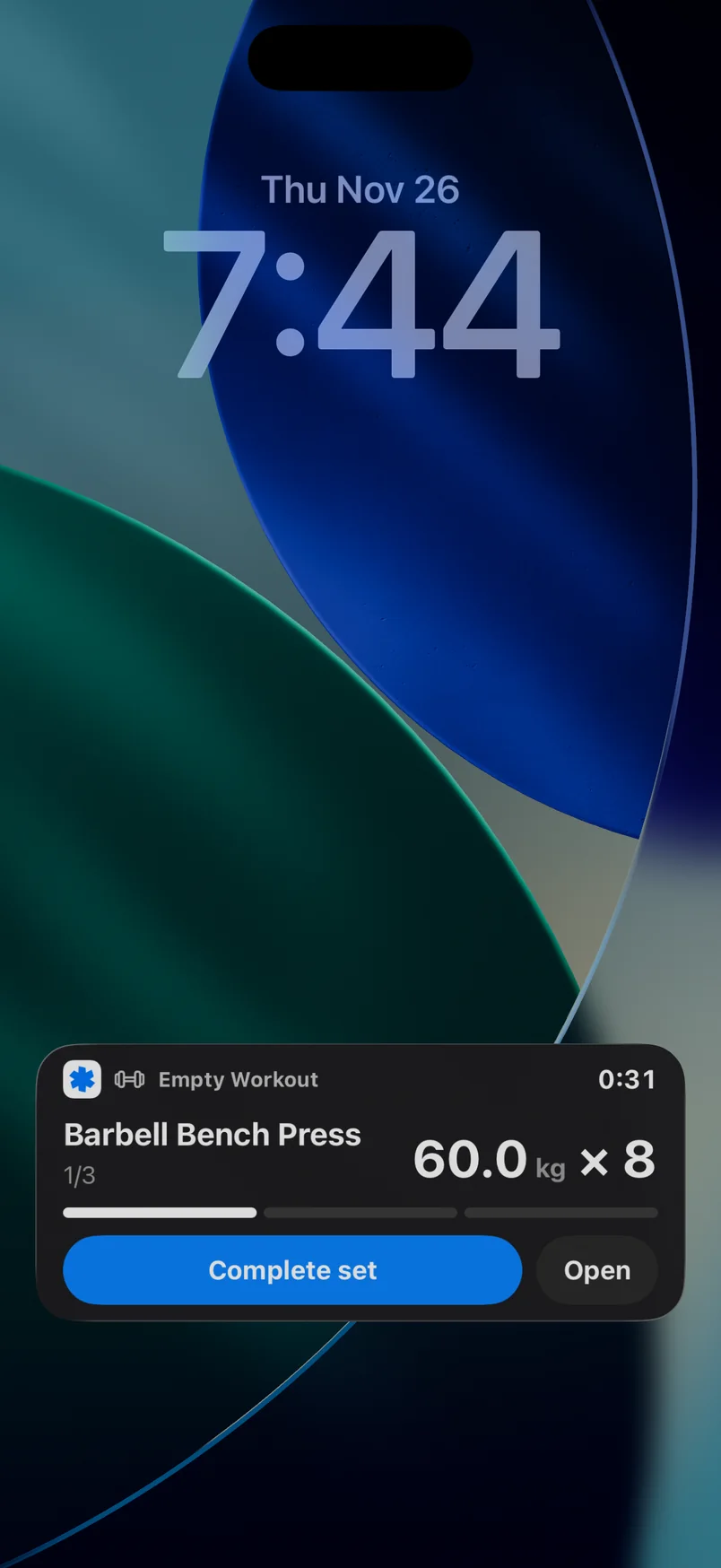
To change the weight or reps, tap Open.
Follow your rest
While you rest, it shows the time left and your next set. Tap +15 sec to extend the rest or Skip to end it. Rest timer explains how to set the time.
Press and hold the Dynamic Island to open the same buttons.
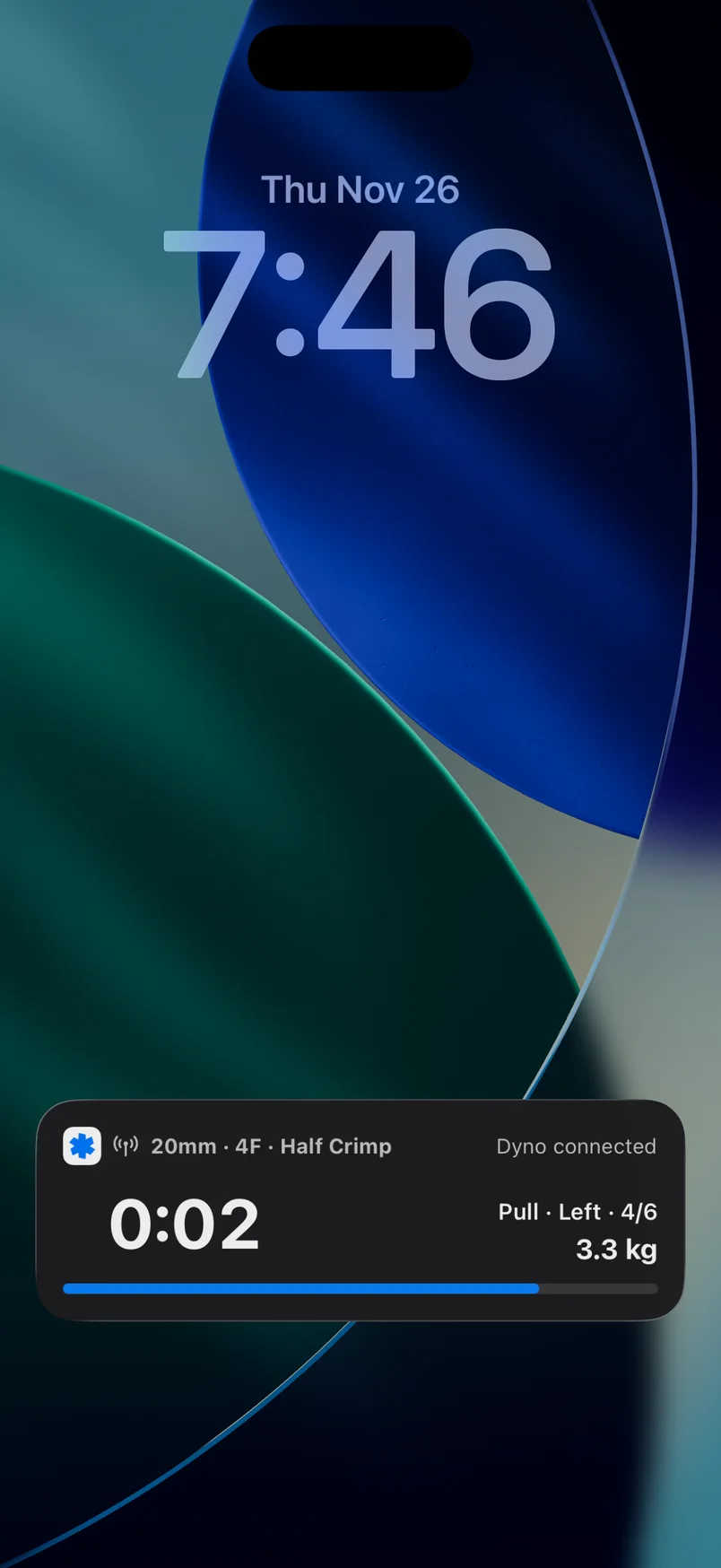
Dyno training and climbing
During Dyno training you see whether to pull or rest, the side, the rep, the time left and the force. During a climbing session you see your rest or climbing time and your sends.
When you finish, your time and completed sets stay on screen and View record opens the workout. On iPhone it disappears after 3 minutes.