
01
Install and sign in
Use the download button, install Frez, and sign in with the account you want to train with.
Frez App Guide
Data-driven training starts in the app. Install Frez, connect your device, and save your first test result.
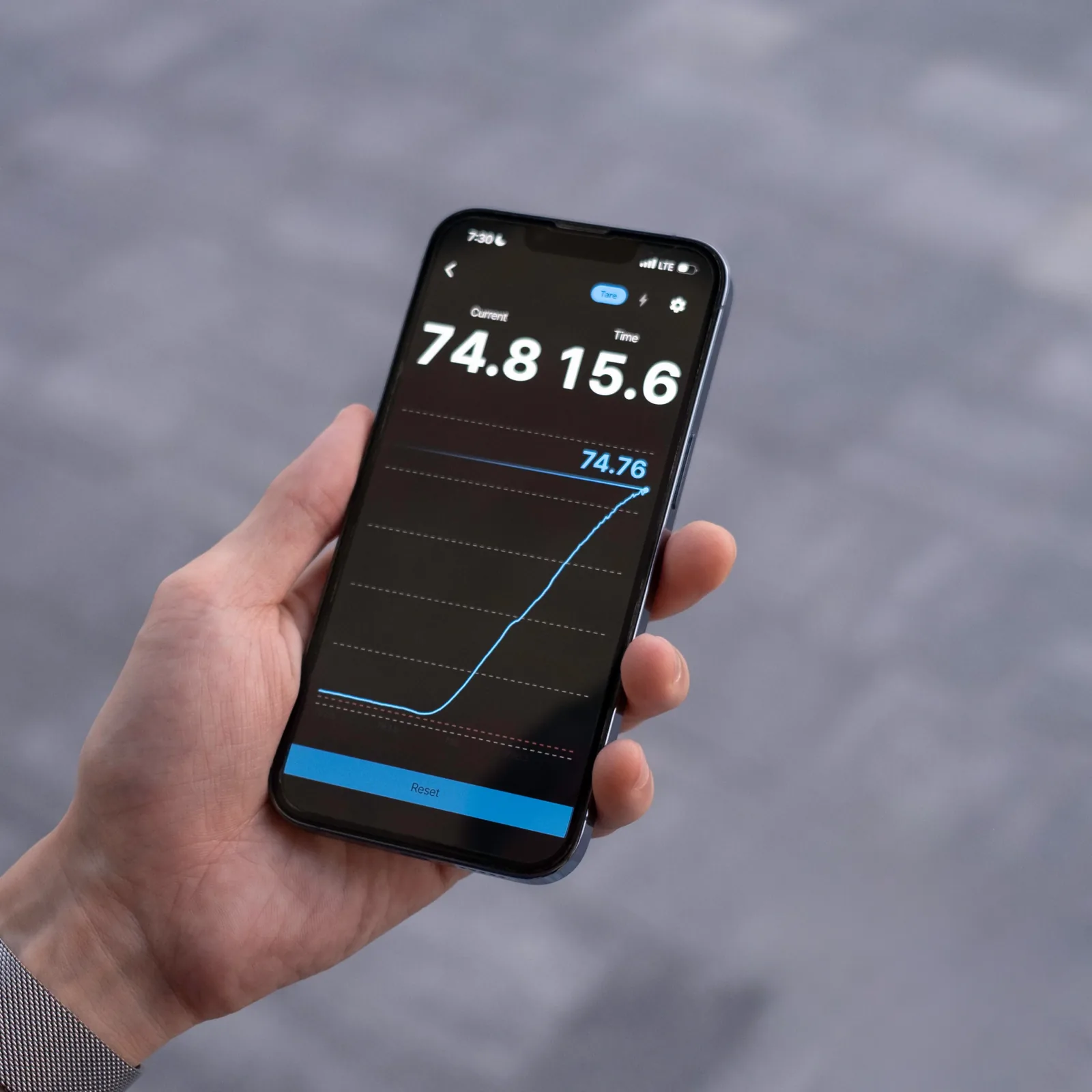
Frez App
A number gets useful when it is saved. Connect your device, record a test, and compare it next time.
Use the download button, install Frez, and sign in with the account you want to train with.
Enable wireless connectivity, then choose Frez Dyno in the app’s device connection flow.
Zero/tare before measuring, then save the result as your first baseline.
After the session, check the saved result so your next workout has something to compare with.
Language
Set the language for this start page.