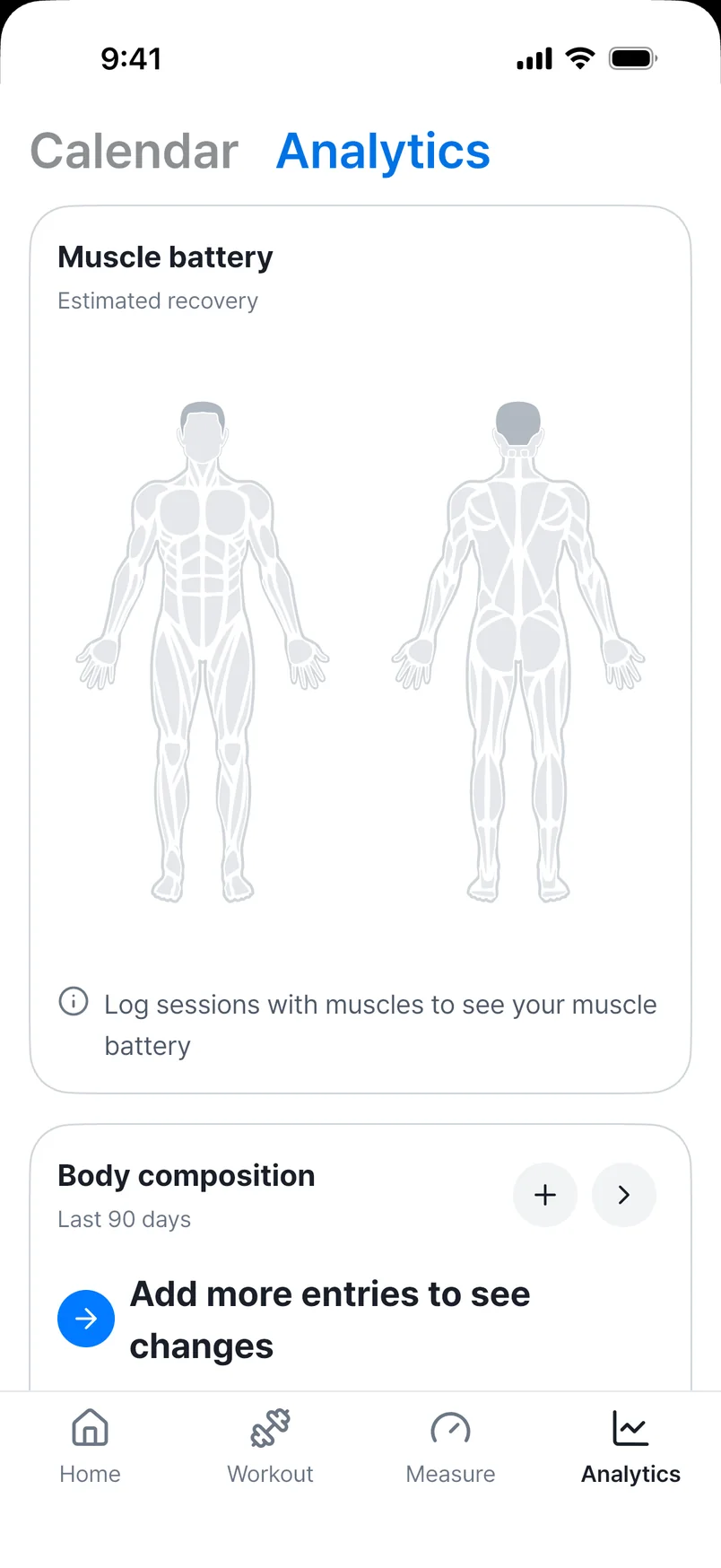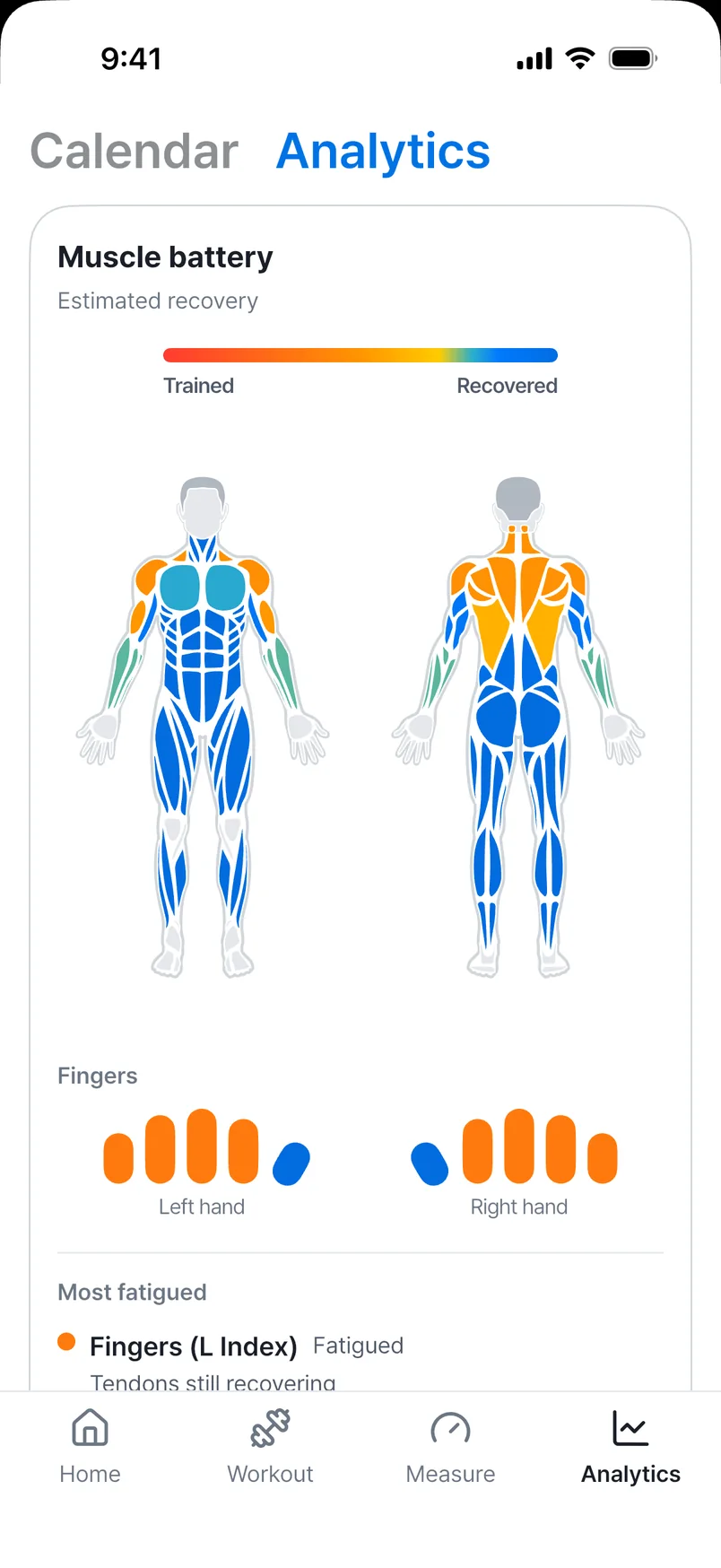
What is the muscle battery?
It is an estimate that drops for the areas you train and fills up again over time. On the History tab, tap Analytics and scroll down.
The values are calculated from your records and are not medical advice.
Read the colors
The closer to red, the more you used an area recently. Blue areas were not used, or enough time has passed. Fingers below the map shows each finger on the left and right.
- Fatigued: below 50%
- Recovering: 50% to below 75%
- Recovered: 75% or more
See the lowest areas
Up to three areas below 75% are listed, lowest first. The time next to each is when it is expected to reach 75% if you do not train.
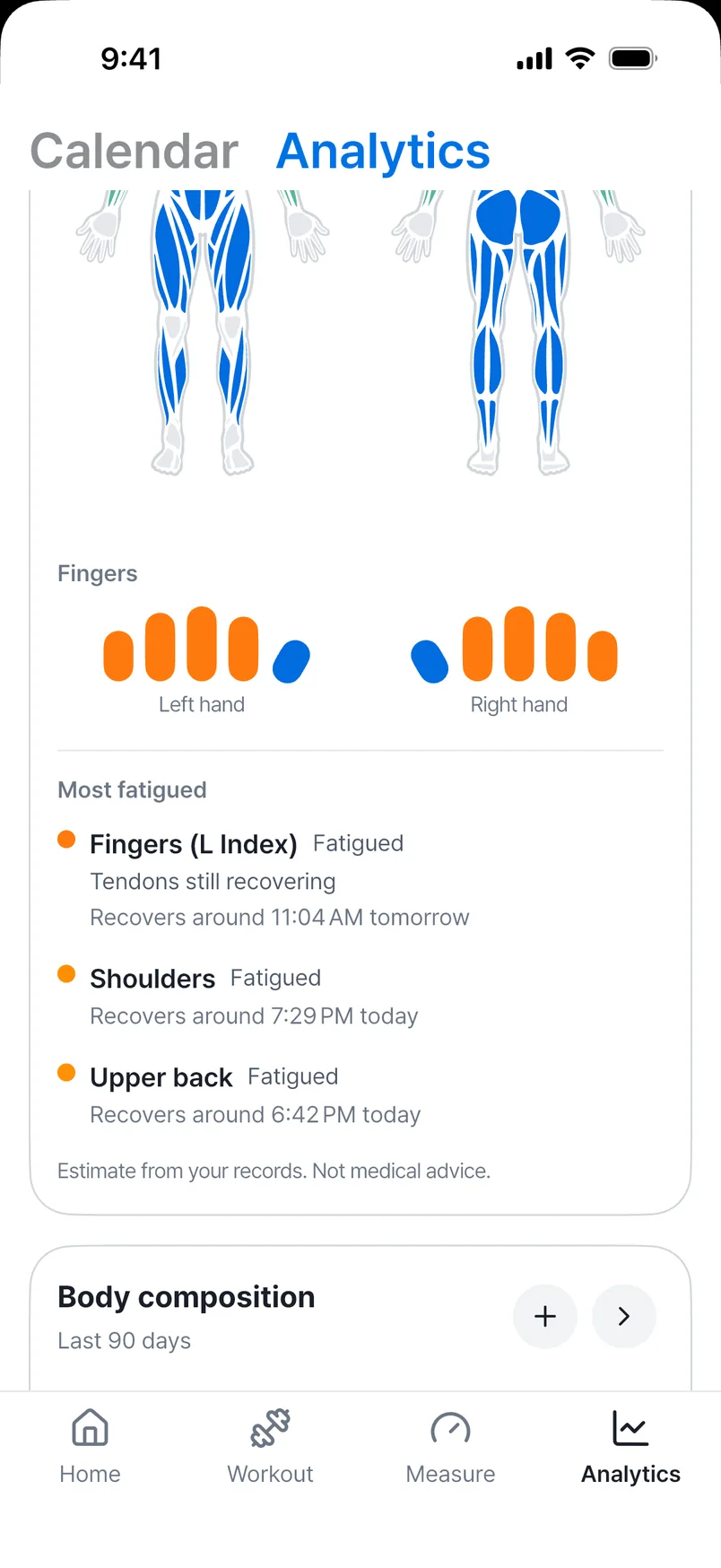
Fingers and forearms share one row. Tendons still recovering means the finger value is lower, Flexors tired means the forearm value is.
All recovered appears when no area is below 75%.
What lowers the battery
- Workouts: sets you finished and RPE. Primary muscles get all of it and secondary muscles half. Warm-up sets are left out.
- Sports: session time, RPE and the areas chosen in Muscles used.
- Runs and rides from your health app: thighs, glutes and other leg muscles.
- Fingers and forearms: these also use the finger battery calculation.
Refill time starts from 3 days for thighs and glutes, 1.5 days for calves, abs and lower back, and 2 days for the rest. It gets longer with more sets or RPE 10, and shorter for areas you trained in the last 8 weeks.
Add muscles to a sport session
Open the session and tap Muscles used. Choose muscles on the body map, or tap a hand to choose fingers.
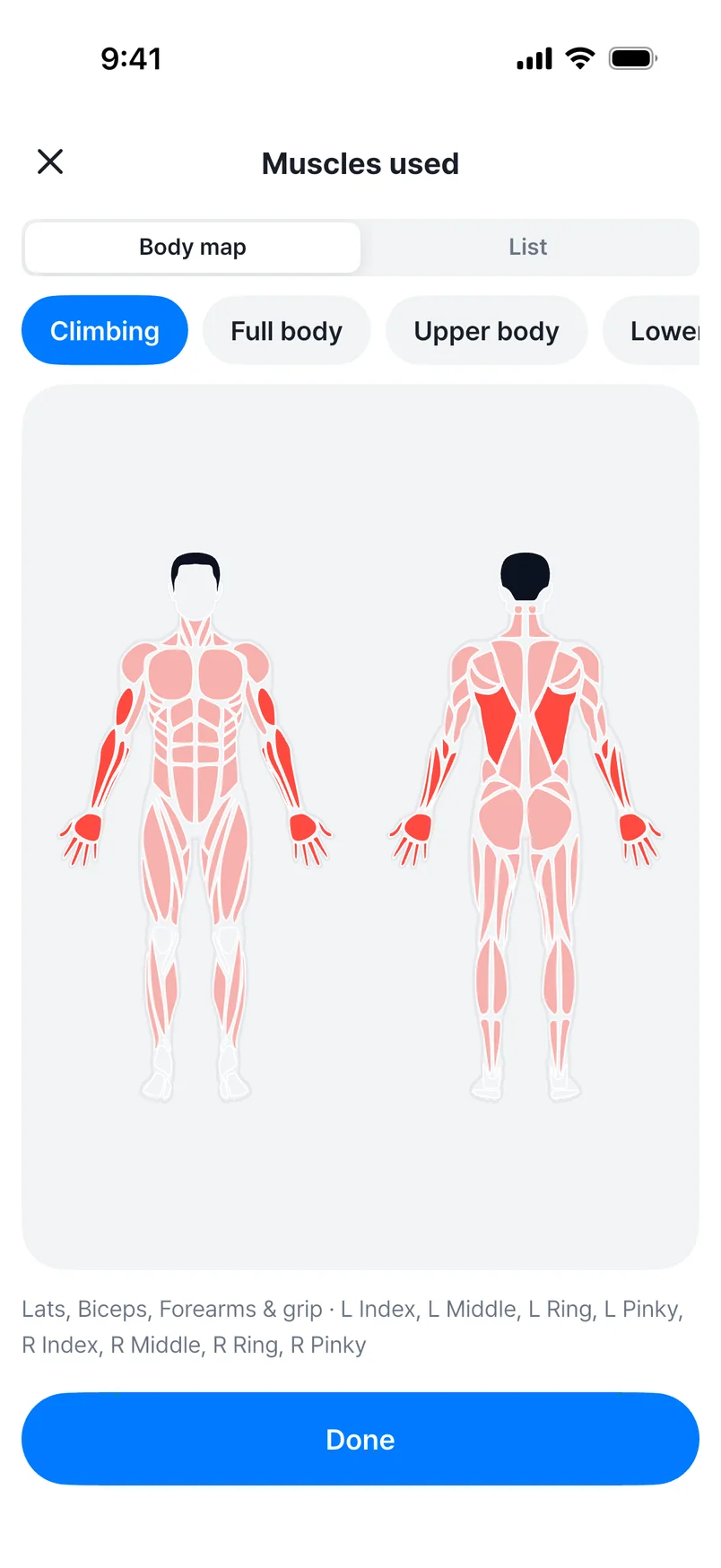
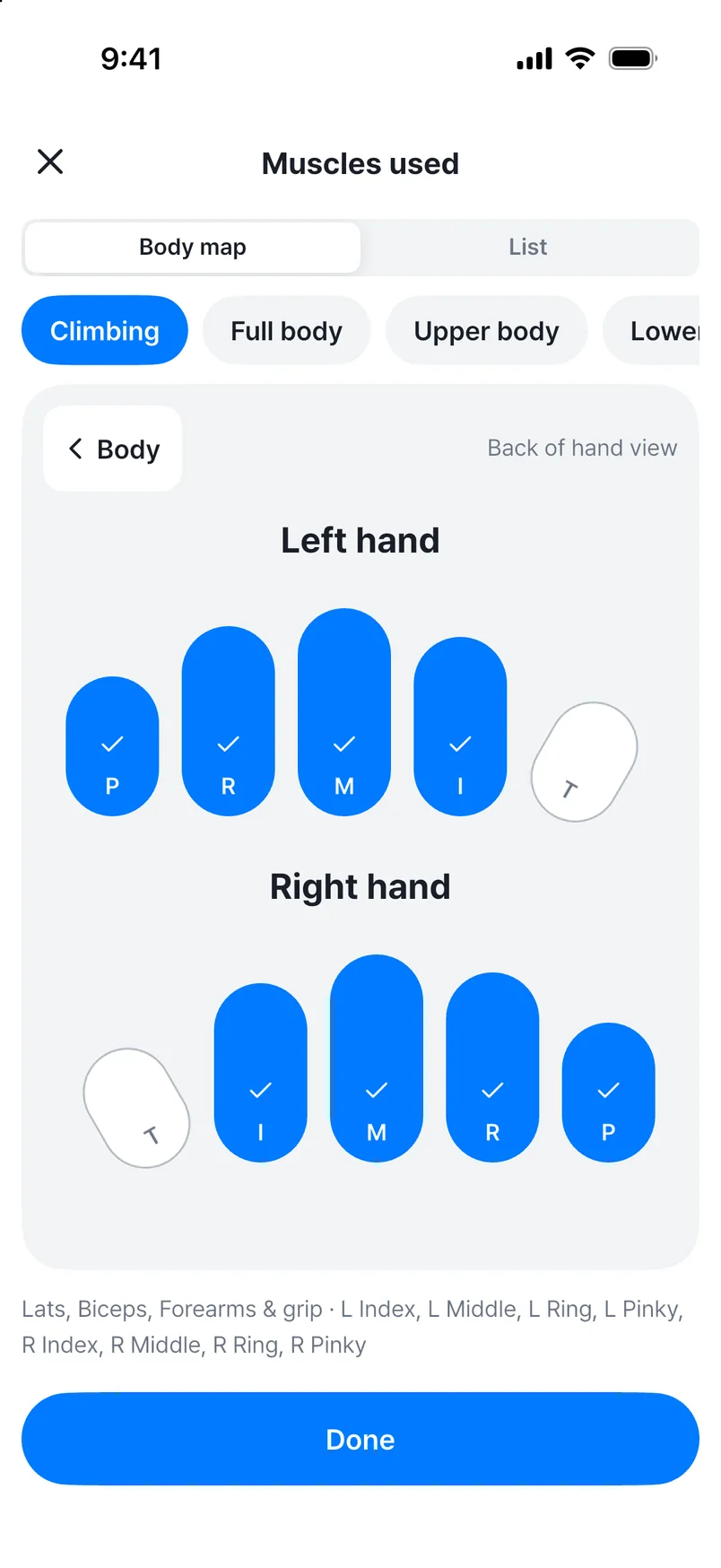
Add a past session starts with muscles already selected. For a climb you logged live, open the session in the Logbook and choose them yourself.
When you first open it
The map is gray when no record with muscles exists in the last 14 days. Log a workout or a session and the colors appear.